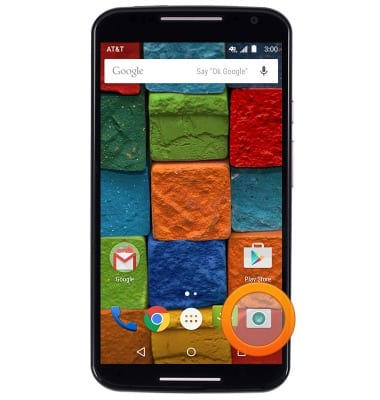
- From the home screen, tap the Camera icon.
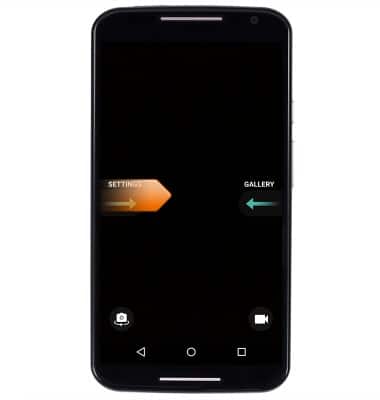
- Swipe right from the left side of the screen to access the settings menu.
- Tap the HDR icon to enable and disable High-Dynamic-Range mode.

- Tap the Flash icon to adjust the Flash settings.
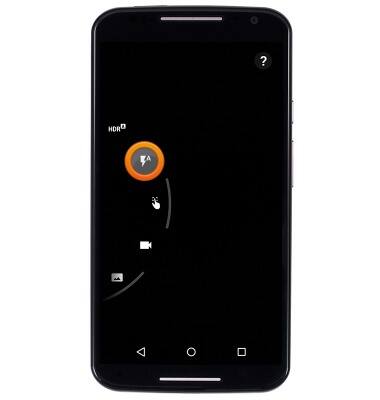
- Tap the Touch Focus icon to enable the Touch Focus and Touch Exposure Control feature.

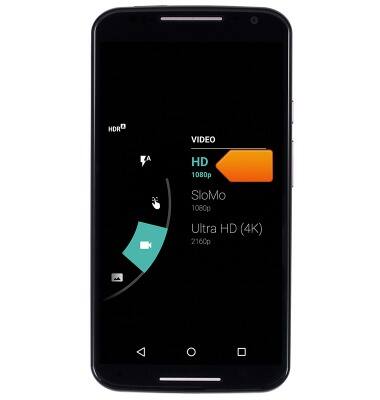
- Tap the Camcorder icon to adjust video resolution > tap the desired recording resolution.
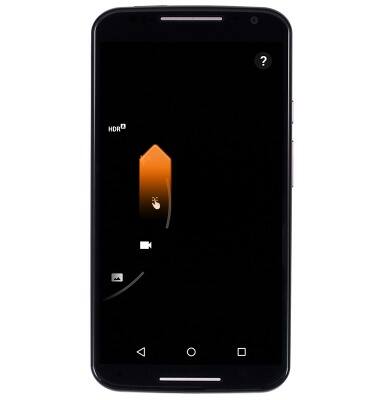
- Swipe up to access more options.
- Tap the Panorama icon to enable and disable Panoramic mode.
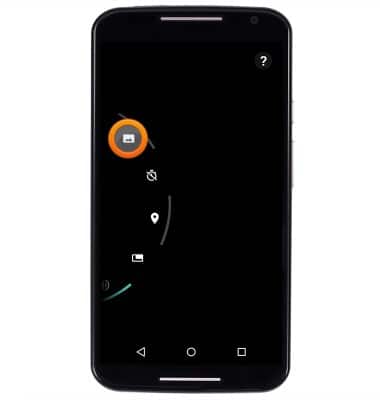
- Tap the timer icon to adjust the shutter timer > tap the desired timer duration.

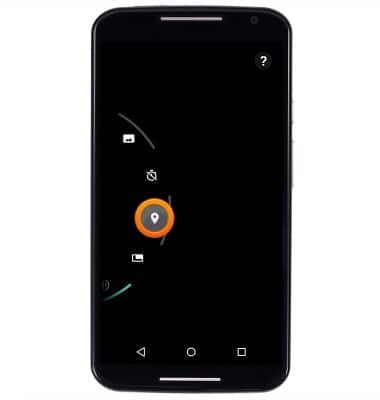
- Tap the Location icon to enable and disable geo-tagging.
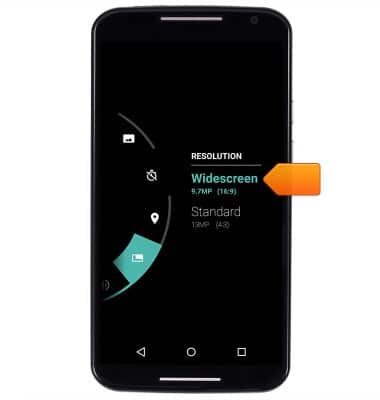
- Tap the Resolution icon to adjust the camera resolution > tap the desired Resolution.
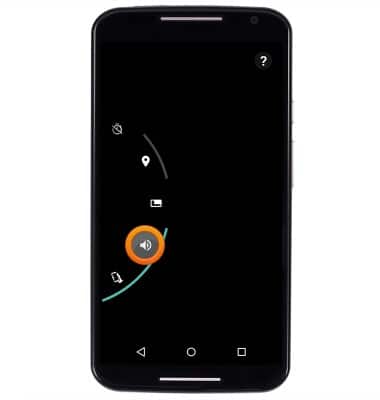
- Tap the Speaker icon to enable and disable shutter sound.
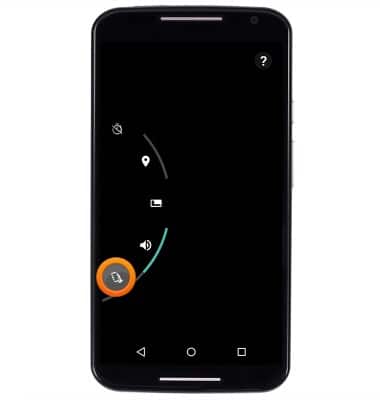
- Tap the Quick Capture icon to enable and disable Quick Capture.
- To learn more about your camera settings and features download the user manual.
Camera & video settings
Motorola Moto X (XT1097)
Camera & video settings
Manage camera and video settings including flash, timer, voice control, recording mode, storage location, and more.
INSTRUCTIONS & INFO