- From the home screen, tap the Google Chrome icon.
Note: Separate subscription may be required. Data rates apply.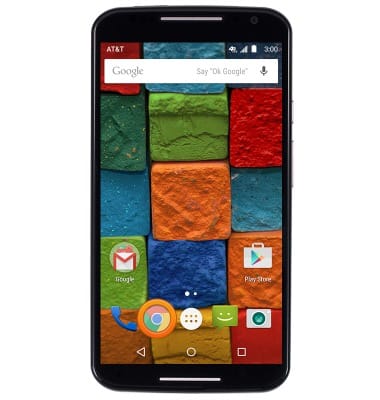
- Tap the URL field.
Note: Upon first use, you will be prompted to accept an EULA, then tap through the tutorial.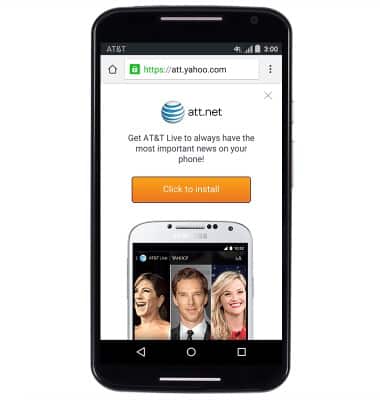
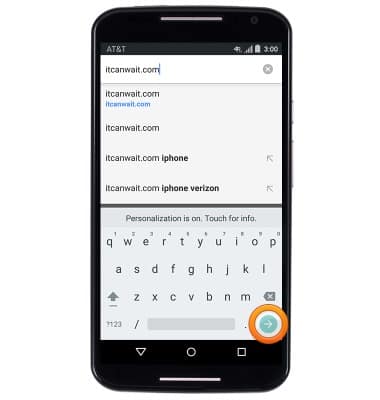
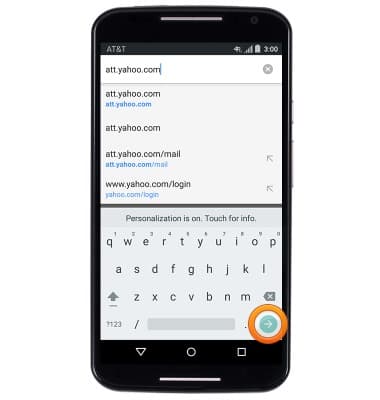
- Enter the desired website URL, then tap the Go key.
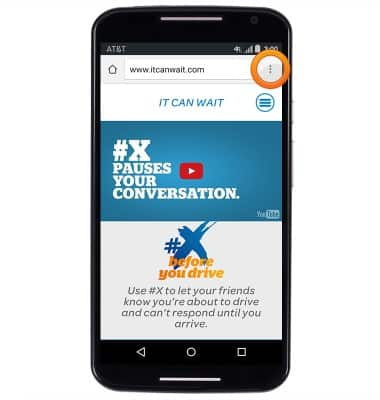
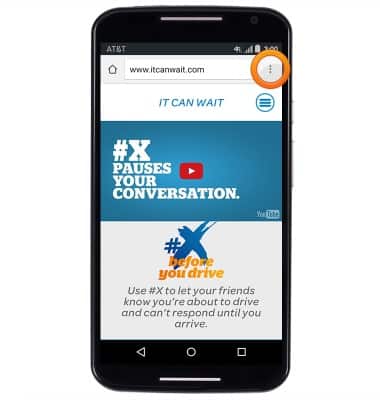
- To bookmark a website, tap the Menu icon.
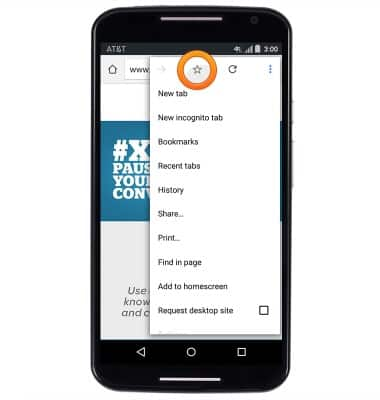
- Tap the Favorite icon.
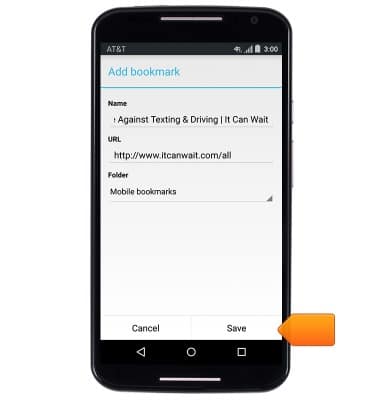
- Enter the desired bookmark name, then tap Save.
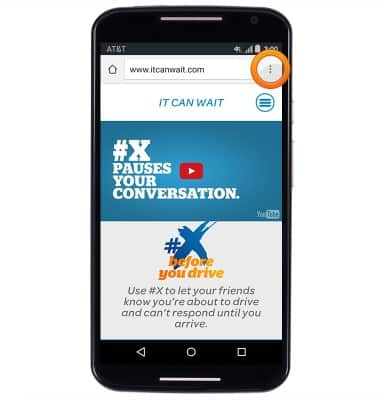
- To access bookmarks, tap the Menu icon.
- Tap Bookmarks.
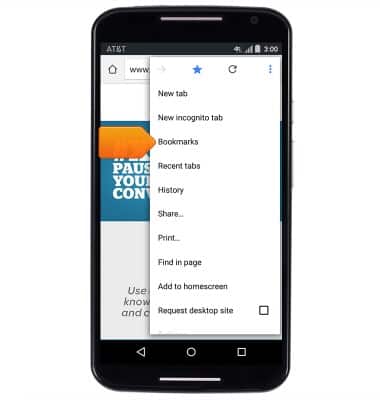
- Tap the desired bookmark to open it.
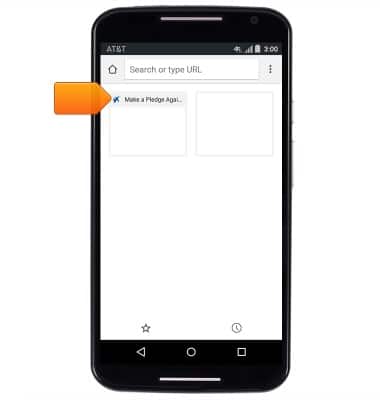
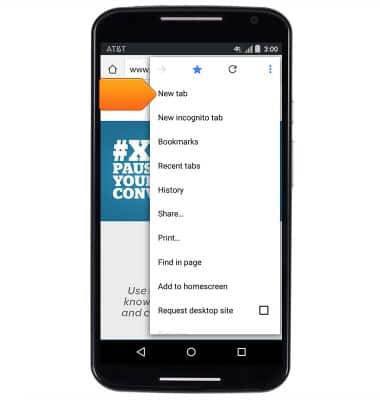
- To open a new browser tab, tap the Menu icon.
- Tap New tab.
- Tap the URL field.
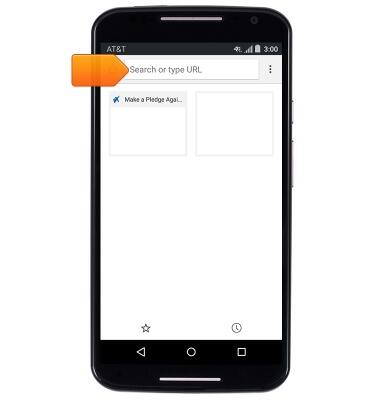
- Enter the desired website URL, then tap the Go key.
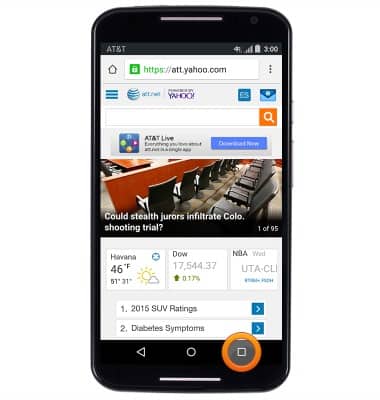
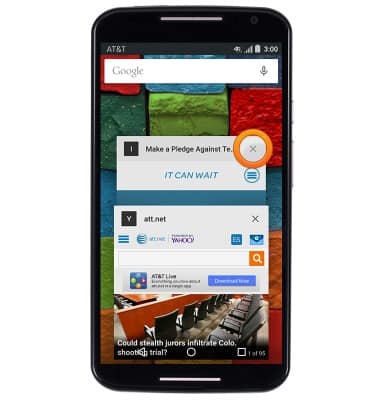
- To manage open tabs, press the Recents key.
- Tap the desired tab to open it.
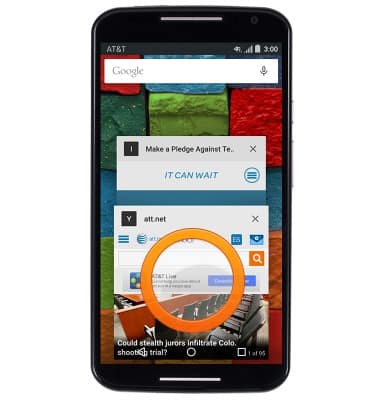
- To delete a tab, tap the X on the desired tab.
Browse the web
Motorola Moto X (XT1097)
Browse the web
Learn to browse the web and manage tabs and bookmarks.
Browse the Web
This video explains the features of the device's web browser.
Browse the Web
2:06
INSTRUCTIONS & INFO