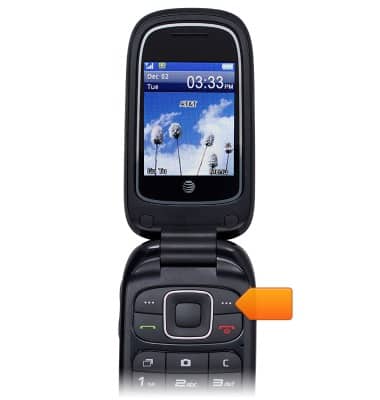
- From the home screen, press the Right Soft key.
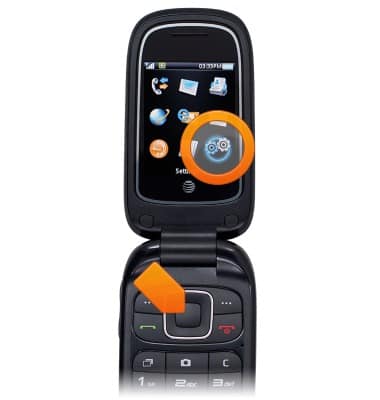
- Scroll to Settings, then press the Center Nav key.
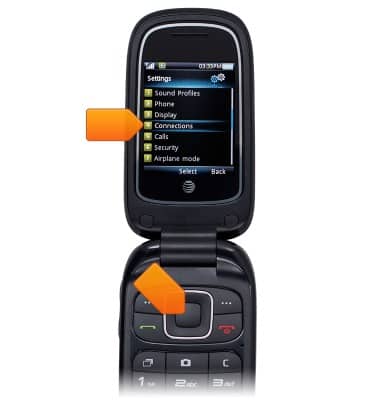
- Scroll to Connections, then press the Center Nav key.
- Scroll to Bluetooth, then press the Center Nav key.
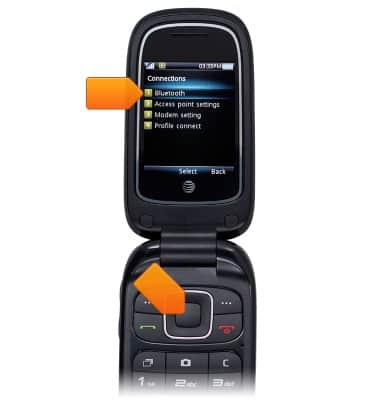
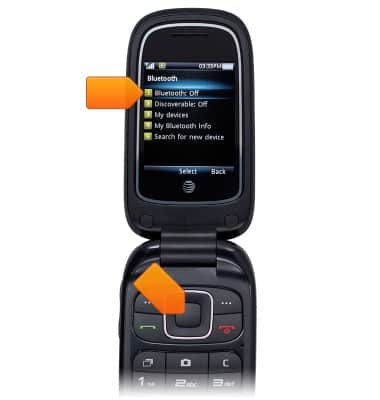
- To turn Bluetooth on or off, scroll to Bluetooth, then press the Center Nav key.
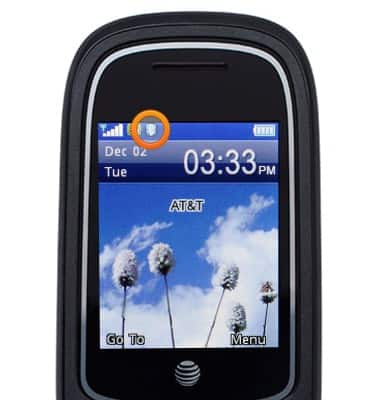
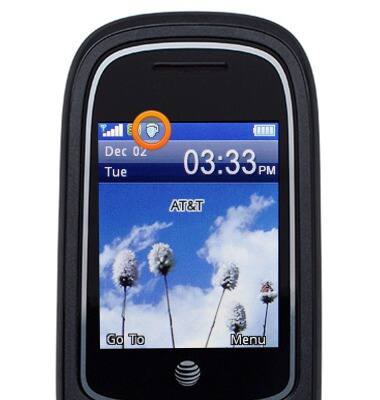
- When Bluetooth is turned on, the Bluetooth icon will be displayed in the Notification bar.
- To connect to a device, scroll to My devices, then press the Center Nav key.
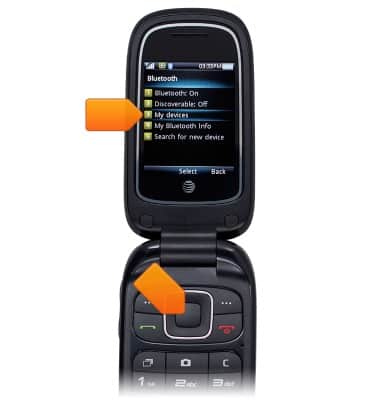
- To scan for Bluetooth devices, press the Center Nav key.
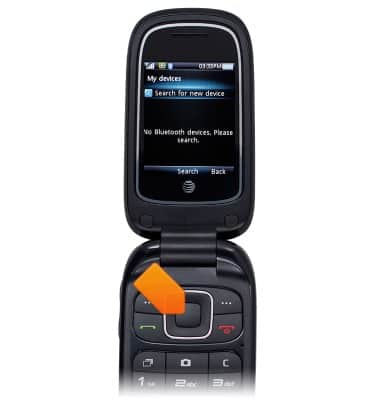
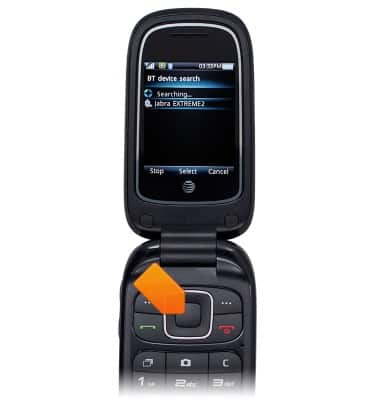
- Scroll to the desired device, then press the Center Nav key.
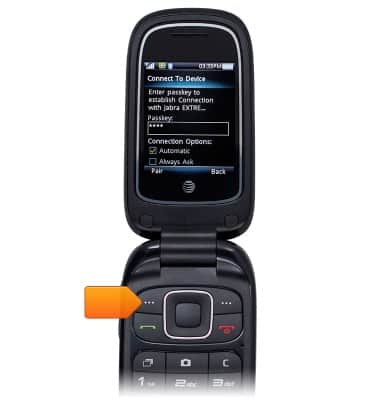
- If necessary, enter the required passkey, then press the Left Soft key.
- When Bluetooth is paired, the Bluetooth Paired icon will be displayed in the Notification bar.
Bluetooth
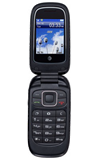
ZTE Z222
Bluetooth
Turn Bluetooth on or off, scan and connect to other Bluetooth devices, and unpair a connected device.
INSTRUCTIONS & INFO