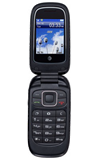
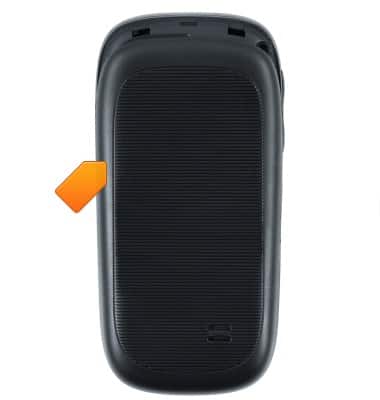
- To access the battery, SIM card slot, and microSD card slot, remove the Battery cover.
Note: The notch to remove the battery cover for this device is located on the bottom.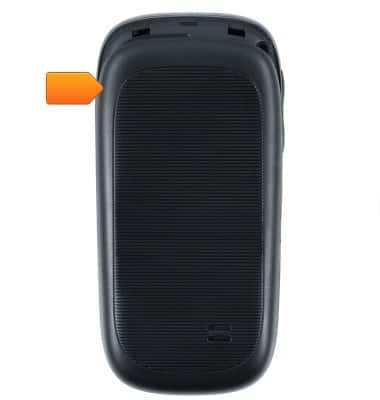
- To insert the SIM card, with the metal contacts facing down and the beveled edge facing left, insert the SIM card into the SIM card slot.
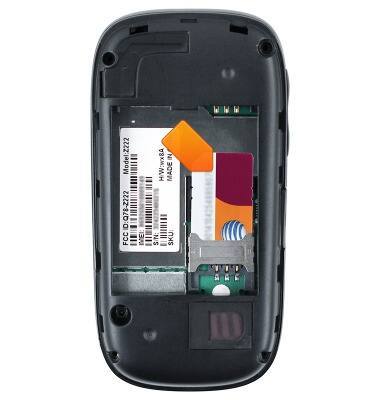
- To insert the Battery, align the metal contacts, then place the Battery into the compartment.
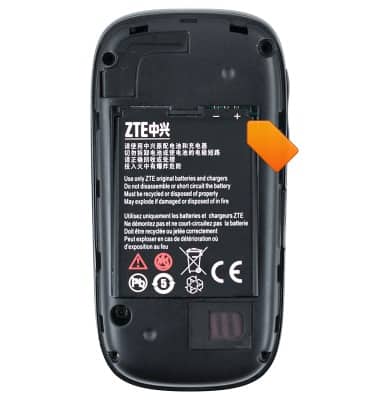
- Align the Battery cover, then secure it by pressing down firmly around the edges.
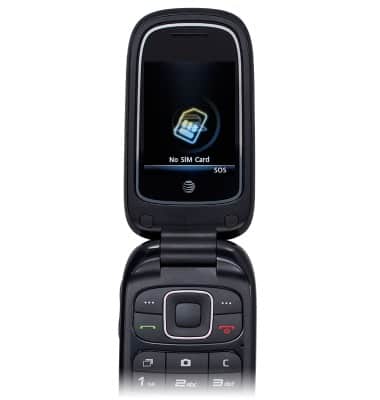
- When a SIM card is not inserted, the No SIM Card icon will be displayed on the screen.
Phone assembly
ZTE Z222
Phone assembly
How to install the battery, SIM, and memory card (for applicable devices).
Device Overview
This video provides a general overview of the device.
Device Overview
0:46
INSTRUCTIONS & INFO