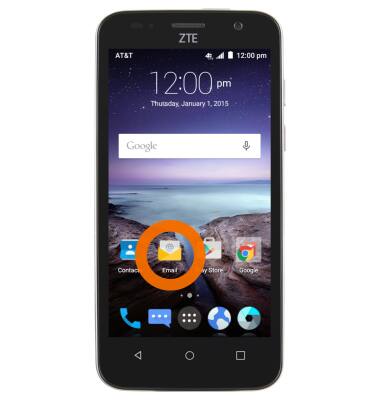
- From the Home screen, tap on the Email icon.
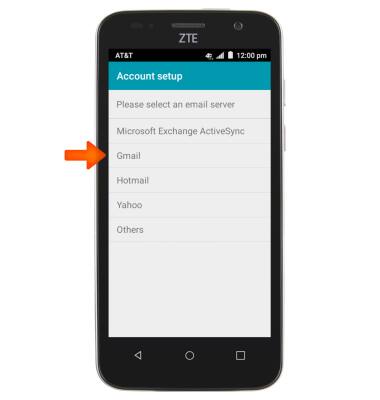
- Tap Gmail.
- Enter the desired email address and password, and then tap Next.
Note: To manually configure email settings (such as server settings and security type), tap Manual setup and enter the required information.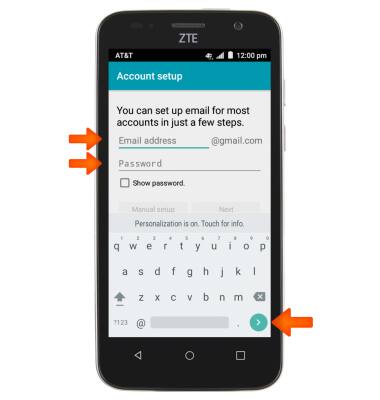
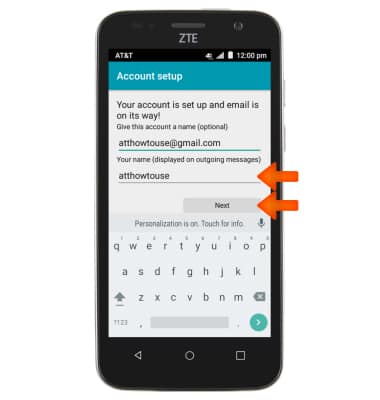
- Adjust the display name if desired, and then tap Next.
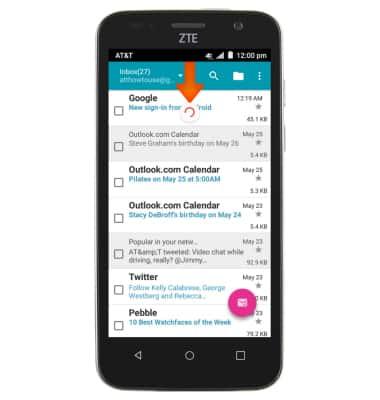
- As your email refreshes, an icon will appear in the notification bar.
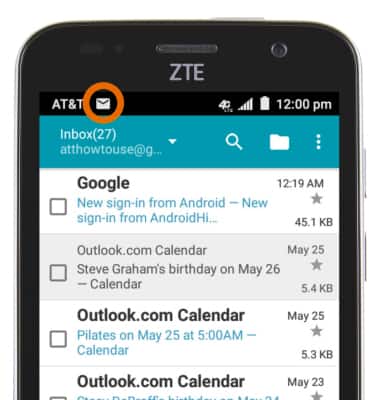
- A New Mail icon will appear when you have new mail in the notifications bar.
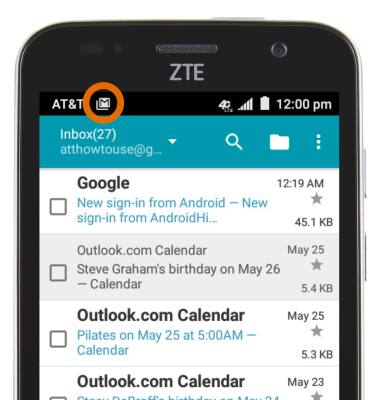
- A gmail icon will appear when you have new mail in the gmail account.
Setup Personal Email
ZTE Maven (Z812)
Setup Personal Email
Add your personal email account to sync email, contacts, calendar, and notes to your device.
INSTRUCTIONS & INFO