- AT&T Navigator makes your travels easier with GPS-guided maps and directions, traffic alerts, and additional navigation features that give you real-time, on-the-road coverage to help you avoid traffic, find the best routes, and more.
Note: Separate subscription may be required. Data rates apply. For more information, visit the AT&T Navigator website.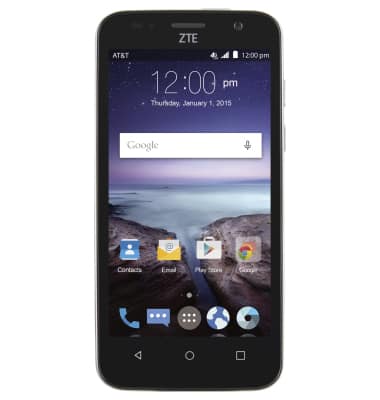
- From the home screen, tap the Apps icon.
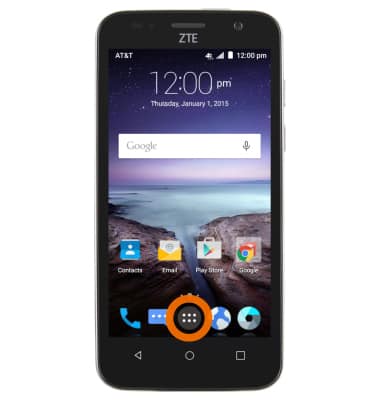
- Tap AT&T Navigator.
Note: A subscription to AT&T Navigator is required to complete this action.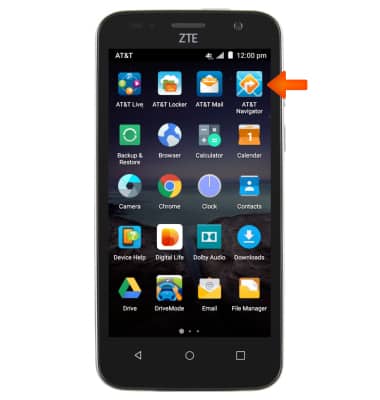
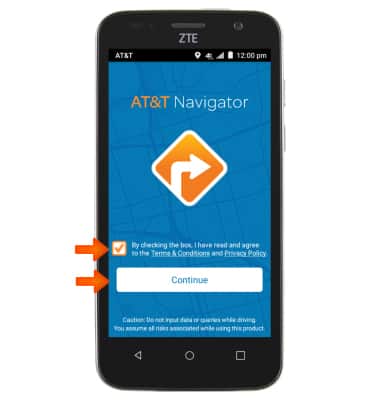
- Check the box to agree to the terms and conditions and then tap Continue.
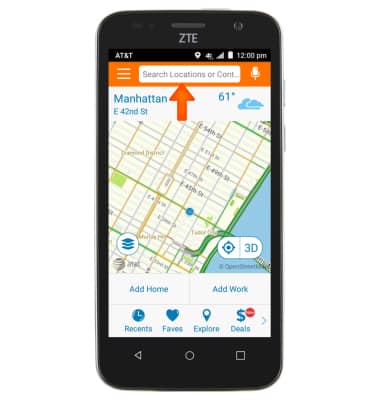
- Tap the Search field.
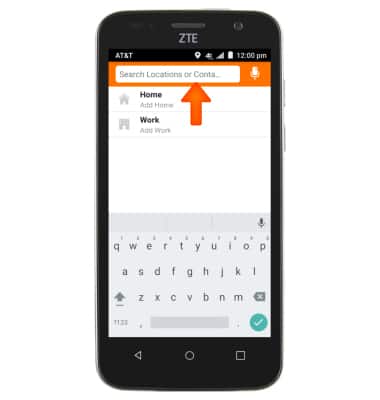
- Enter the desired Destination.
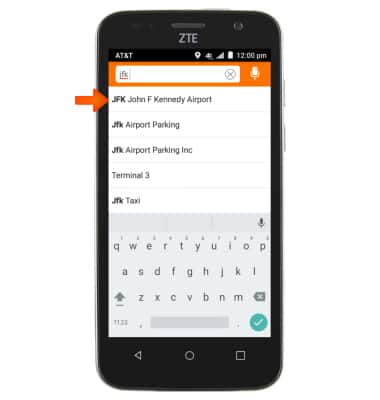
- Tap the suggested Destination.
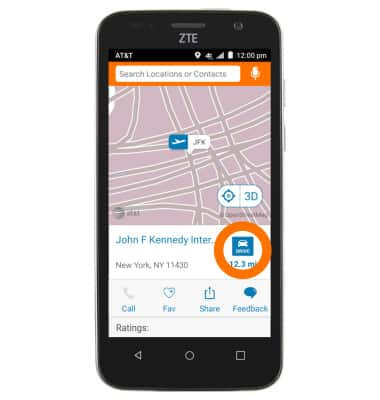
- Tap Drive.
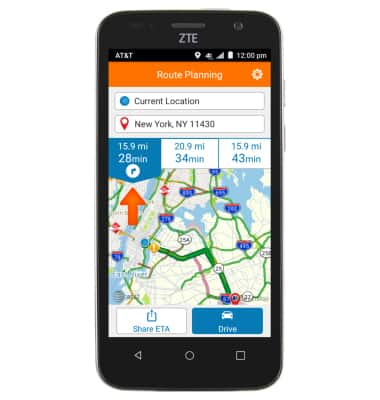
- Tap the desired Route.
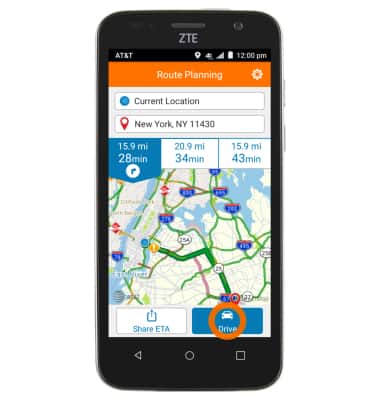
- Tap Drive.
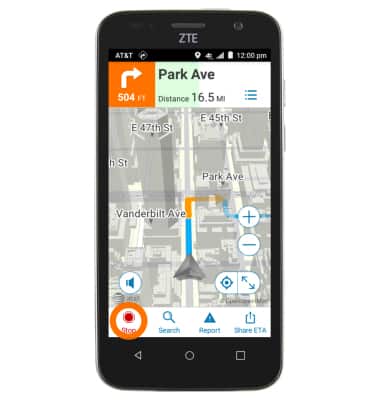
- Follow the Navigation.
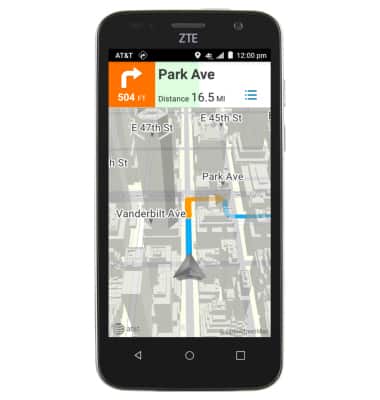
- To End navigation, tap the screen to reveal the menu, and then tap Stop.
AT&T Navigator
ZTE Maven (Z812)
AT&T Navigator
Get directions and navigation using AT&T Navigator.
INSTRUCTIONS & INFO