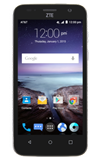
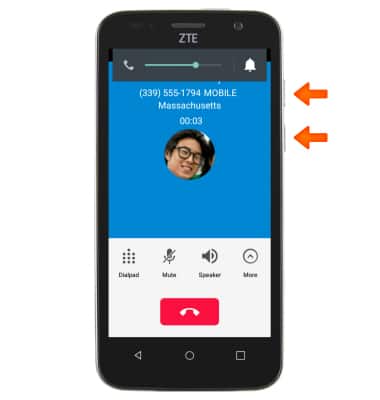
- While on an active call, press the Volume keys to adjust the call volume.
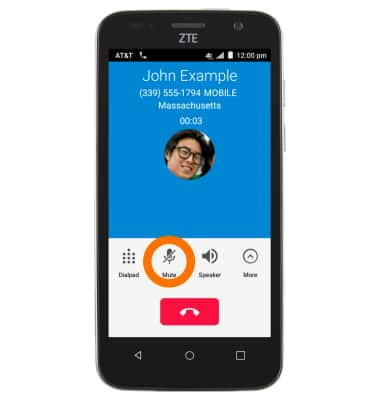
- Tap the Mute icon to mute the call.
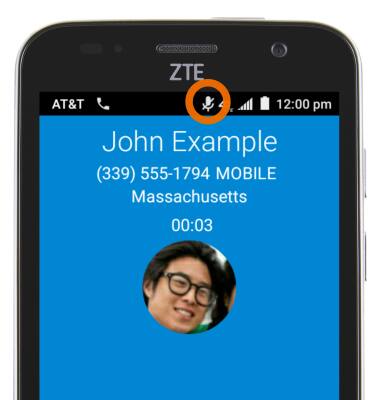
- When a call is muted, the Mute icon will display in the notification bar.
- Tap theSpeaker icon to put the call into speakerphone mode.
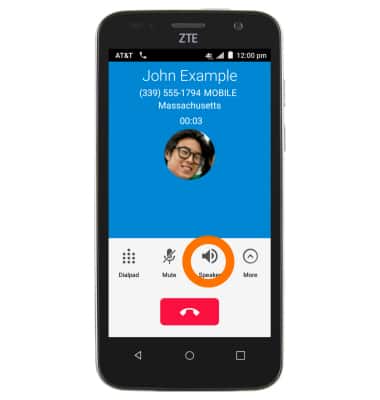
- When speakerphone is active, Speakerphone icon will display in the notification bar.

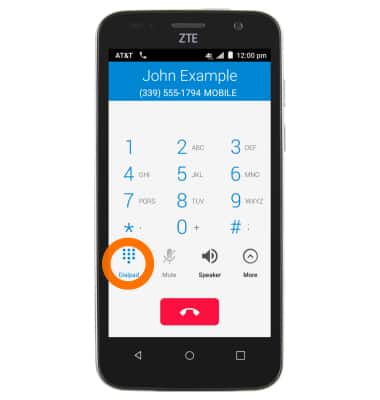
- Tap the Dialpad icon to display the keypad.
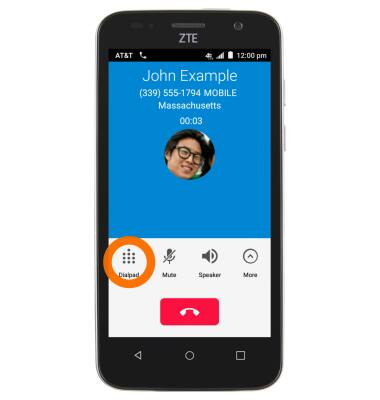
- Tap the Dialpad icon again to hide the keypad.
- Tap More to see more in-call options.
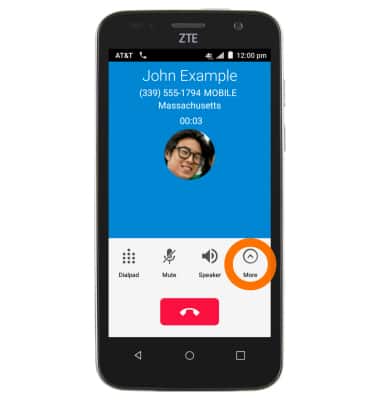
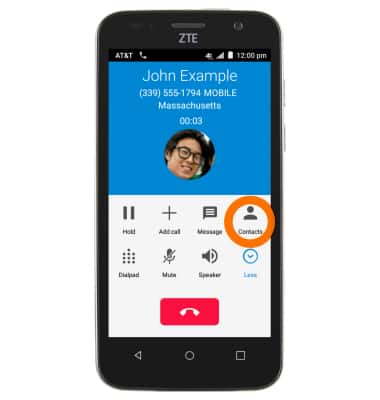
- Tap the Contacts icon to add a person to the call.
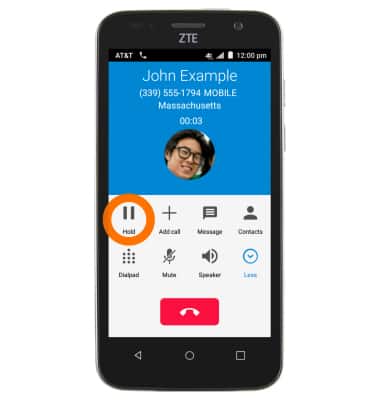
- Tap the Hold icon to place the call on hold.
- While a call is on hold, the Call Hold icon will display in the notifications bar.

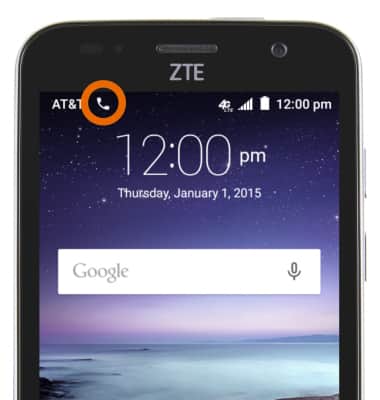
- While on a call, the Call icon will display in the notifications bar.
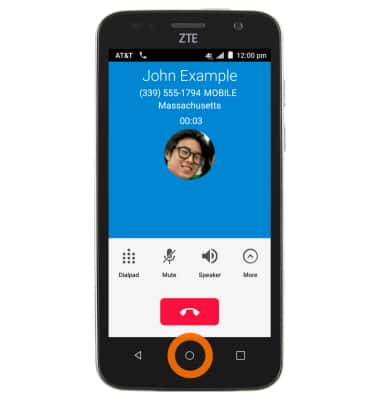
- To access the Home screen while on a call, tap the Home key.
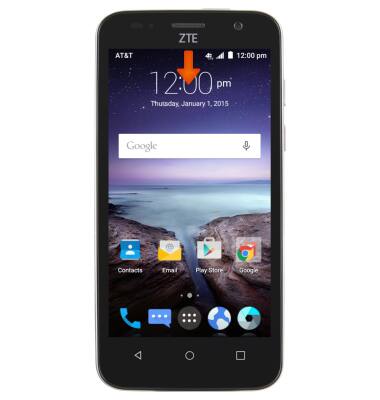
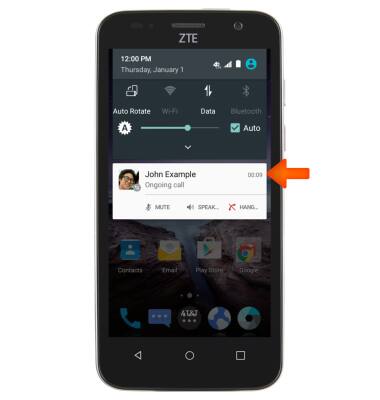
- To quickly return to your call, swipe down the Notification bar.
- Tap the Notification.
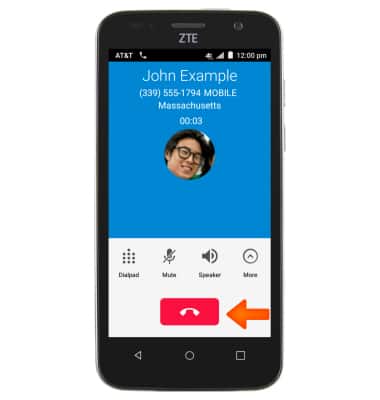
- Tap the End icon to end the call.
In-call Options
ZTE Maven (Z812)
In-call Options
Learn what features are available while on an active call.
INSTRUCTIONS & INFO