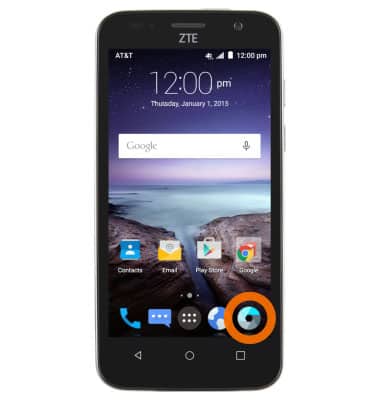
- From the home screen, tap the Camera icon.
- Tap the Settings icon.
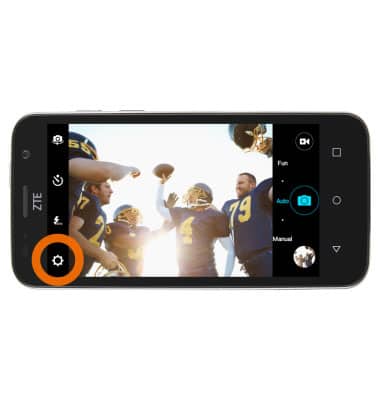
- Tap the Desired camera settings.
Note: For this demonstration, 'Storage location' was selected.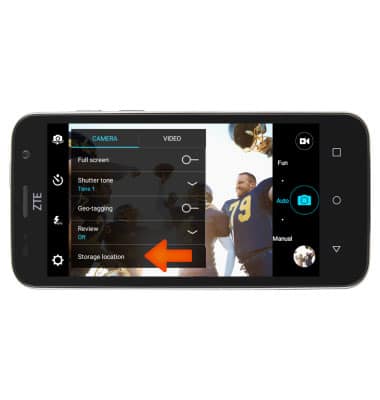
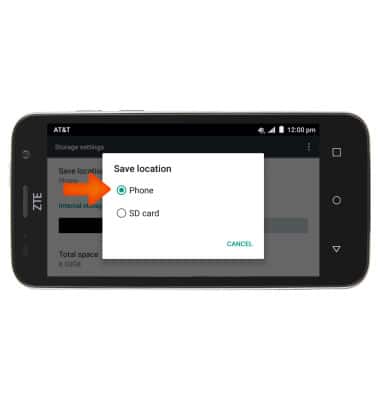
- Tap Save location.
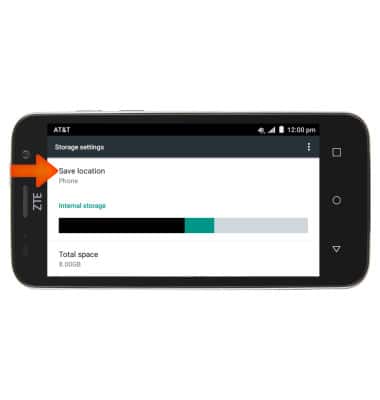
- Tap theDesired option.
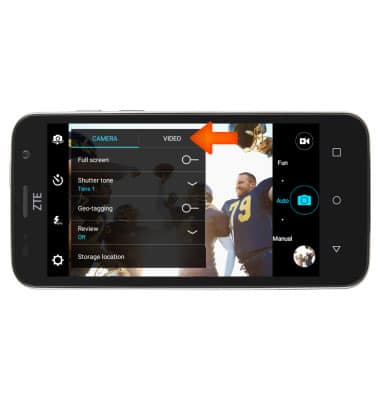
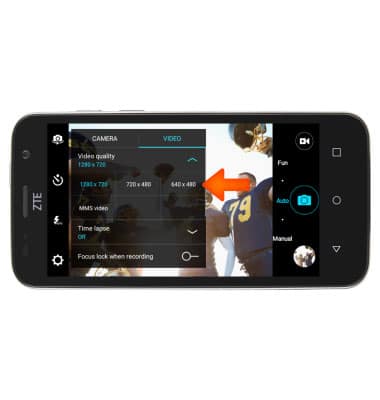
- To change video settings, tap the Video tab.
- Tap theDesired video settings.
Note: For this demonstration, 'Video quality' was selected.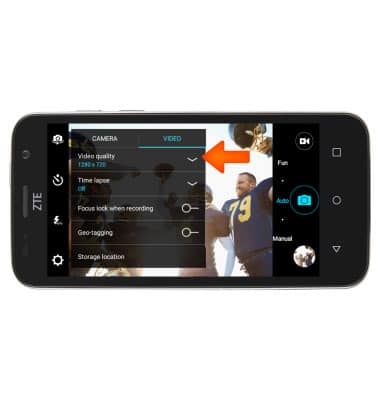
- Tap theDesired option.
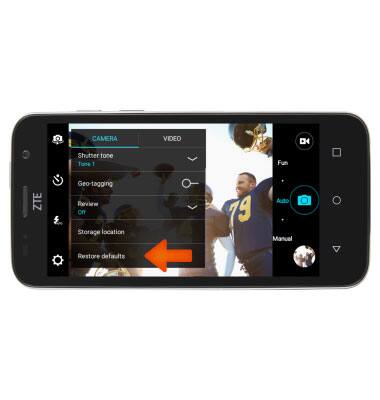
- To restore the camera settings to defaults, tap Restore defaults.
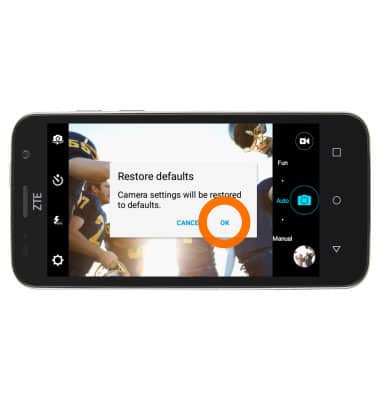
- Tap OK.
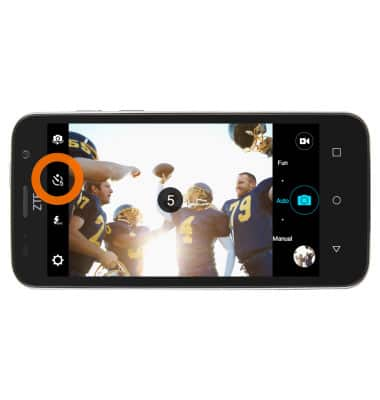
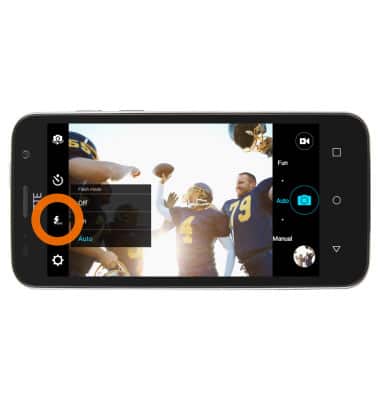
- To set a 5, 10, or 20 second timer, tap the Timer icon to toggle.
- Tap the Flash icon to set the flash between Auto, On, and Off.
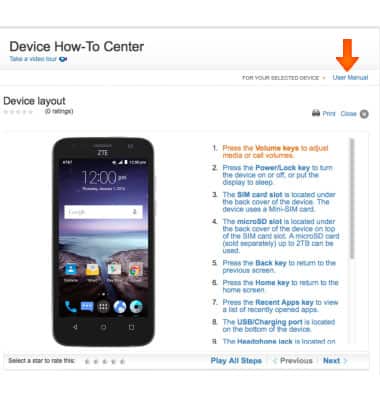
- To learn more about your camera settings and features download the User manual.
Camera & Video Settings
ZTE Maven (Z812)
Camera & Video Settings
Manage camera and video settings including flash, timer, voice control, recording mode, storage location, and more.
INSTRUCTIONS & INFO