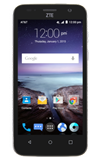
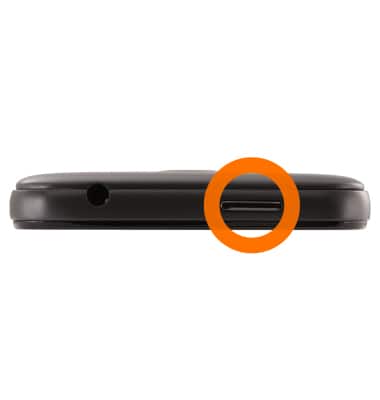
- Press the Power/Lock key on the top of the device to lock the screen. Press and hold the key to turn the device on or off.
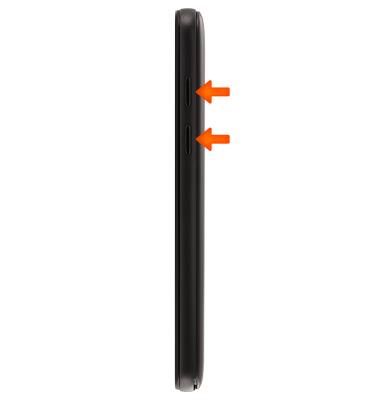
- Press the Volume keys on the right side of the device to adjust the volume.
- Press the Back key to return to the previous screen.
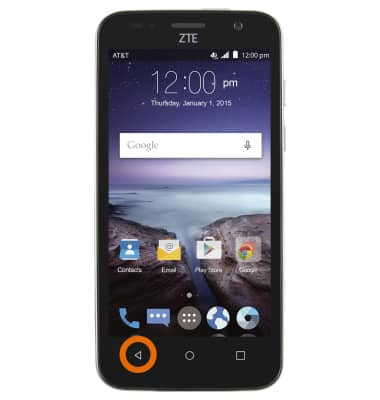
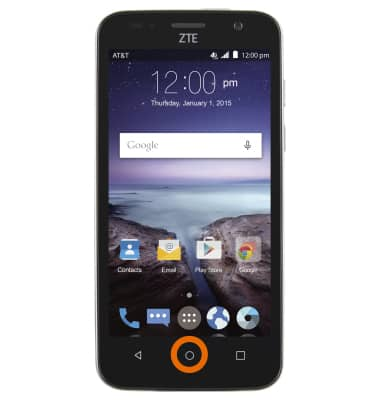
- Press the Home key to return to the home screen from any other screen. Press and hold the Home key to access Google Search.
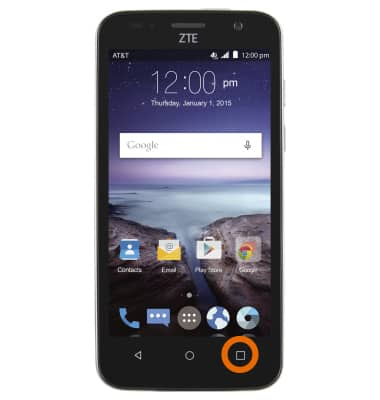
- Press the Recent apps key to access the recently opened apps.
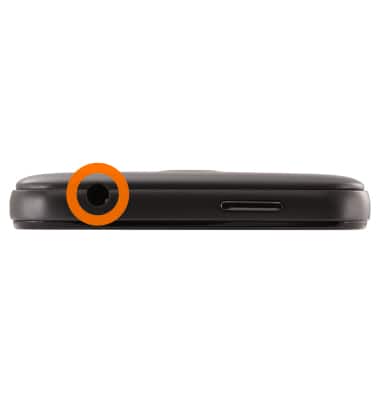
- The Headphone jack is located on the top of the device.
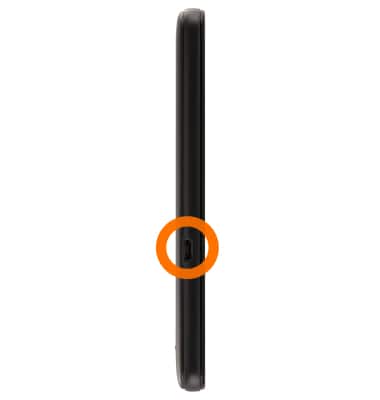
- The microUSB/Charger port is located on the left side of the device.
- The SIM card slot is located underneath the back cover.
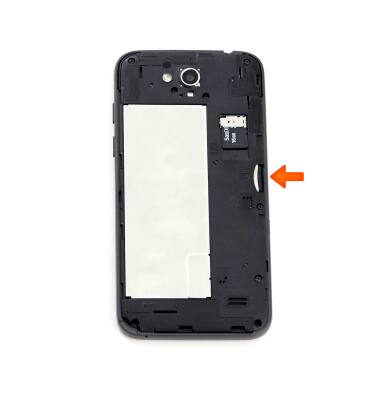
- The microSD card slot is located underneath the back cover.
Note: A microSD card up to 32GB (sold separately) can be used.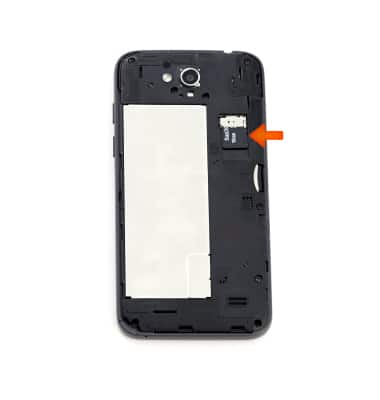
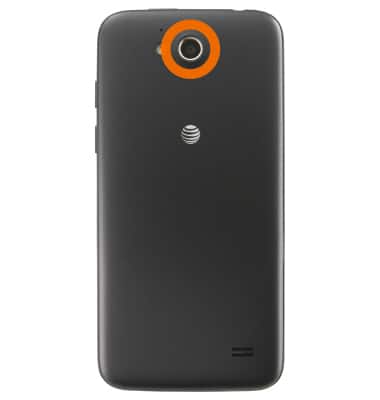
- The Rear camera is located on the back of the device.
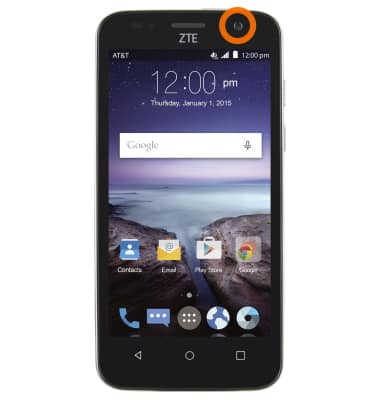
- The Front camera is located on the front of the device.
Device layout
ZTE Maven (Z812)
Device layout
Hardware features and software navigation of your device.
Device Overview
Install SIM & memory card (MicroSD), power on/off, and navigate.
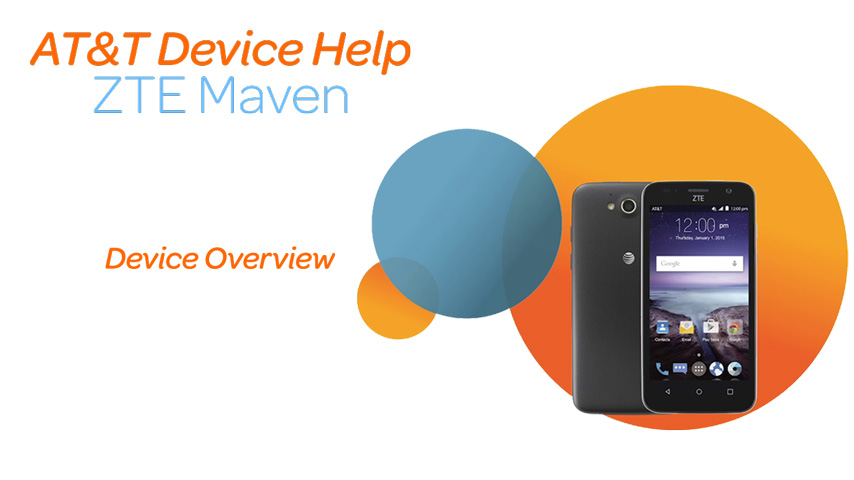
Device Overview
1:23
INSTRUCTIONS & INFO