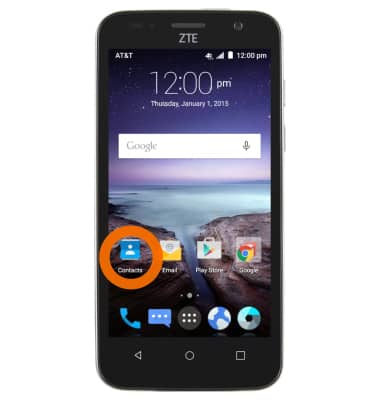
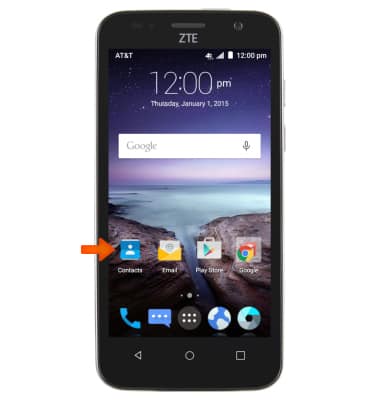
- To add a number to speed dial, from the home screen, tap the Contacts icon.
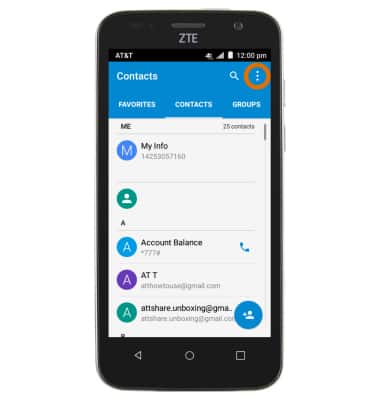
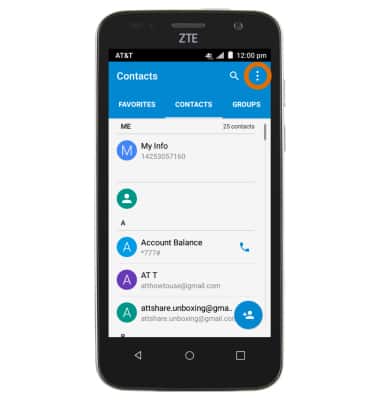
- Tap the Menu key.
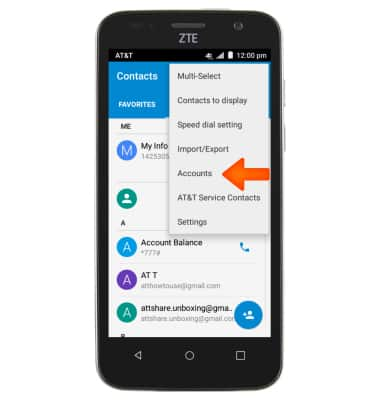
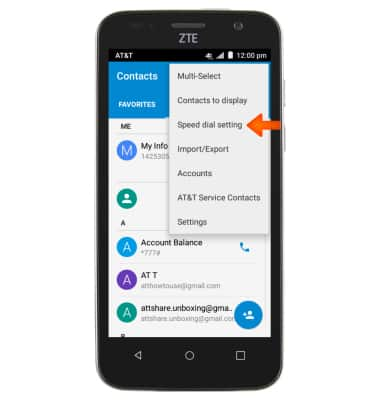
- Tap Speed dial setting.
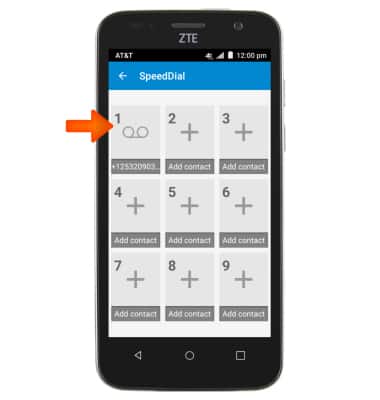
- Tap the Desired number key to add a contact to your speed dial list.
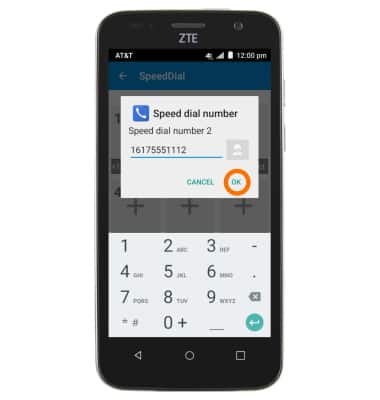
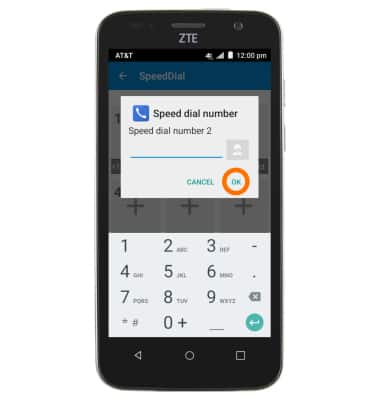
- Enter the phone number or tap the Contacts icon to selected a desired contact, and then tap OK.
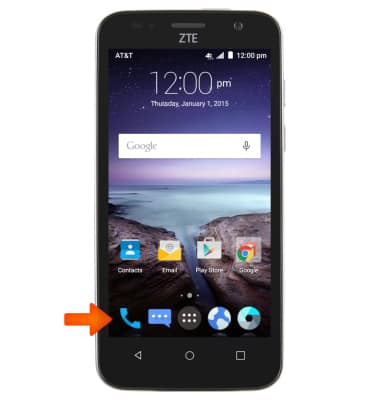
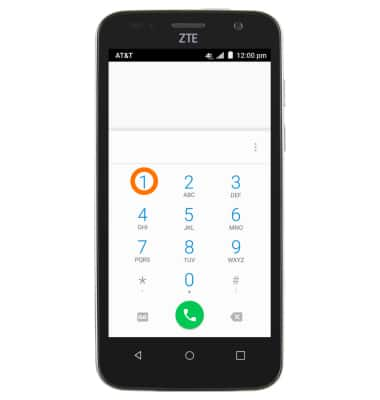
- To use speed dial, from the home screen, tap the Phone icon.
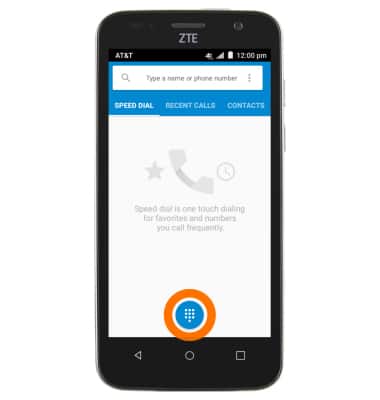
- Tap the Keypad Icon to access keypad.
- Touch and hold on the Desired speed dial number to contact speed number contact.
- To remove a number from speed dial, from the home screen, tap the Contacts icon.
- Tap the Menu icon.
- Tap Speed dial setting.
- Tap on Desired speed dial contact.
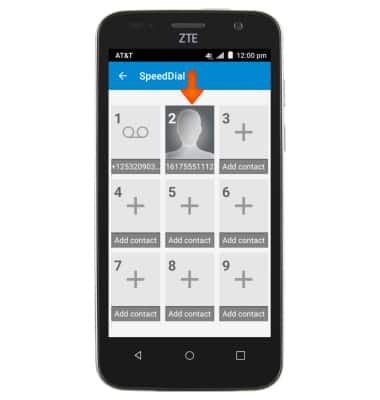
- Erase Phone number to delete contact, and then tap OK.
Speed Dial
ZTE Maven (Z812)
Speed Dial
Use speed dial and manage speed dial contacts.
INSTRUCTIONS & INFO