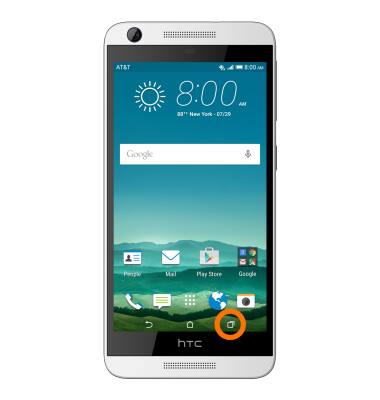
- To view currently running apps, tap the Recent apps key.
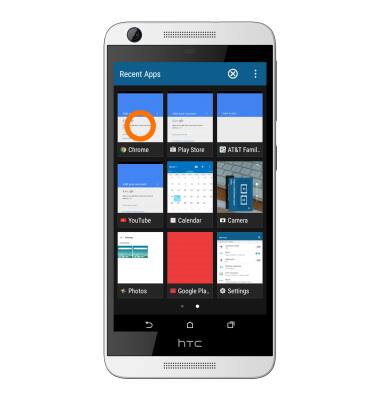
- To switch to a running app, tap the Desired app.
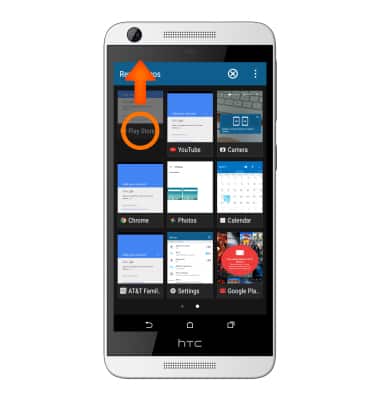
- To close an app, swipe the Desired app up.
- To close all running apps, tap the X icon.
Note: For information on viewing app and data usage, please see the ‘View & manage data’ tutorial.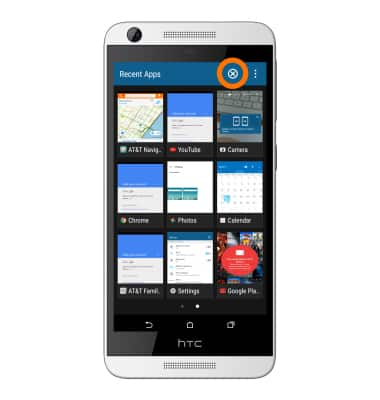
View or close running apps
HTC Desire 626 (0PM912000)
View or close running apps
How to view, switch between, and close running applications.
INSTRUCTIONS & INFO