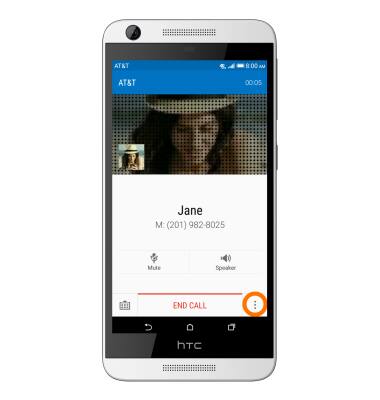
- To add a call while on a call, tap the Menu icon.
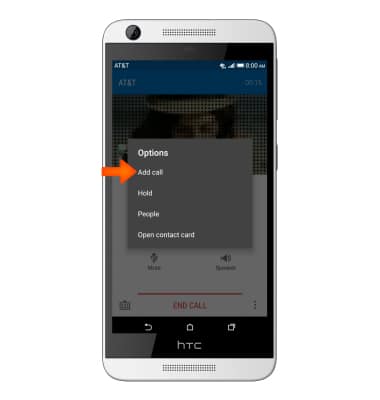
- Tap Add call.
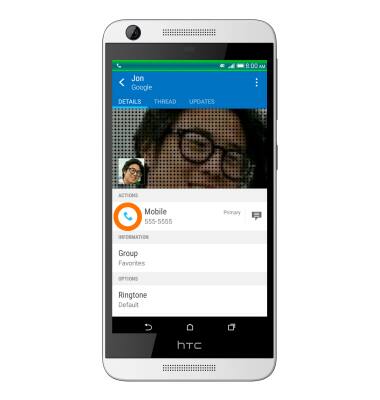
- Select the Desired contact or number from your contacts.

- Tap the Call icon.
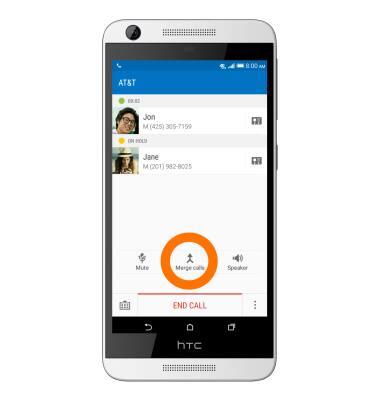
- Tap Merge calls to initiate a 3-way call.
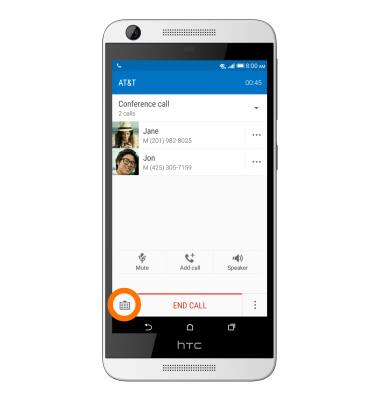
- Tap the Menu icon next to the desired call to view options.
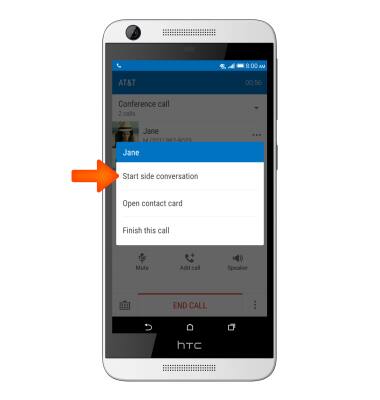
- Tap Start side conversation, to split the calls.
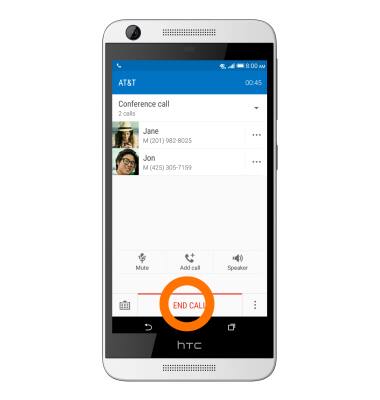
- To disconnect all calls, tap END CALL.
Conference calling
HTC Desire 626 (0PM912000)
Conference calling
Add another person to your call, merge calls, place someone on hold and more.
INSTRUCTIONS & INFO