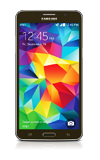
- To access the camera, from the home screen, tap Camera.
Note: When in “Easy” mode, only a limited amount of camera settings and modes will be available.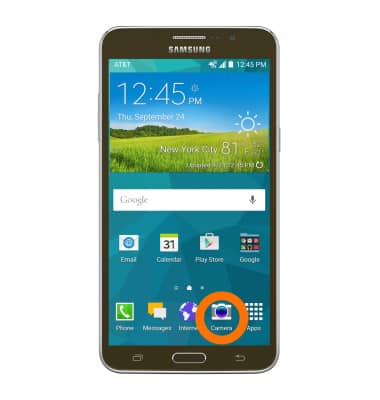
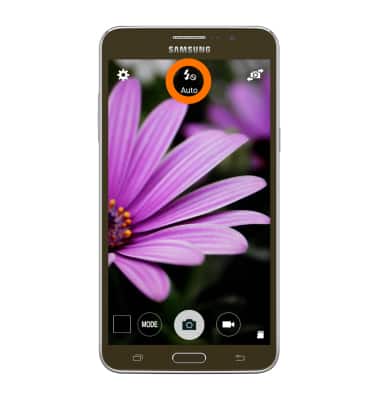
- Tap the Flash icon to cycle through flash modes.
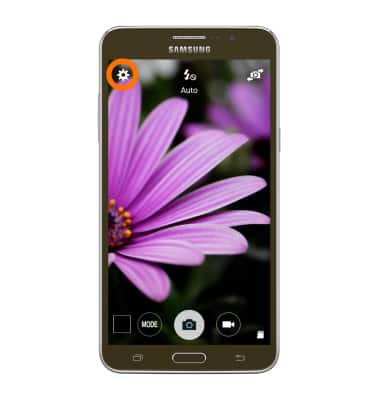
- Tap the Settings icon to access additional settings.
- Tap the Timer icon to set a timer.
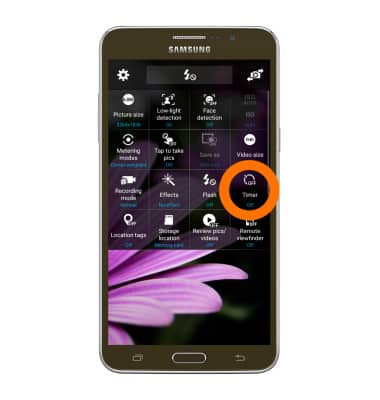
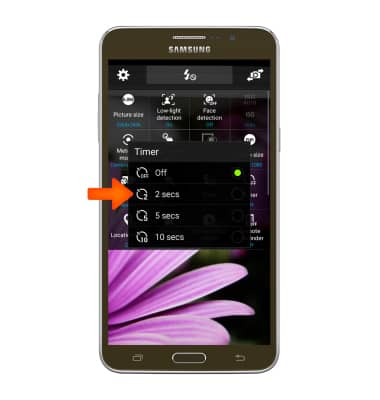
- Tap the Desired delay time.
- Tap the Picture size icon to adjust the picture size.
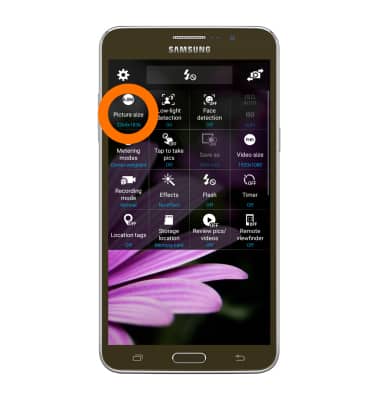
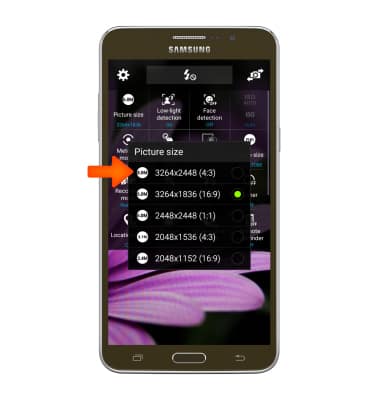
- Tap the Desired picture size option.
- Tap Video size to adjust the video size.
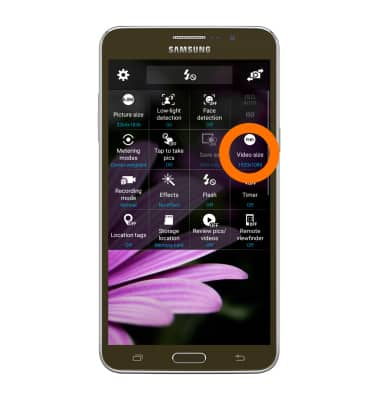
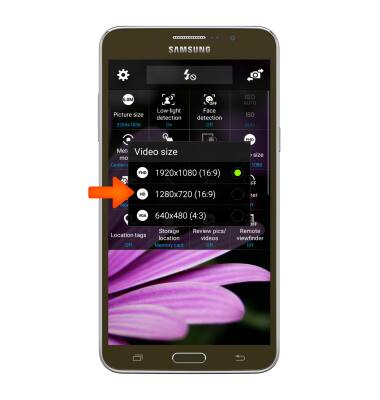
- Tap the Desired video size.
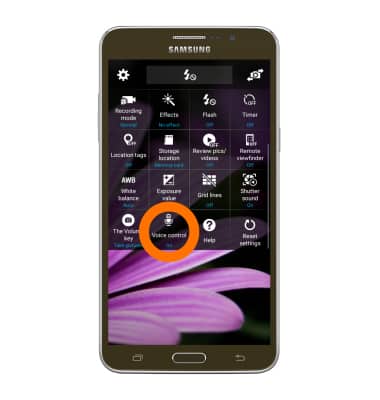
- To turn on voice control, scroll to and tap the Voice control toggle.
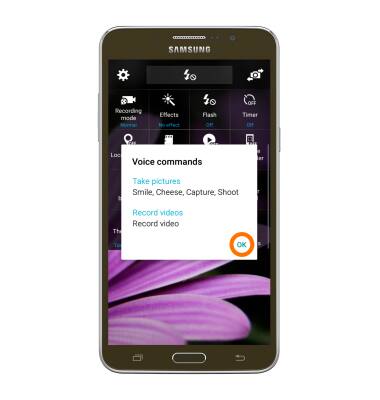
- Tap OK.
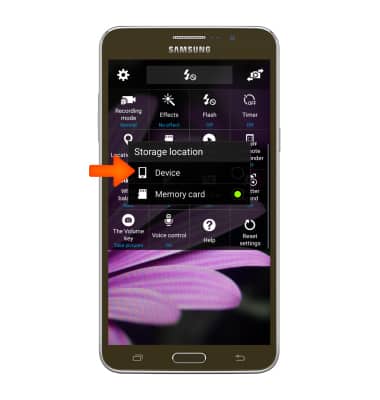
- Tap the Storage location icon to choose the storage location.
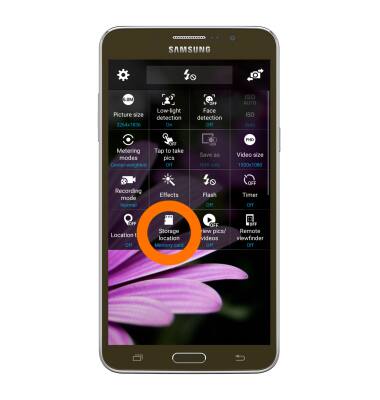
- Tap the Desired storage location.
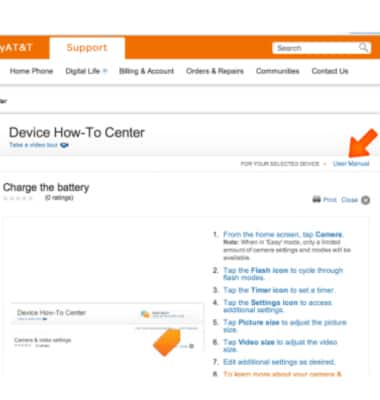
- To learn more about your camera settings and features download the user manual.
Camera & video settings
Samsung Galaxy Mega 2 (G750A)
Camera & video settings
Manage camera and video settings including flash, timer, voice control, recording mode, storage location, and more.
INSTRUCTIONS & INFO