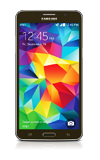
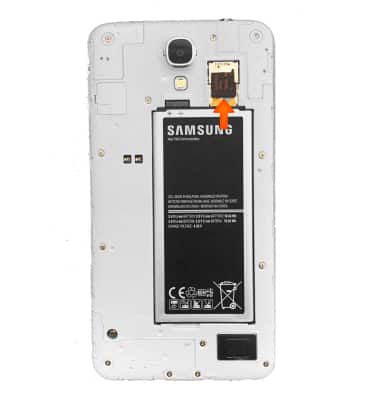
- Inserting a memory card (microSD card) into your device allows you to transfer and store contacts, music, pictures, and videos. MicroSD cards are sold separately.
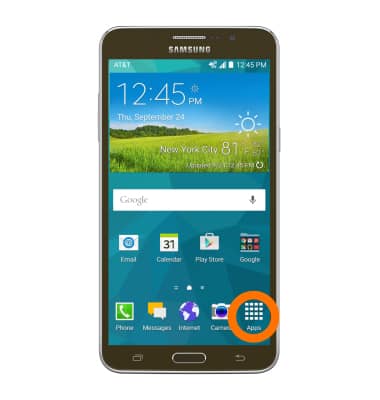
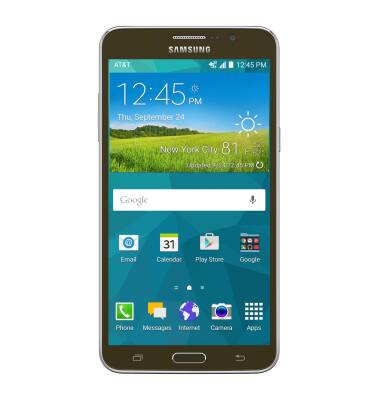
- To save contacts to the SD card, from the home screen tap Apps icon.
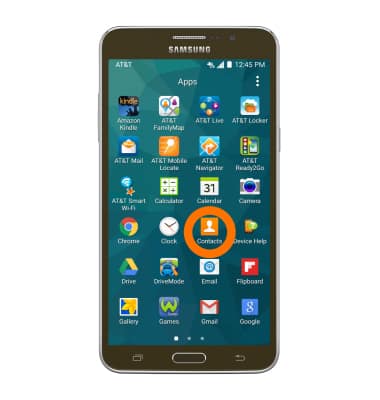
- Tap the Contacts icon.
- Tap the Menu icon.
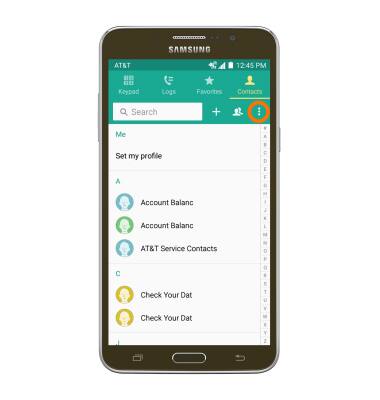
- Next tap Settings icon.
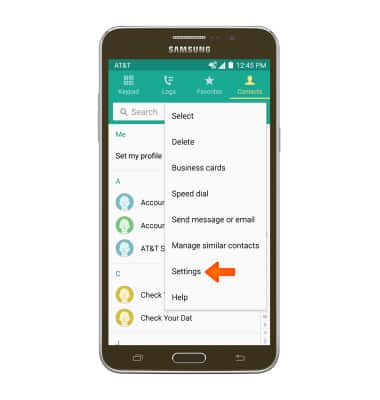
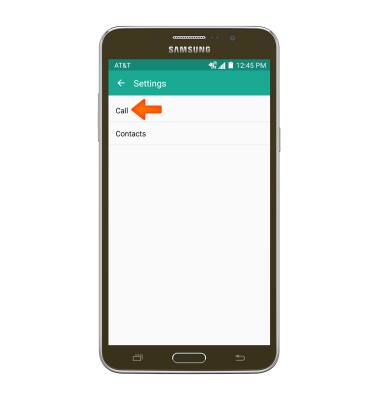
- Tap Call.
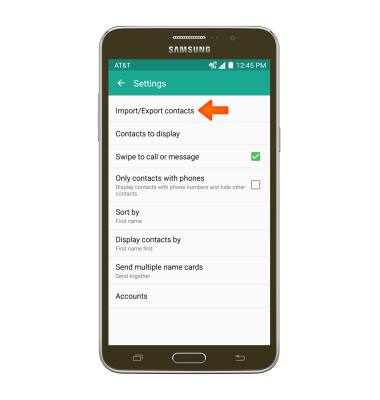
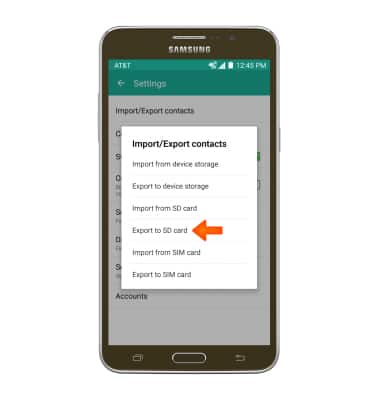
- Tap Import/Export contacts.
- Tap Export to SD Card.
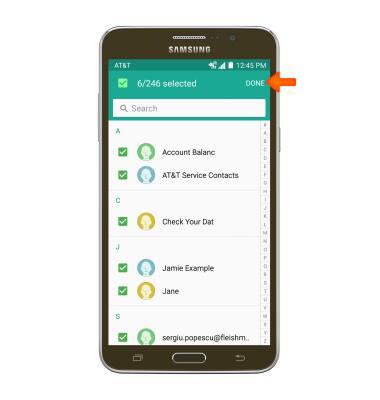
- Choose Desired contacts, and then tap DONE.
- Tap OK.
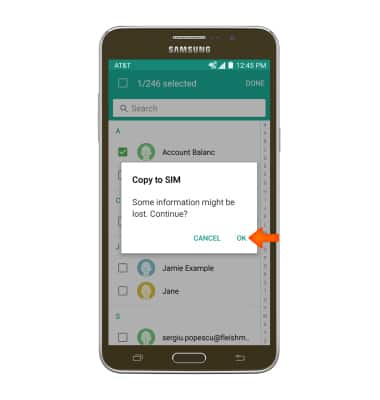
- You will be prompted about the transfer, now you have successfully transferred and backed up your Contacts to an SD Card.
Backup & Restore with Memory Card
Samsung Galaxy Mega 2 (G750A)
Backup & Restore with Memory Card
Backup contacts to transfer to another device.
INSTRUCTIONS & INFO