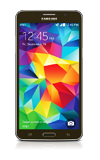
- While on an active call, to mute or unmute a call, tap the Mute icon.
Note: When in "Easy" mode, you can't mute a call, place a call on hold, create a conference call, or access advanced settings.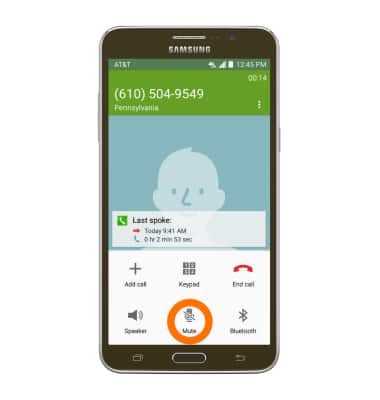
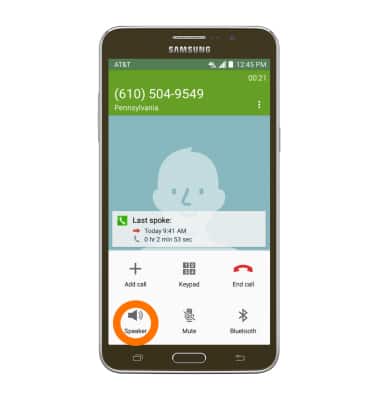
- To turn Speakerphone on or off, tap the Speaker icon.
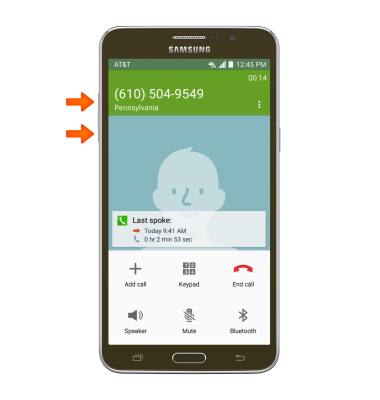
- Push the Up and down volume keys to adjust volume during a call.
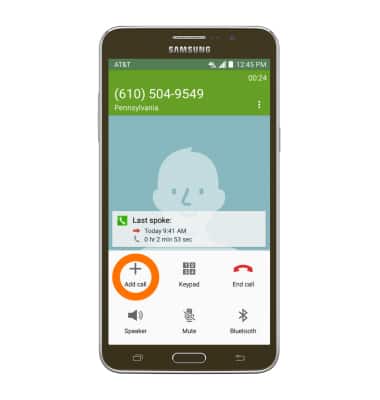
- To add a call to an existing call, tap the Add call icon.
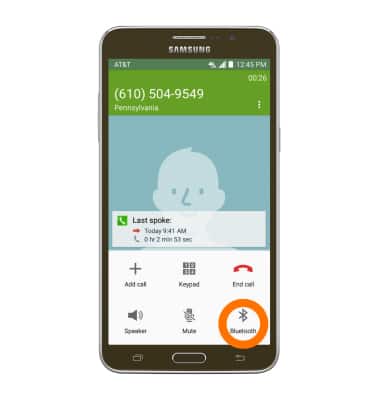
- Tap the Bluetooth icon to use a headset with your device. Follow the prompts to properly connect.
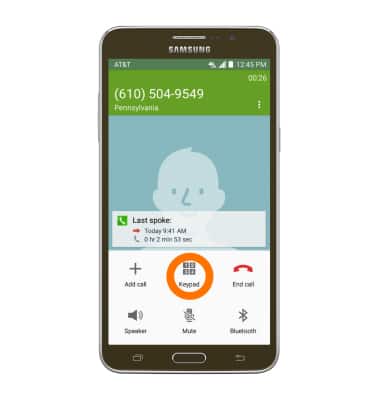
- To show the keypad, tap the Keypad icon.
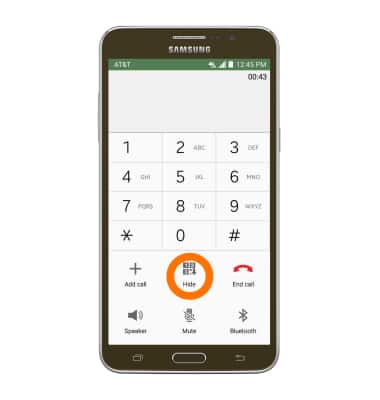
- To hide the keypad, tap the Hide icon.
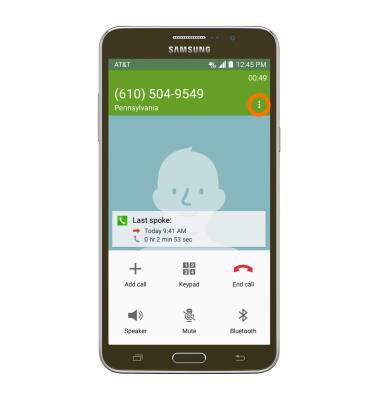
- To put the call on hold, tap the Menu icon.
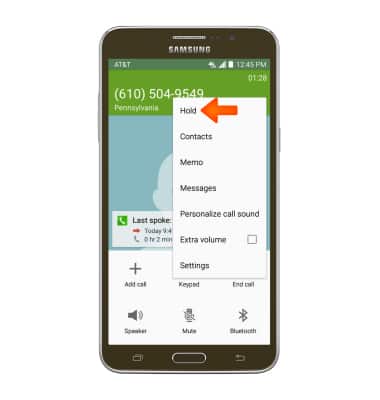
- Tap Hold.
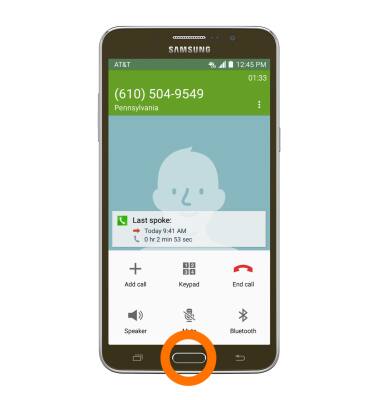
- To access the home screen while on a call, press the Home button.
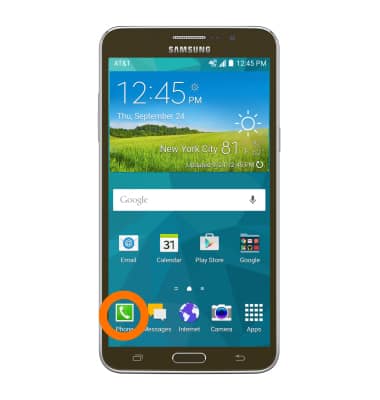
- To return to your active call, tap the Phone icon.
- To end a call, tap the End call icon.
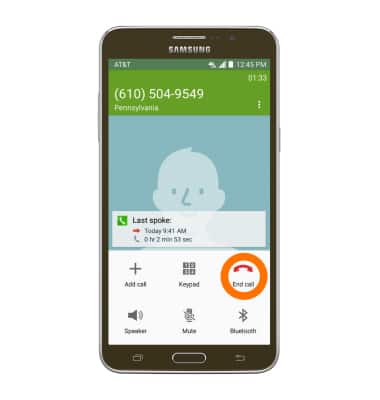
In-call options
Samsung Galaxy Mega 2 (G750A)
In-call options
Learn what features are available while on an active call.
Phone Calls
This video explains how to use the device's phone features.
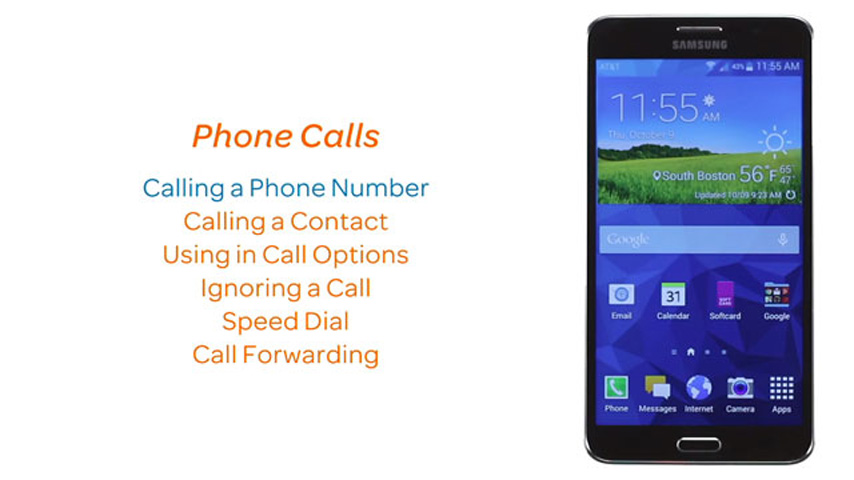
Phone Calls
2:40
INSTRUCTIONS & INFO