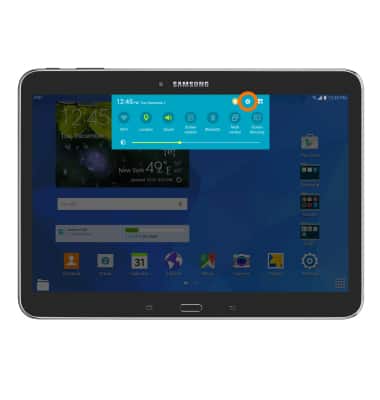
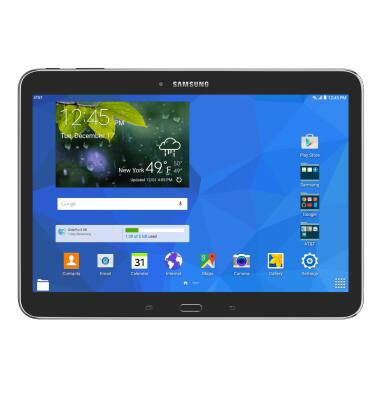
- Swipe down from the top fo teh screen, then tap the Settings Icon.
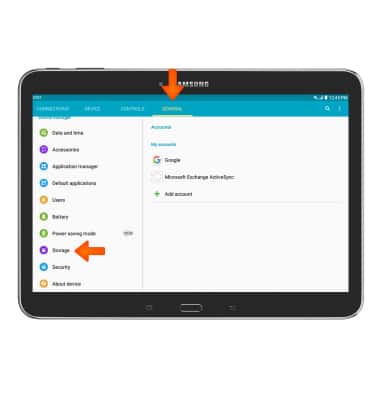
- Under the General tab scroll to and tap Storage.
- The device storage summary will be displayed beneath Device memory.
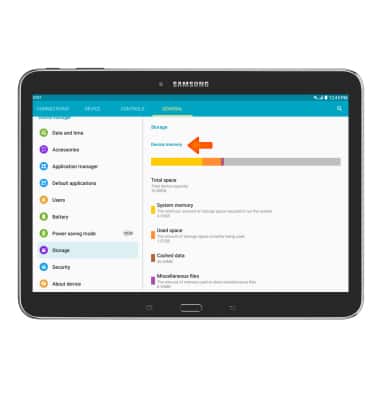
- To view memory card storage space, scroll down and teh summary will be displayed beneath SD card.
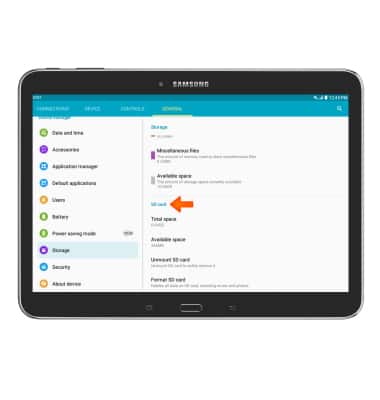
- This device is available with 16GB of internal, usable memory and the option to add a MicroSD card (sold separately) up to 128GB.
Available memory
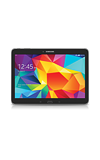
Samsung Galaxy Tab 4 (T537A)
Available memory
Check the available device storage.
INSTRUCTIONS & INFO