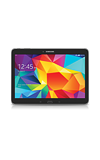
- To clear app cache, swipe down from the top pf the screen, the tap the Setting icon.

- Under the General tab, tap Application manager.
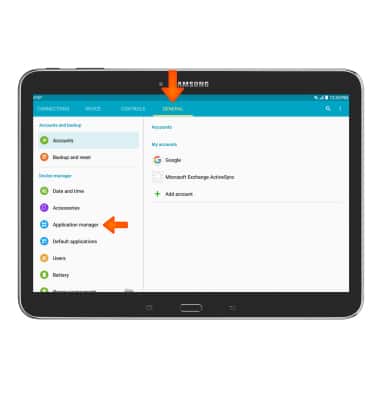
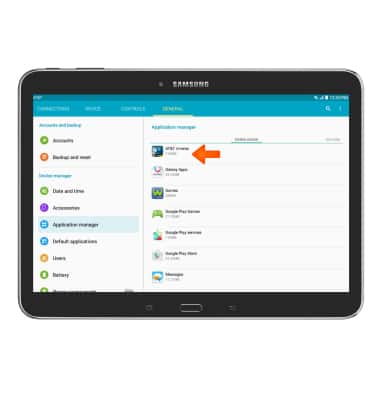
- Tap the Desired application
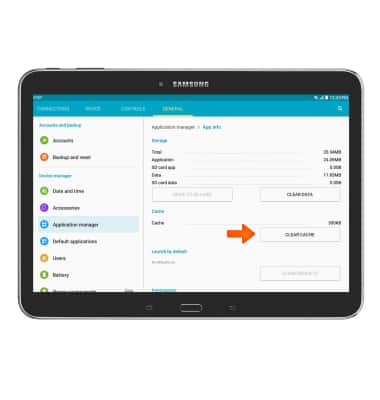
- Then scroll to and tap Clear Cache.
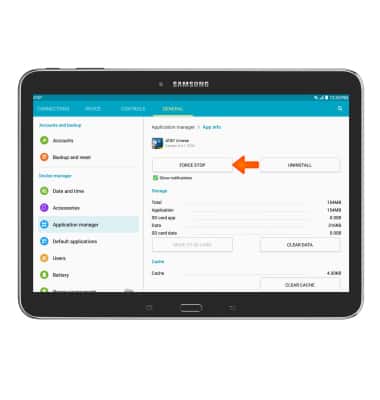
- To stop an app, tap Force Stop.
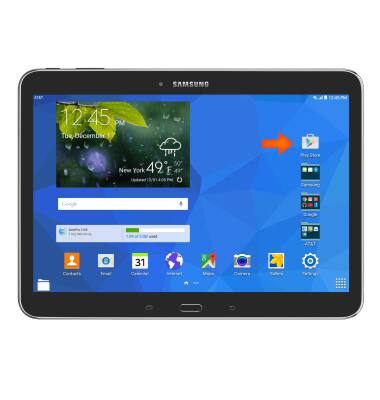
- To update an app, from the homescreen, tap the Play Store icon.
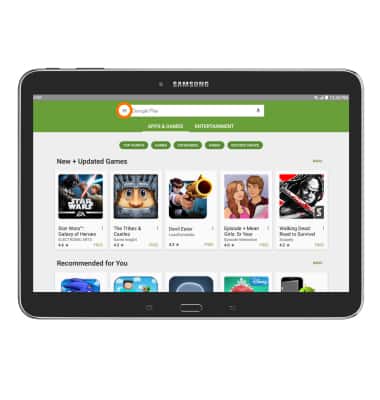
- Tap the Menu tab.
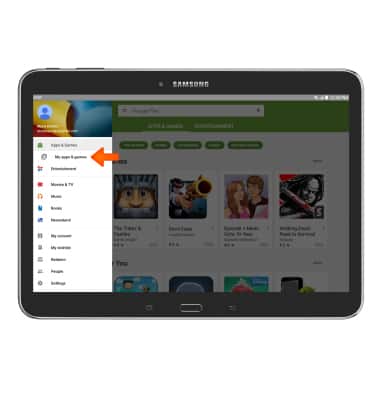
- Tap My apps & games.
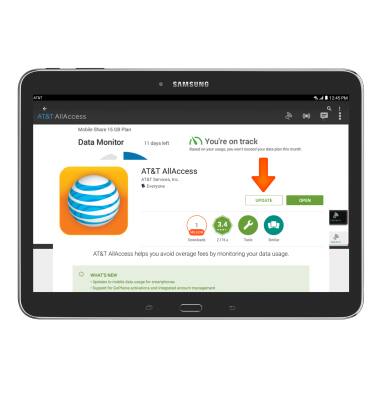
- Tap on the Desired application that requires an UPDATE.
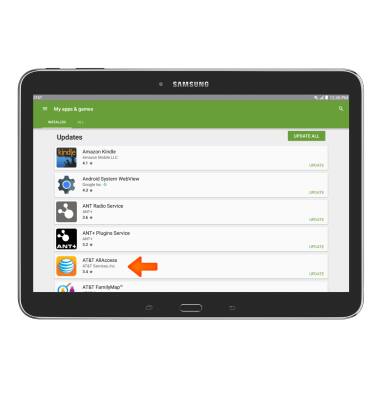
- Tap UPDATE.
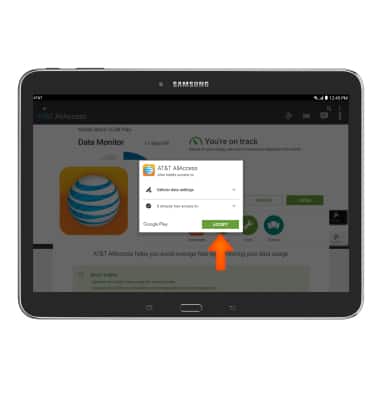
- Tap ACCEPT.
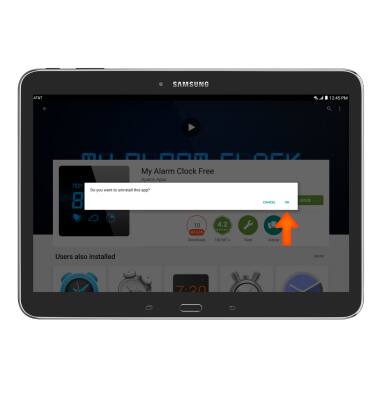
- To uninstall, tap UNINSTALL.
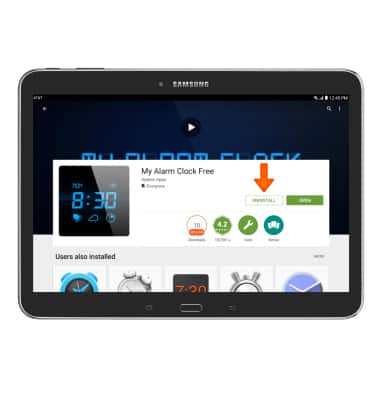
- Tap OK.
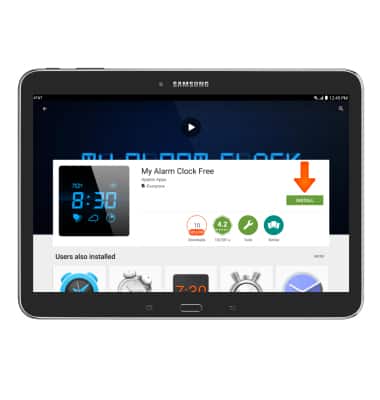
- To re-install, tap INSTALL.
App troubleshooting
Samsung Galaxy Tab 4 (T537A)
App troubleshooting
Use application manager to improve your app and device performance.
INSTRUCTIONS & INFO