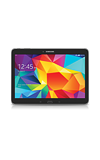
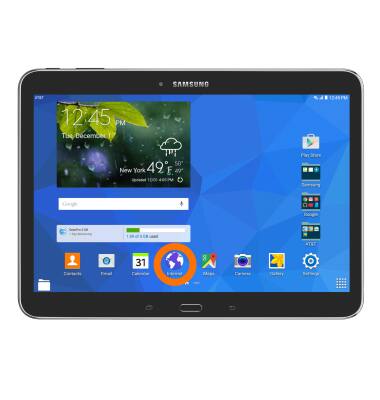
- To access the browser, from the home screen tap the Internet icon.
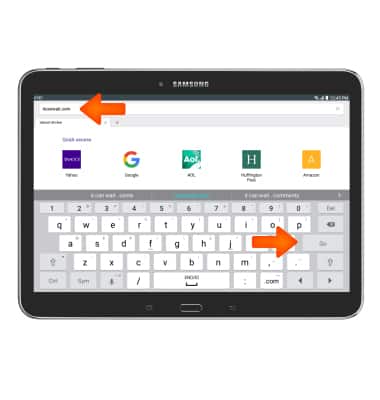
- Tap the Web address field, and enter the Desired website. Then tap Go.
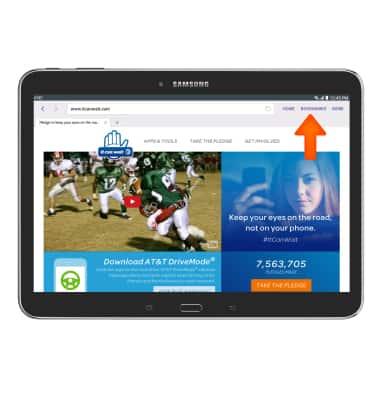
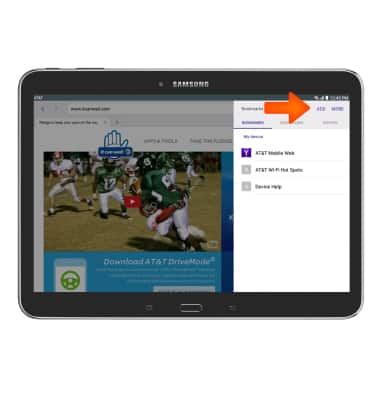
- To add a Bookmark, tap the BOOKMARKS icon.
- Tap ADD.
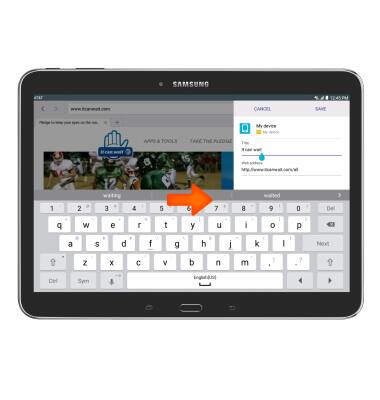
- Make Desired changes to the bookmark and tap SAVE.
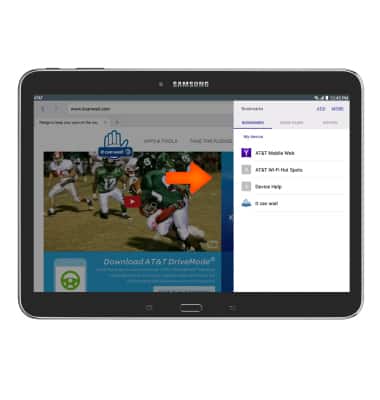
- To navigate to a bookmark, from the bookmarks menu, tap the Desired bookmark from the list.
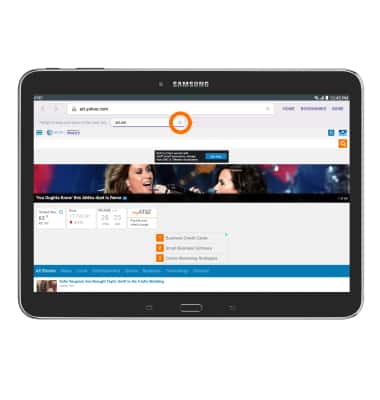
- View your Open tabs under the web address field. To open a tab, tap the Desired tab.
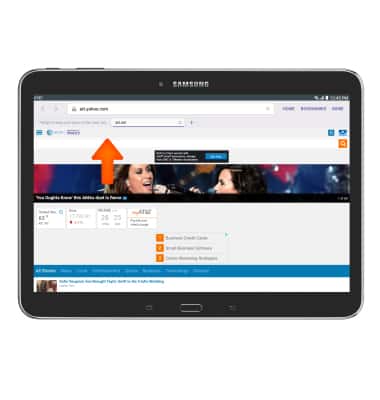
- To open a new tab, tap the New tab icon.
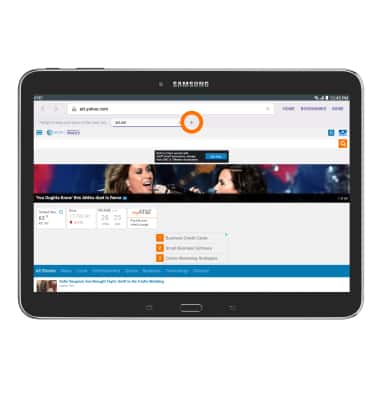
- To close a tab, tap the X icon.
Browse the web
Samsung Galaxy Tab 4 (T537A)
Browse the web
Browse the web, manage browser tabs, and bookmarks.
INSTRUCTIONS & INFO