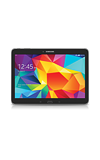
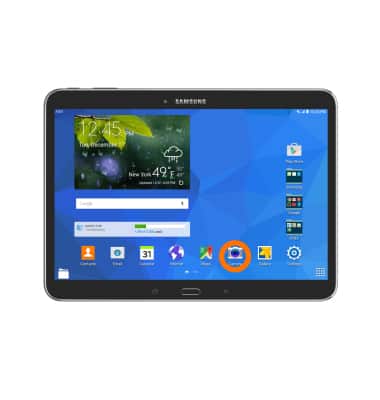
- From the homescreen tap the Camera icon.
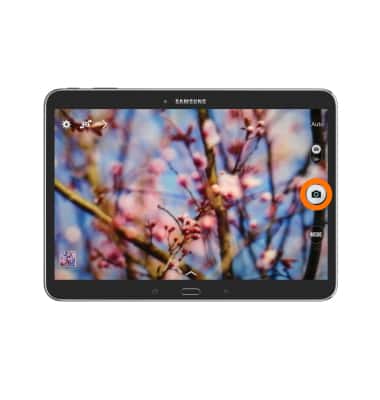
- To capture an image, tap Camera icon.
- To record a video, swipe to the Video icon and tap Record icon to start recording.
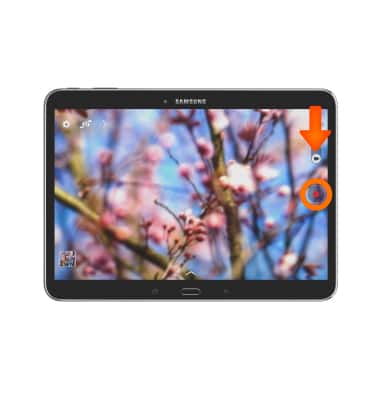
- To pause video recording, tap Pause icon.
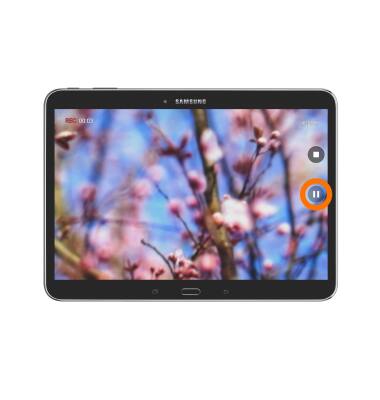
- To resume recording, tap Record icon.
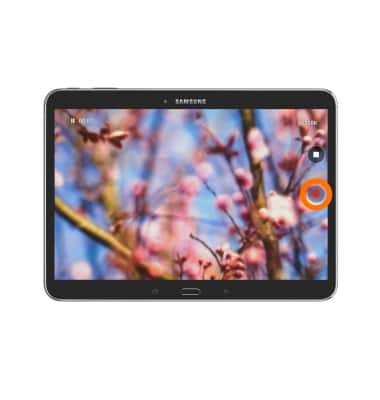
- To stop video recording, tap Stop icon.
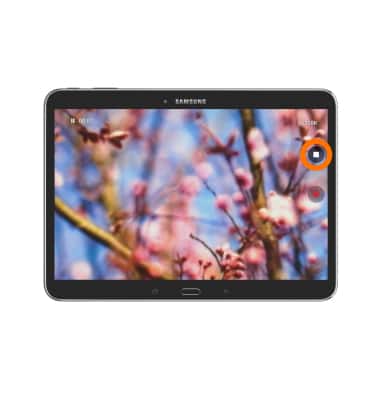
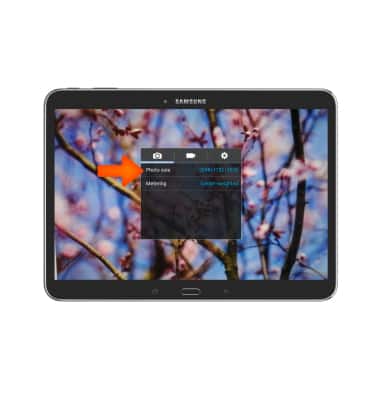
- To access the dimensions of your photos and videos, tap the Settings icon.
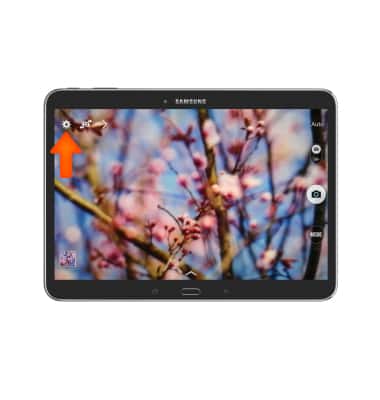
- To change picture size tap Dimensions icon, then select your desired picture size.
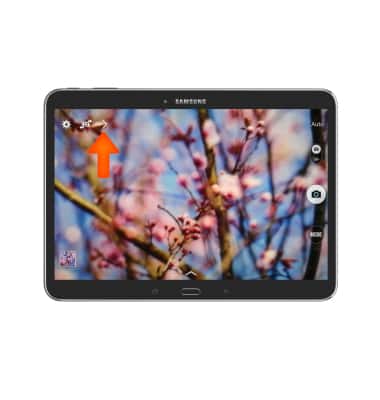
- To set a timer tap the Arrow icon.
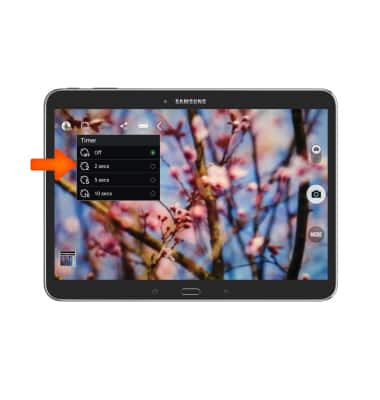
- Now tap the Stopwatch icon, then select your desired time.
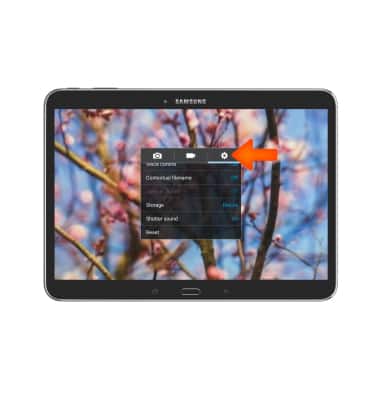
- To access camera settings, tap Settings icon.
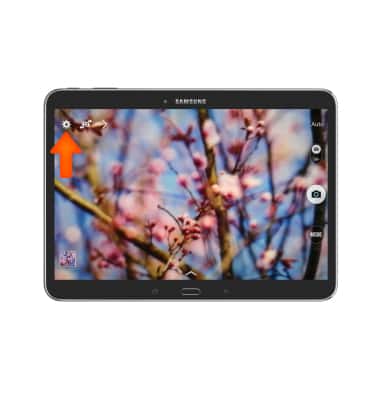
- Tap Settings icon again and swipe to Storage.
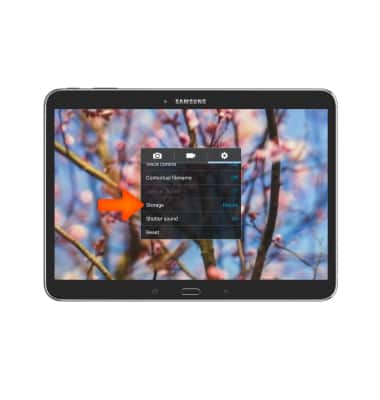
- To select desired storage for pictures and videos, tap Storage location.
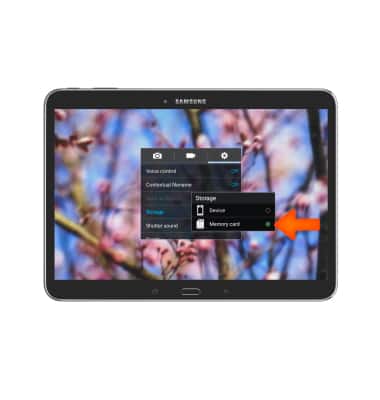
- Select the desired storage locaiton.
Camera & video settings
Samsung Galaxy Tab 4 (T537A)
Camera & video settings
Manage camera and video settings including flash, timer, voice control, recording mode, storage location, and more.
INSTRUCTIONS & INFO