- The Google Play Store provides access to the latest music, apps, games, videos, and more. A Google account is required to access.
Note: For more information or support, please see the Google Play Help site.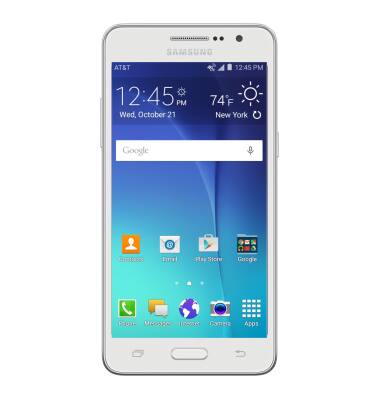
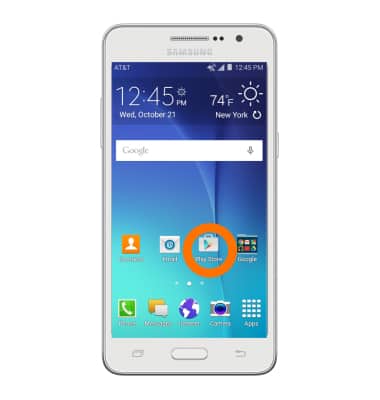
- To download an app, tap the Google Play Store icon.
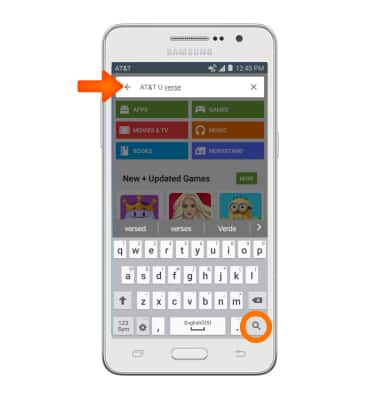
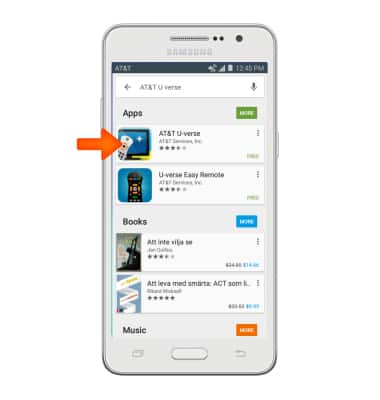
- Tap the Search field and enter the Desired app name. Tap the Go icon.
- Tap the Desired app.
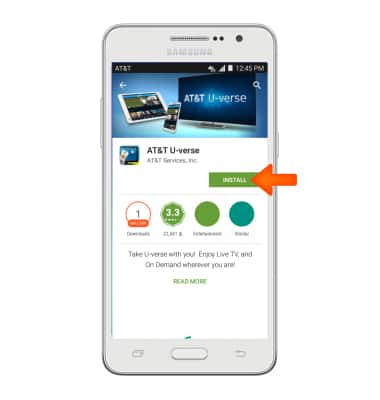
- Tap Install.
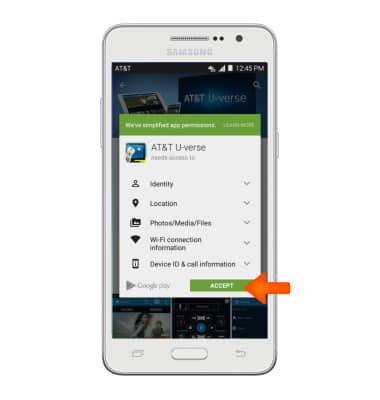
- Tap Accept.
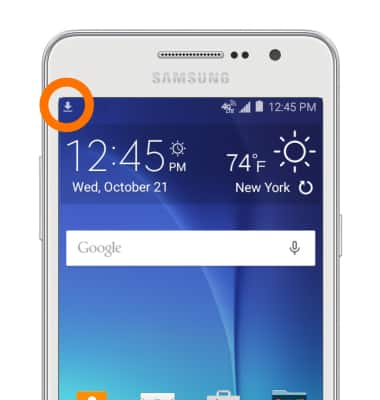
- Downloading icon will appear in notification bar while content is downloading.
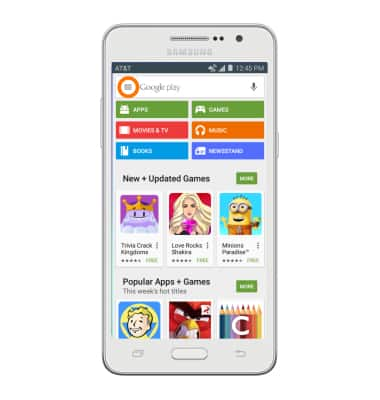
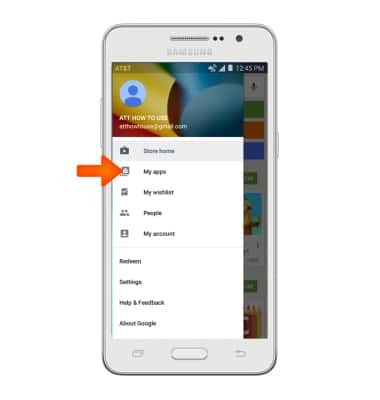
- To return an app, from the Play Store, tap the Menu icon.
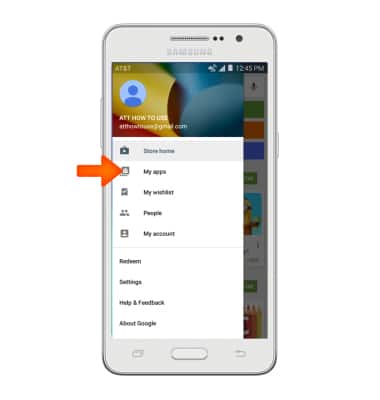
- Tap My apps.
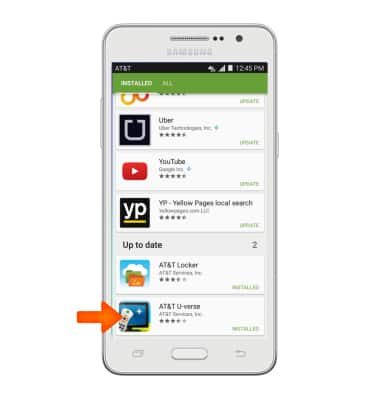
- Scroll to and tap the Desired app.
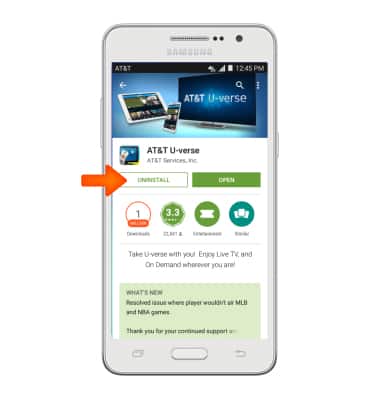
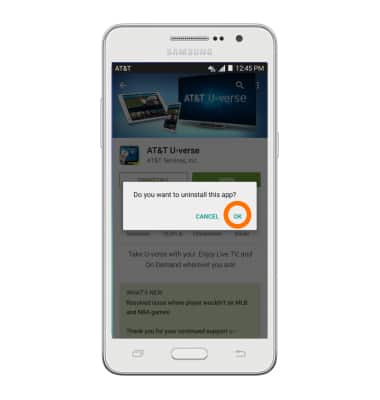
- Tap UNINSTALL.
- Tap OK.
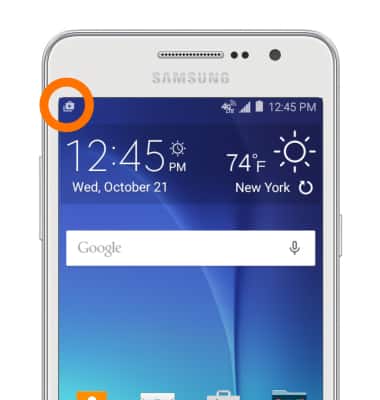
- An icon will appear in the notification bar when an update is available.
- To access downloaded content, tap the Menu icon > My apps > Desired app.
Download apps & games
Samsung Galaxy Go Prime (G530A)
Download apps & games
Download apps, games, movies, music, books, magazine, newspapers and more.
Download apps & games
Download apps, games, movies, music, books, magazine, newspapers and more.
Download apps & games
1:46
INSTRUCTIONS & INFO