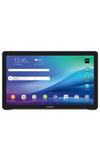
- AT&T AllAccess allows you to set alerts, get notifications when approaching your data limit, locate the closest AT&T Wi-Fi hotspots, create your own personal hotspot, and pay your bill.
Note: To learn more, visit the AT&T AllAccess website.
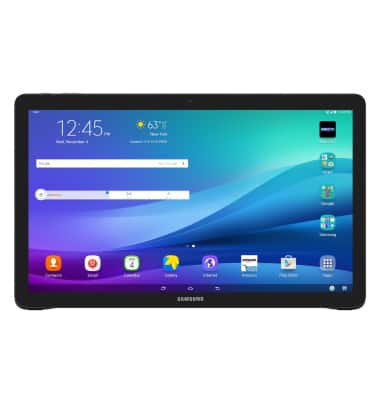
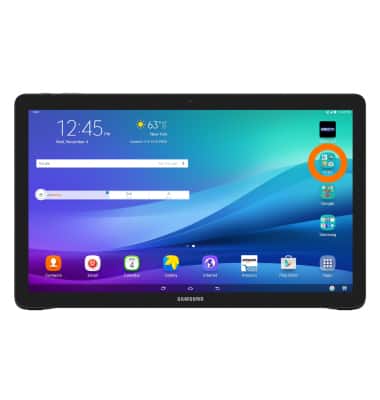
- From the home screen, tap the AT&T Folder.
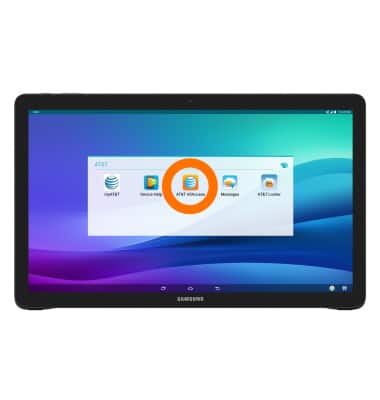
- Then tap AT&T AllAccess App.
- Data usage information for this tablet and Mobile Share Plan will be displayed.
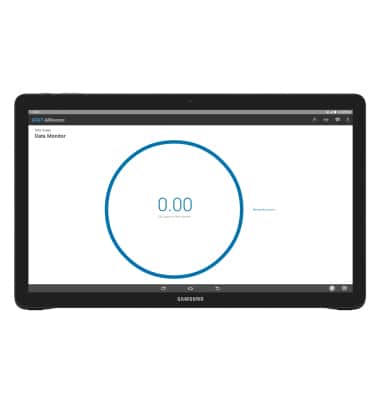
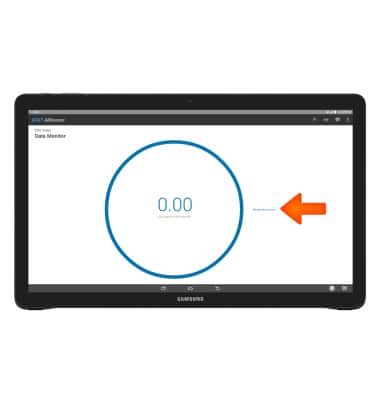
- To pay bill, add data or add account features, tap Manage My Account.
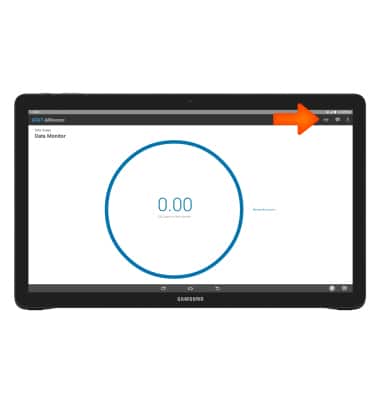
- To configure or turn Mobile hotspot on or off, tap Hotspot icon.
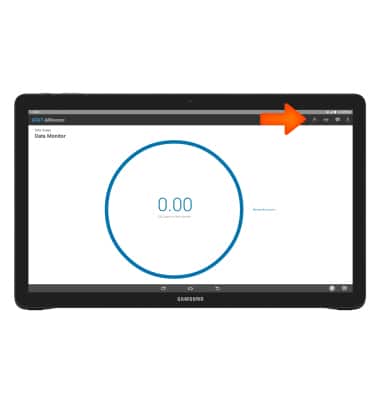
- To locate AT&T Wi-Fi hotspots, tap the Search Wi-Fi icon.
- To view notifications, tap the Notifications icon.
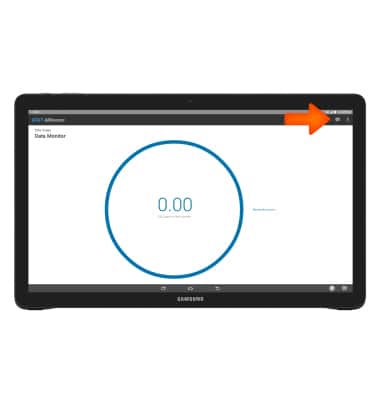
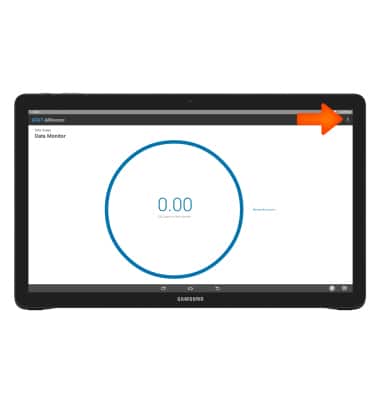
- To view Privacy Policy or Terms and Conditions, tap the Menu icon.
AT&T AllAccess
Samsung Galaxy View (T677A)
AT&T AllAccess
View data usage, set data usage alerts, pay bills, add features, and more.
AT&T AllAccess
View data usage, set data usage alerts, set up your mobile hotspot, and more.
AT&T AllAccess
1:33
INSTRUCTIONS & INFO

Starting December 31, 2022, the AT&T AllAccess app is going away. As a result, some features on your device may no longer be supported. You'll be able to view data usage and notifications on your myAT&T account page, and you can explore other options to stay connected with your device on the go. Learn more about mobile hotspot options.