- Tap to select items, links, shortcuts and letters on the on-screen keyboard.
- Touch and hold an item on the screen by tapping it and not lifting your finger until an action occurs.
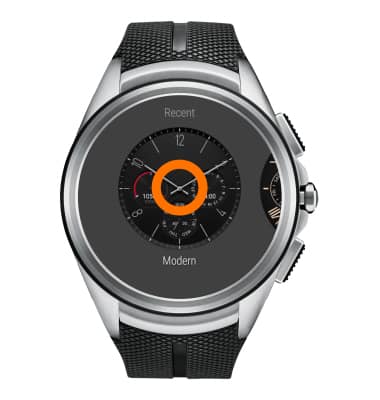
- To swipe or slide, quickly move your finger across the surface of the screen, without pausing when you first tap it.
- To wake up your watch if the screen is dimmed, touch the screen, turn your wrist so the watch face is upright (Settings > Gestures > Wrist gestures ON) , or press the Power button.
Note: To turn ‘Wrist gestures’ on or off, from the watch face swipe down, swipe right to left four times, then tap Settings > Gestures > Wrist gestures.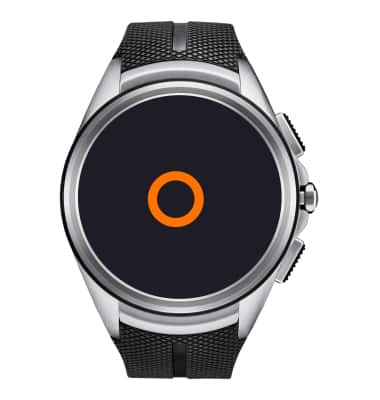
- To quickly dim the screen, press your Palm onto the screen until it vibrates.
Note: If 'Always-on screen' is set to On it may only dim for a short time. To change 'Always-on screen from the watch face swipe down, swipe right to left four times, then tap Settings > Always-on screen.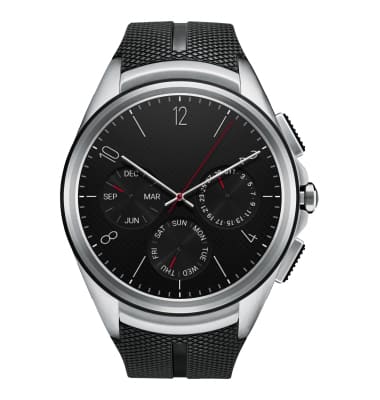
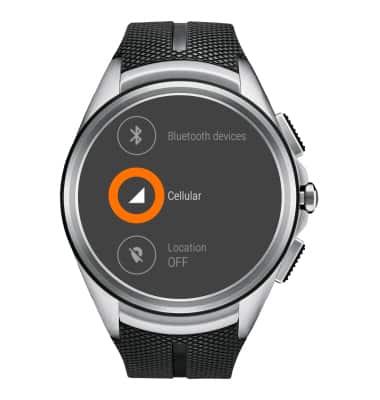
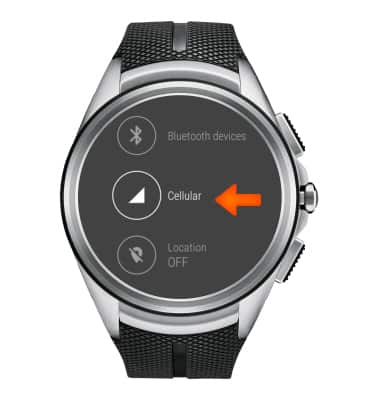
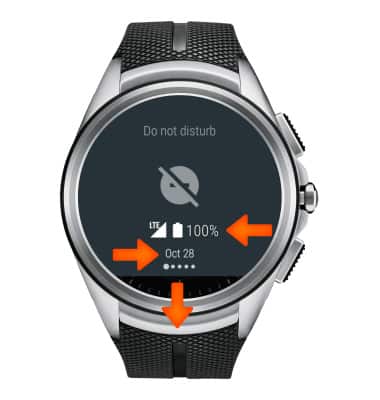
- To view the remaining battery life, cellular signal strength, and date, from the watch face, swipe down from the top of the screen.
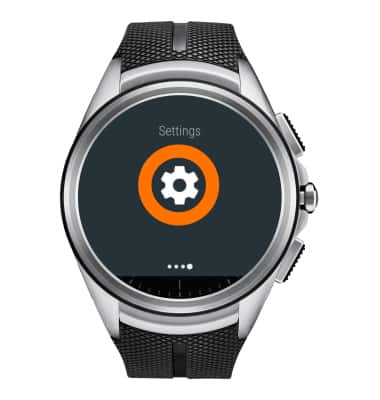
- To access the Settings menu, from the watch face swipe down, then swipe right to left four times.
Navigation tips
LG Watch Urbane 2nd Edition LTE (W200A)
Navigation tips
Learn how to navigate your device
INSTRUCTIONS & INFO