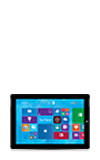
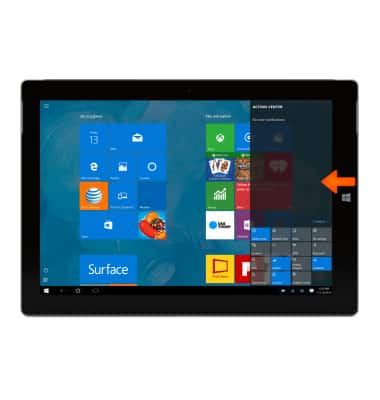
- Swipe from right edge of the screen to view the Quick settings menu.
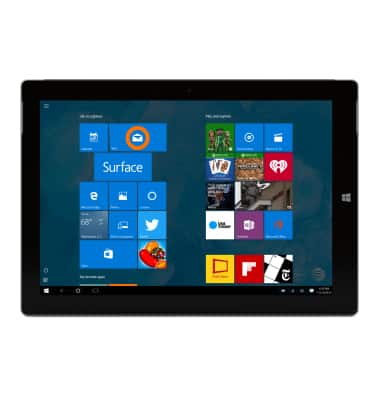
- To use an app pinned to the Start Screen, tap the Desired tile.
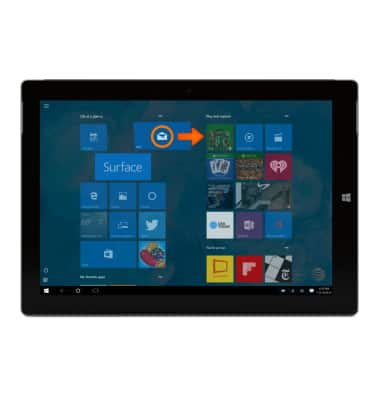
- To move a tile on the Start Screen, tap and hold, then drag to the Desired location.
Gestures & navigation
Microsoft Surface 3 (1657) Windows 10
Gestures & navigation
Control your device by making specific movements with your hand.
INSTRUCTIONS & INFO