
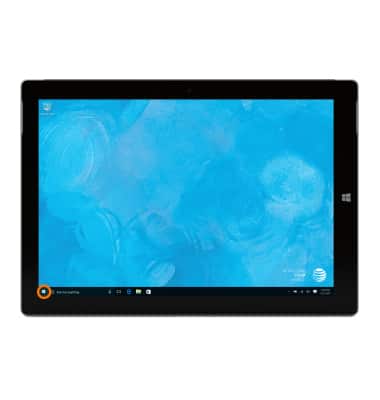
- Tap the Start icon or Windows button.
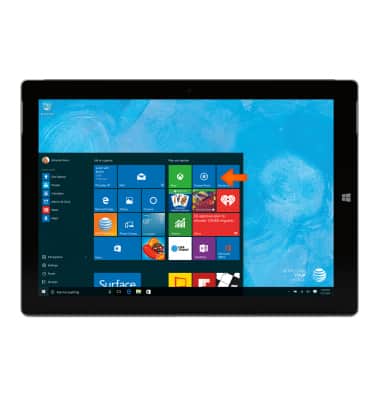
- To access music on the device, from the Start screen, tap the Groove Music tile.
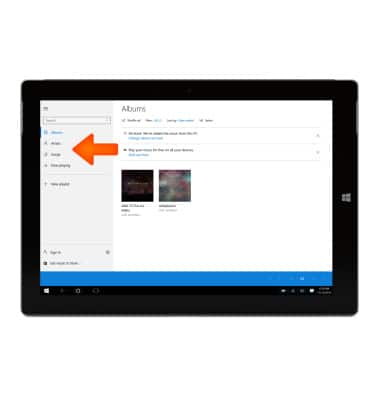
- Browse by Albums, Artists, Songs, Now Playing or Playlists.
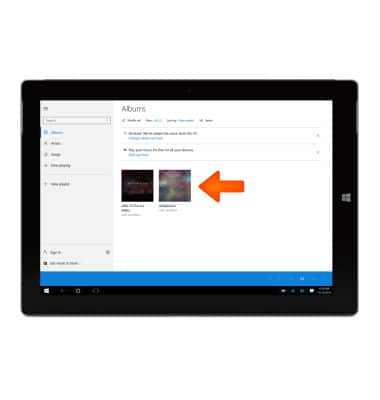
- Tap the Desired album.
- Tap the Desired song.
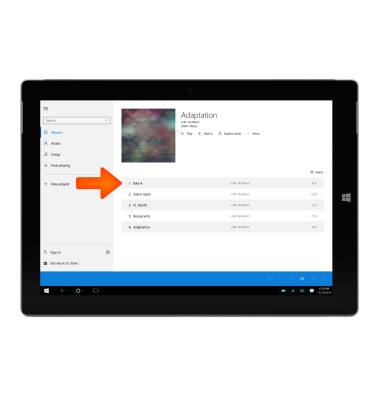
- Tap the Play icon.
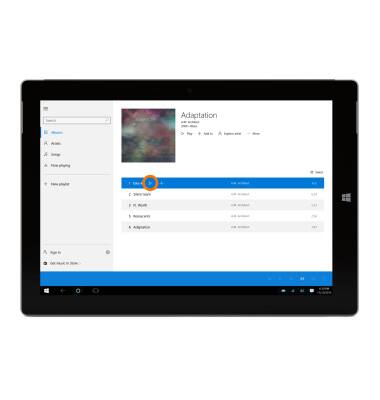
- The music player will appear on the bottom of the screen. To pause the song, tap the Pause icon.
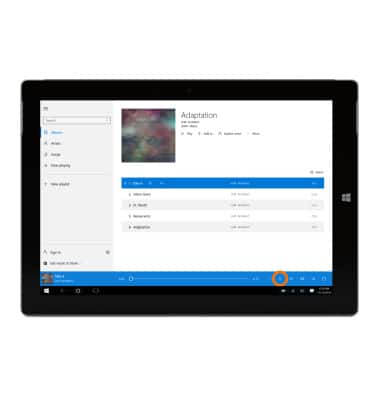
- Tap the Arrows to navigate to the previous or next song.
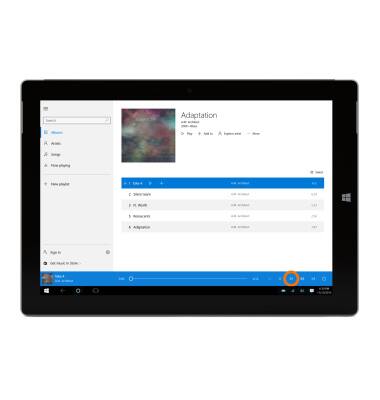
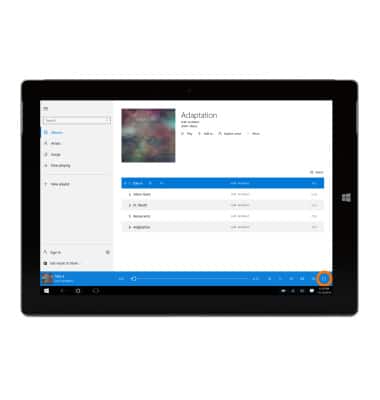
- Tap the Volume icon to increase or decrease volume as desired.
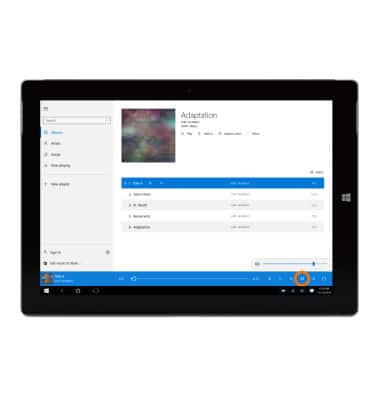
- Tap the Shuffle icon to shuffle the playlist.
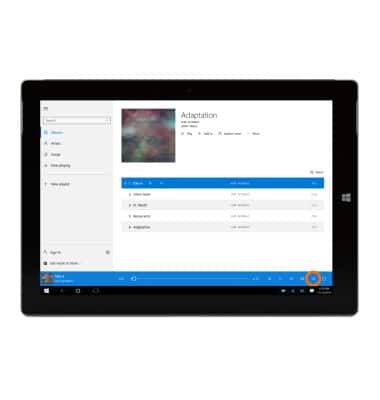
- Tap the Repeat icon to repeat the song.
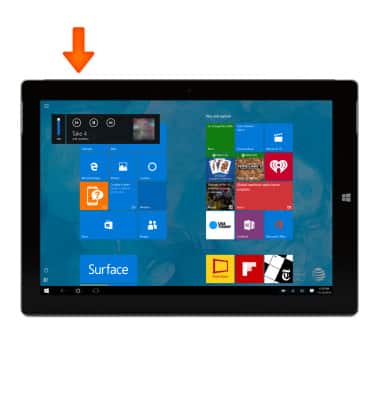
- From the Start screen, to quickly access the music currently playing, press the Volume keys to view the mini-player.
Play music
Microsoft Surface 3 (1657) Windows 10
Play music
Play music, turn the music player off.
INSTRUCTIONS & INFO