- Use the original charger and battery to maintain optimal battery performance over the life of your device.
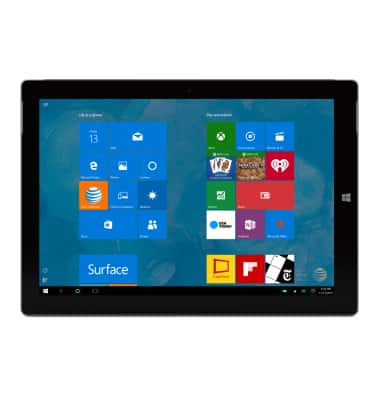
- To begin, connect the USB Cable to the charger, then plug the charger into a wall outlet.
Note: Your device charges quicker using a power outlet than when connected to another power source.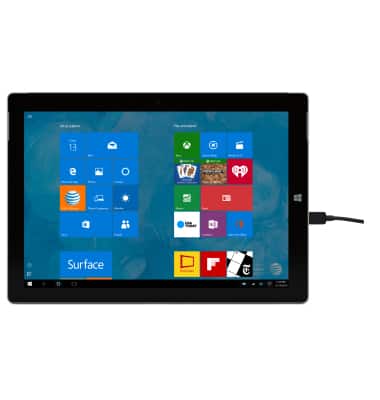
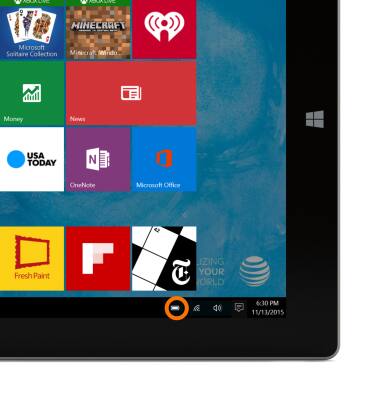
- When the device is charging, the Battery charging icon will be displayed.
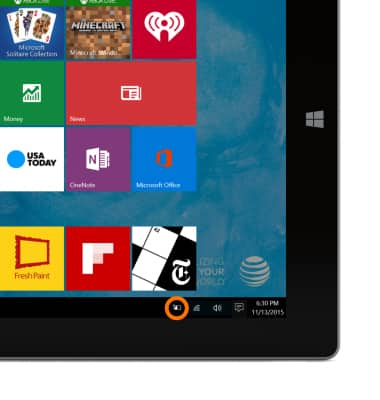
- When the device is fully charged, the Battery fully charged icon will be displayed.
- To learn more about charging your battery, download the user manual from www.att.com/devicehowto.
Note: For information about extending your battery performance, see the 'Battery life' tutorial.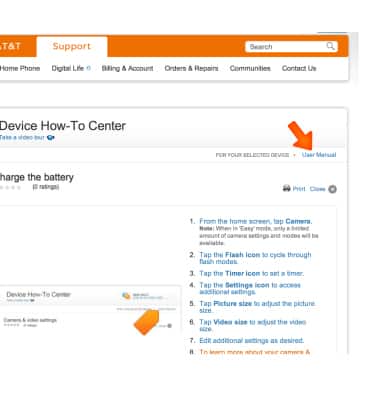
Charge the battery
Microsoft Surface 3 (1657) Windows 10
Charge the battery
Tips on charging your battery.
INSTRUCTIONS & INFO