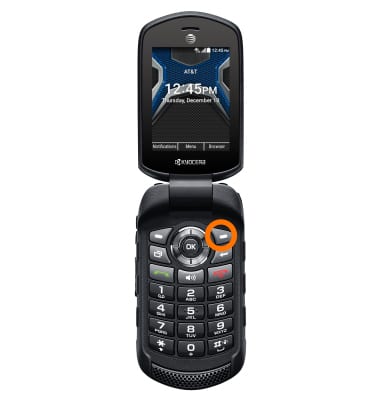
- From the home screen, select Browser.
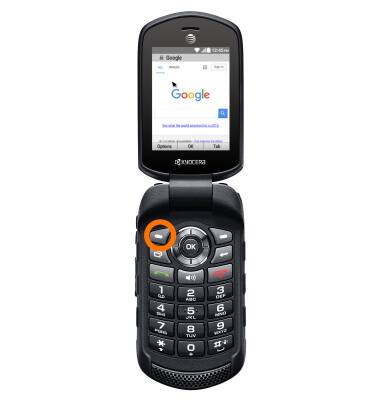
- Select Options.
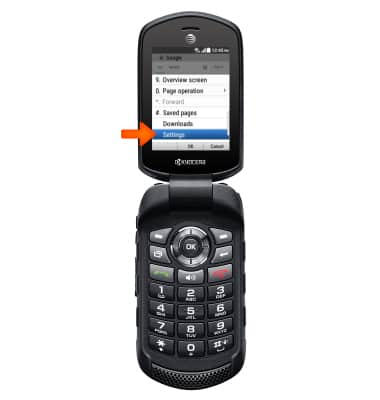
- Scroll to and select Settings.
- Select Privacy & security.
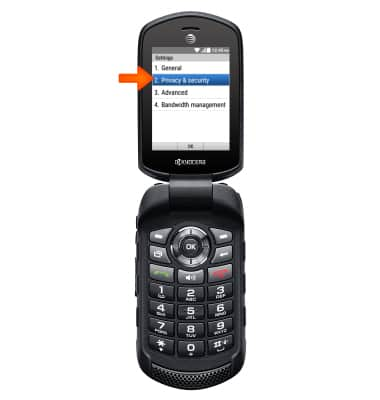
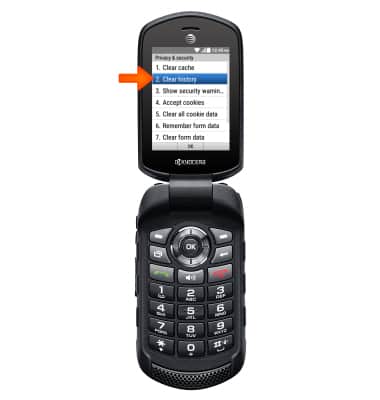
- Select Clear history.
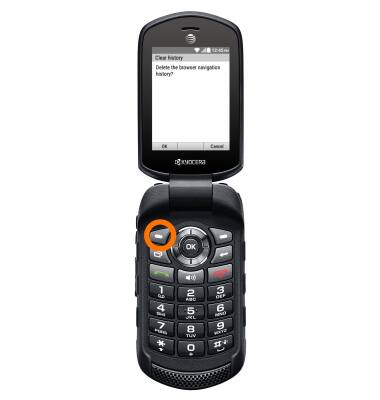
- Select OK.
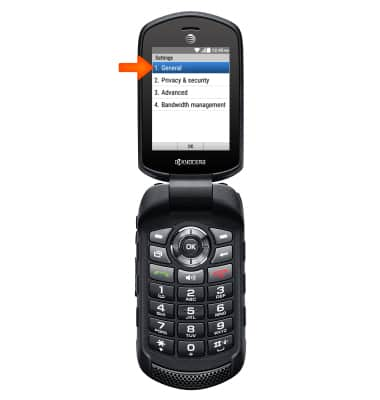
- To set the homepage, from the Browser Settings menu, select General.
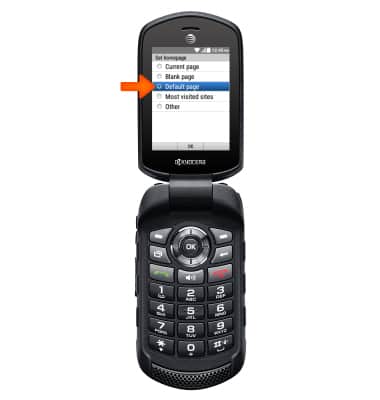
- Select Set homepage.
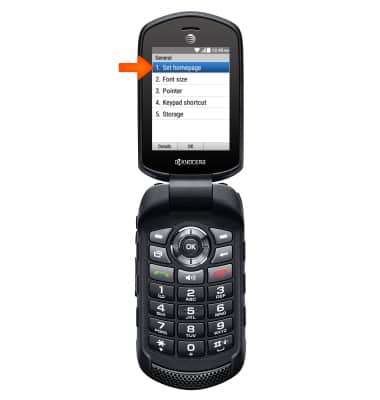
- Select desired option.
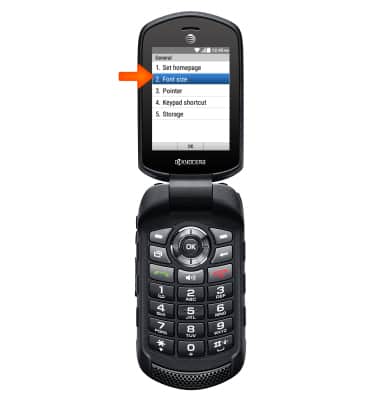
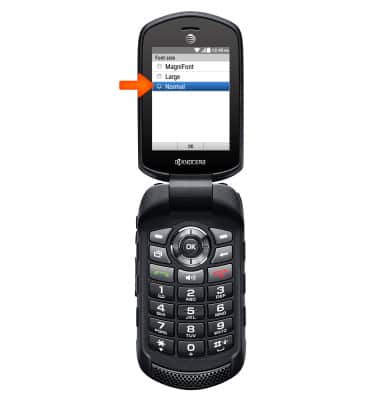
- From the General menu, select Font size.
- Select desired font size.
- From the General menu, select Advanced.
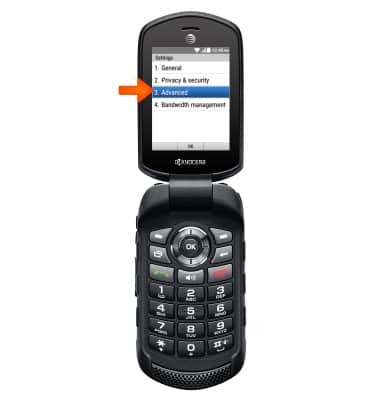
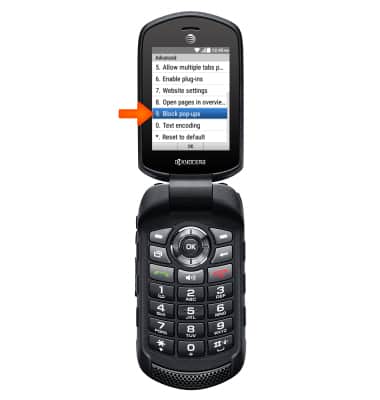
- Scroll to and select Block pop-ups.
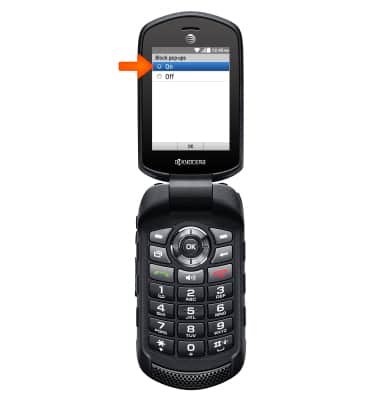
- Select On to block pop-ups or Off to turn off pop-up blocking.
Browser options
Kyocera Dura XE (E4710)
Browser options
Access browser settings to clear history, set homepage, adjust text size, manage pop-up, change the default browser, and restore default settings.
INSTRUCTIONS & INFO