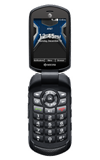
- You can raise or lower the volume using the volume keys on the left side of the device.
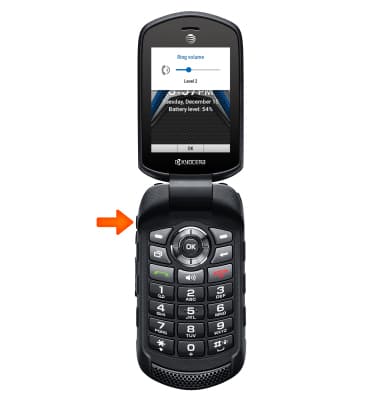
- To set the device to Vibrate, press the volume down key until Vibrate is displayed.
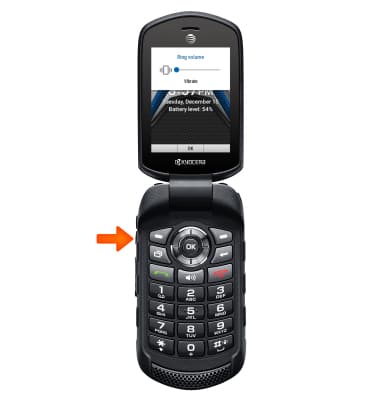
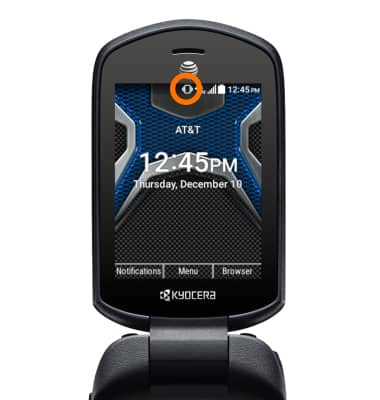
- When the device is set to Vibrate, the Vibrate icon will be displayed in the notification bar.
- To set the device to Silent, press the volume down key until Silent is displayed.
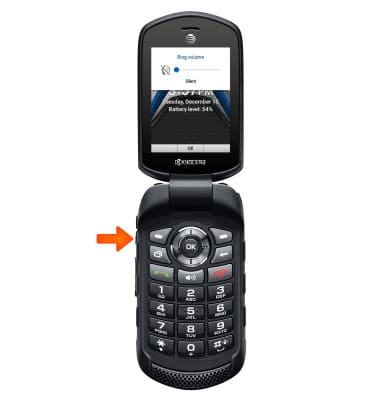
- When the device is set to Silent, the Silent icon will be displayed in the notification bar.
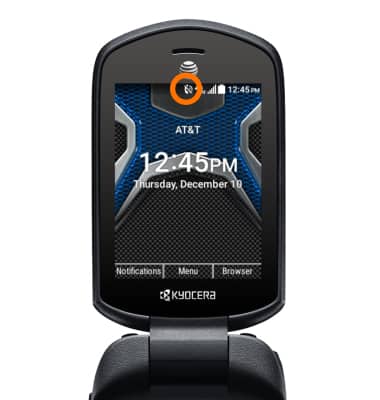
- To adjust other volume settings, press the OK button to access the Menu.

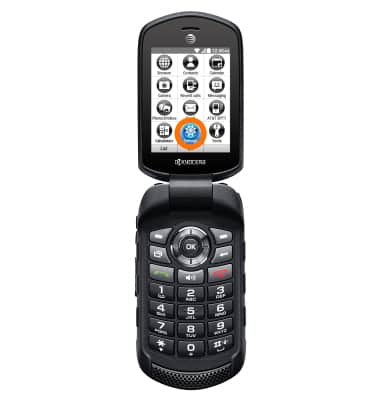
- Use the navigation keys to select Settings, and press the OK key.
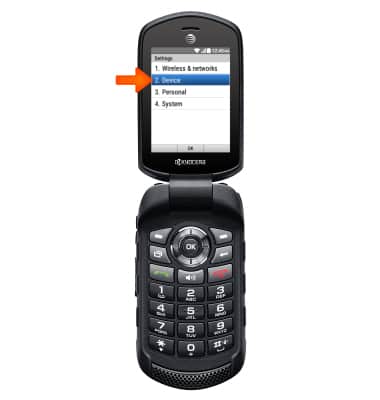
- Use the navigation keys to select Device, and press the OK key.
- Use the navigation keys to select Sound & notification and press the OK key.
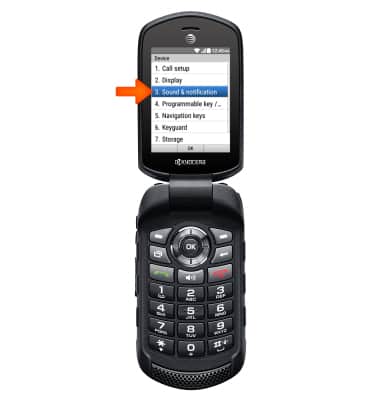
- Adjust desired settings.
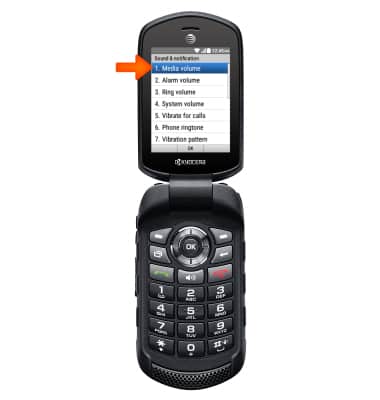
- To change the ringtone, use the navigation keys to select Phone ringtone and press the OK key.
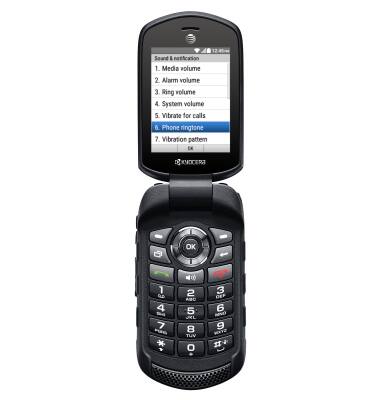
- Select the desired ringtone and press OK.
Note: For steps to assign a ringtone to a contact, please seach tutorials for 'Contacts'.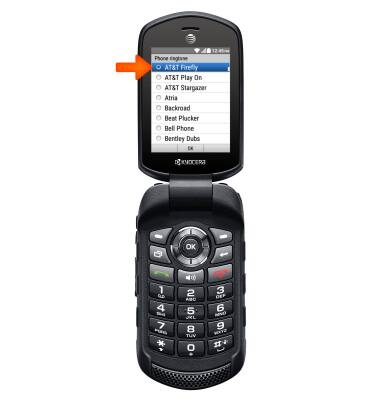
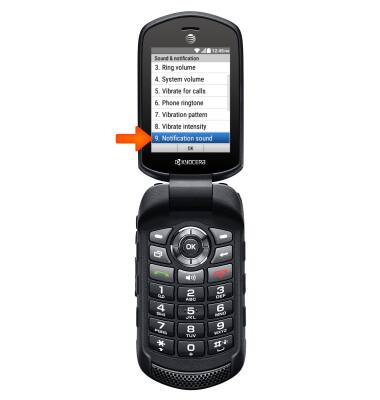
- To change notification sounds, use the navigation keys to select Notification sound and press the OK key.
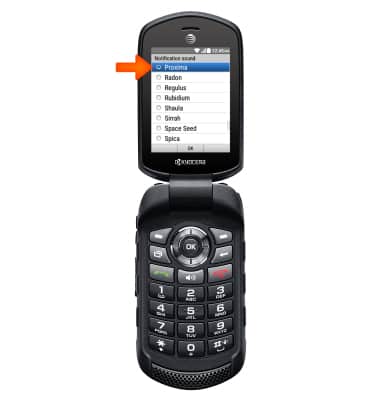
- Select the desired notification sound and press OK.
Sounds & alerts
Kyocera Dura XE (E4710)
Sounds & alerts
Change volume settings, ringtones, and notification alerts.
INSTRUCTIONS & INFO