- SET STORAGE LOCATION: From the home screen, select the Camera app then select the Settings icon.
Note: Alternately, you can access the camera from the lockscreen by selecting and dragging the Camera icon up.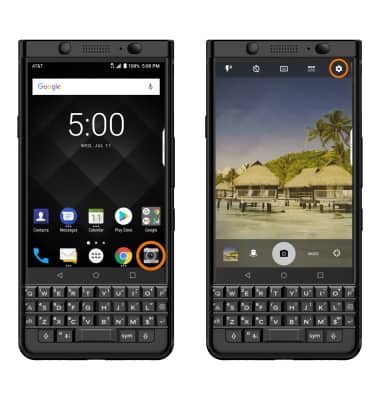
- Scroll to and select the Media Card switch.
Note: The Media Card switch is only accessible if an SD card is installed.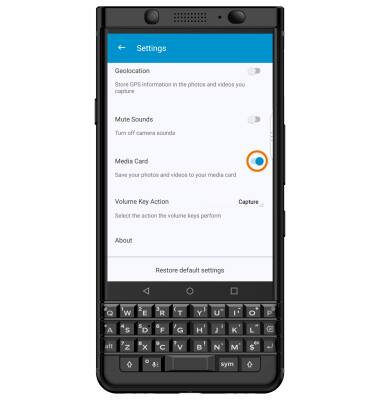
- ACCESS PHOTOS/VIDEOS: From the Camera app, select the Gallery icon.
Note: Alternately, from the home screen select the Photos app.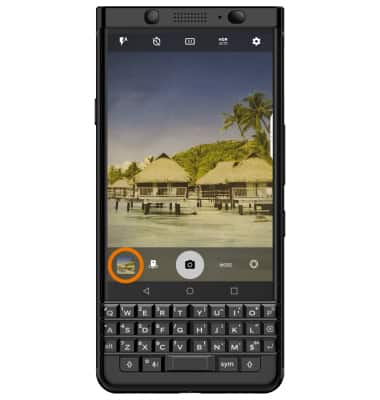
Access, Store Photos & Videos
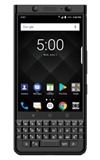
BlackBerry KEYone (BBB100-1)
Access, Store Photos & Videos
Learn how to access and store Photos & Videos.
INSTRUCTIONS & INFO