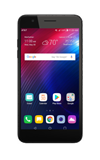
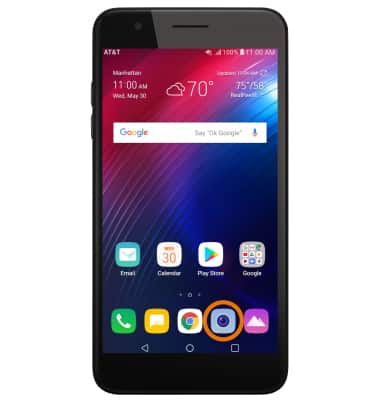
- From the home screen, select the Camera app.
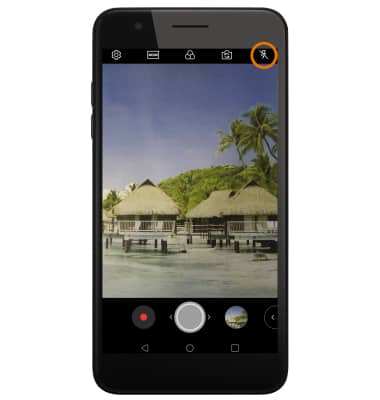
- TURN ON/OFF FLASH: Select the Flash icon to cycle through flash on, flash off, or flash auto.
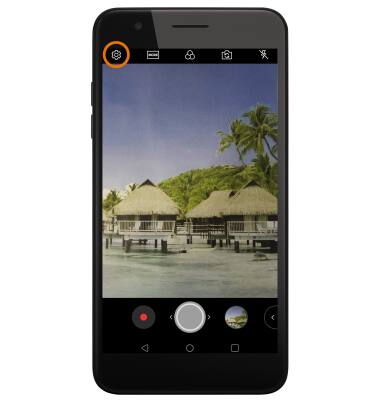
- ADDITIONAL CAMERA SETTINGS: Select the Settings icon.
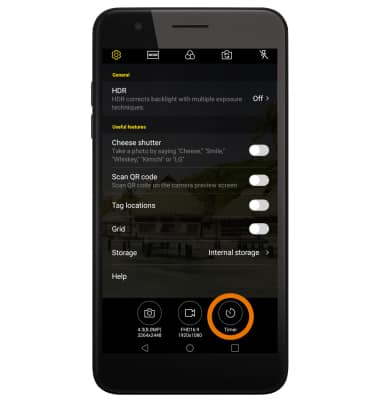
- SET A TIMER: From the Settings screen, select Timer to select the desired time.
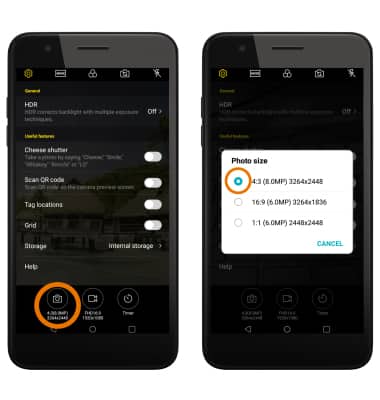
- CHANGE PICTURE SIZE: From the Settings screen, select Photo size icon then select the desired Photo size.
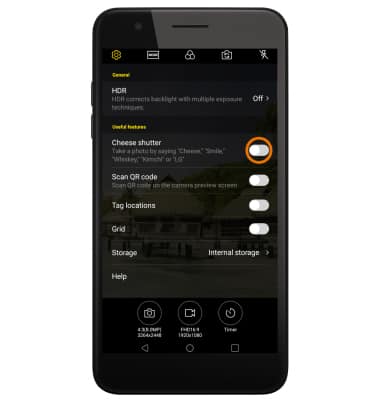
- USE VOICE COMMANDS: From the Settings screen, select the Cheese shutter switch to take pictures by saying "Smile," "Cheese," "Whiskey," "Kimchi," or "LG."
Camera & Video Settings
LG Phoenix Plus / K30 (LM-X410AS)
Camera & Video Settings
Manage camera and video settings including flash, timer, picture size, and voice commands.
INSTRUCTIONS & INFO