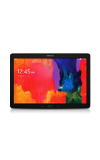
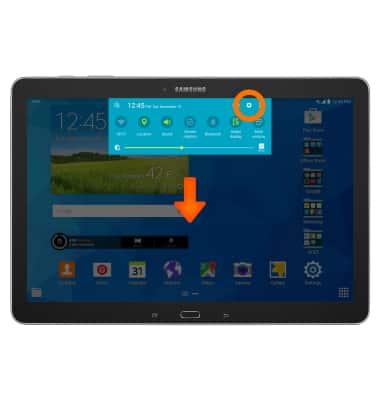
- Swipe down from the top of the screen, then tap the Settings icon.
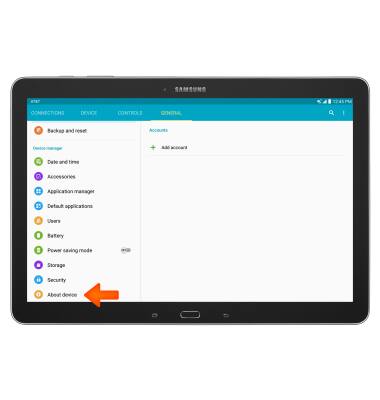
- Under the General tab, scroll to and tap About device.
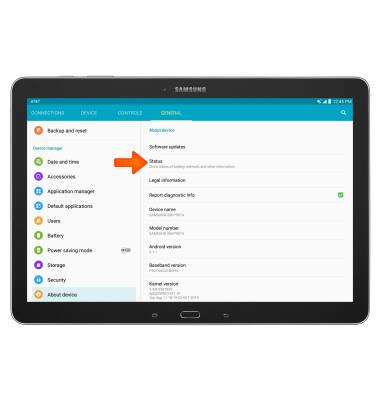
- Tap Status.
- Scroll down to view the IMEI number and the Serial number.
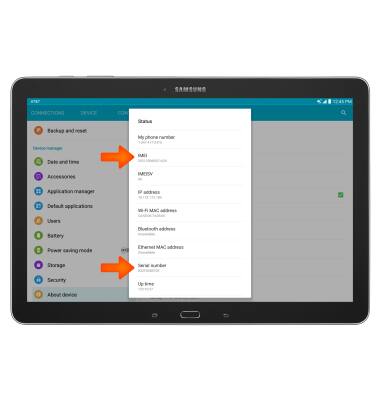
Find IMEI & serial number
Samsung Galaxy Note Pro 12.2 (P907A)
Find IMEI & serial number
View the device IMEI, phone, SIM (ICCID) and serial number.
INSTRUCTIONS & INFO