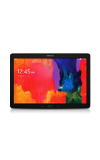
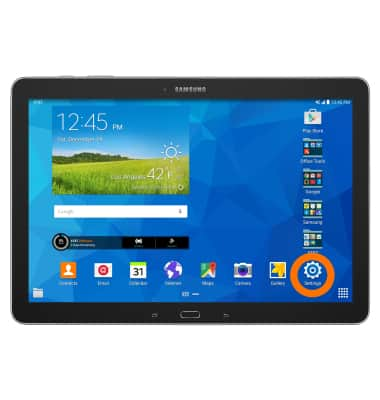
- To add a personal email account, from the home screen, tap the Settings icon.
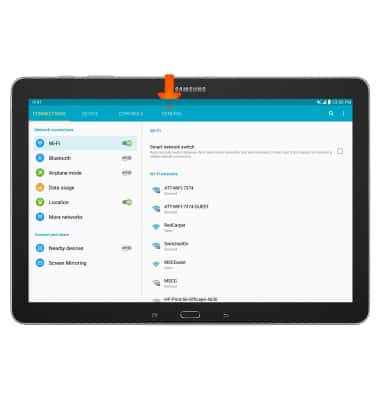
- Tap the General tab.
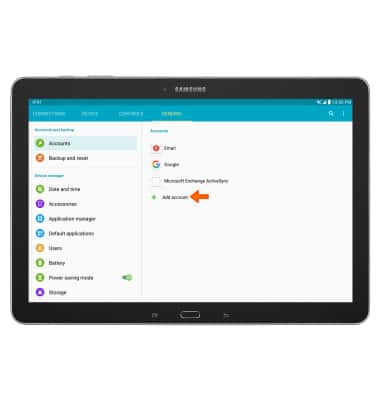
- Tap Add account.
- Tap the Desired email provider.
Note: Gmail was chosen for this tutorial.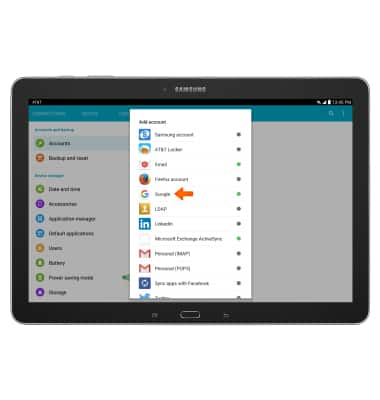
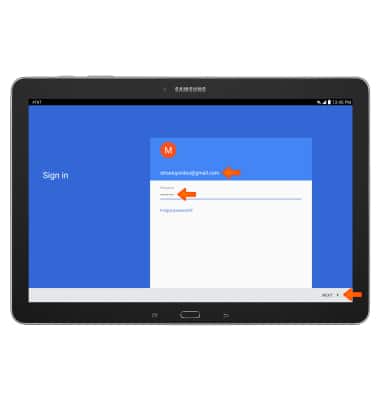
- Enter your Desired email address and Password then tap NEXT.
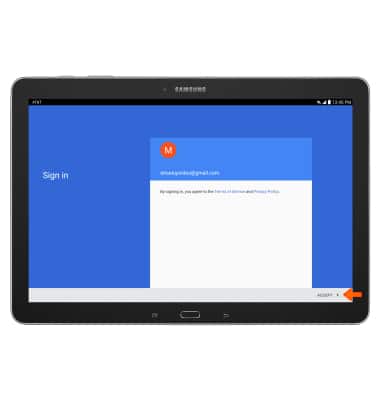
- Tap ACCEPT.
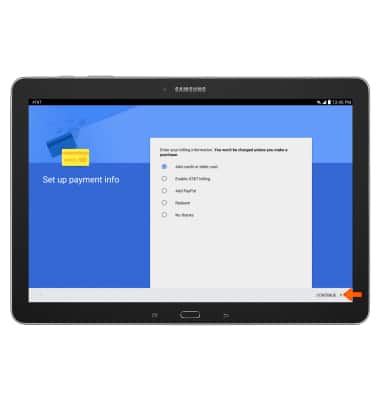
- Set up your payment info, then tap CONTINUE.
Set up personal email
Samsung Galaxy Note Pro 12.2 (P907A)
Set up personal email
Add your personal email account to sync email, contacts, calendar, and notes to your device.
INSTRUCTIONS & INFO