- From the Home screen, press Menu.
Note: There is no camera app on the B471 model.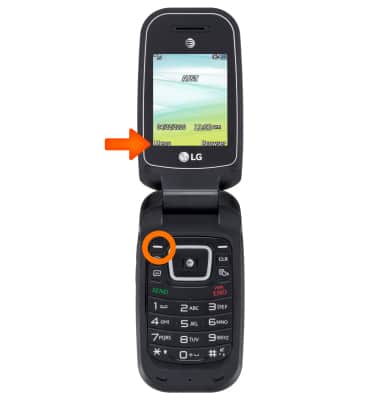
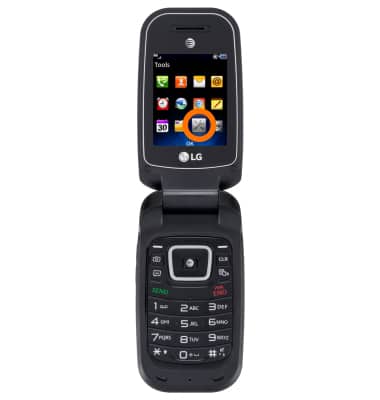
- Scroll to Tools, then press OK.
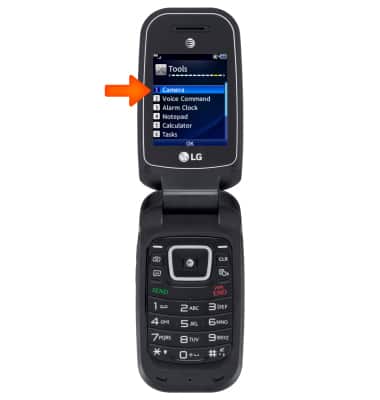
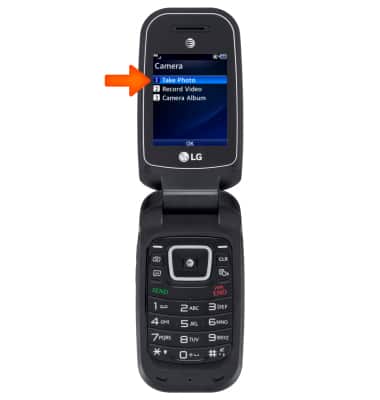
- Scroll to Camera, then press Camera.
- To take a photo, scroll to Take Photo, then press OK.
- To access Settings, select Settings. Follow the on screen prompts to edit desired settings.
Note: To access video settings, Select Video. Then select Settings.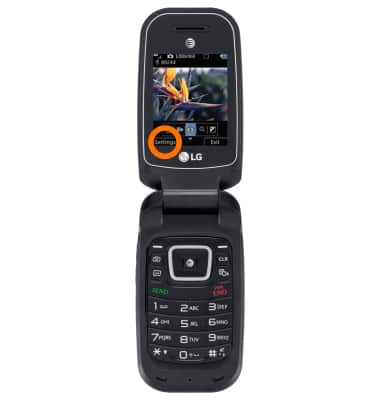
- To change picture size select Settings > Image Size.
- To set the timer, select Settings > Timer.
- To reset camera settings, select Settings > Other > Reset Settings > Yes.
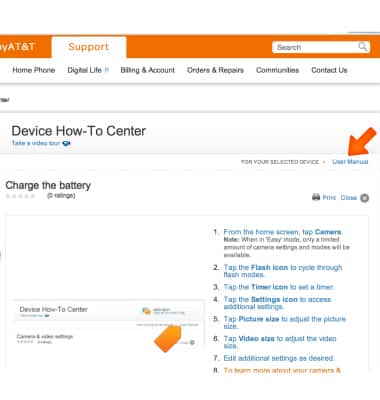
- To learn more about your camera settings and features, from a computer, download the user manual.
Camera & video settings
LG B470/B471
Camera & video settings
Manage camera and video settings including flash, timer, voice control, recording mode, storage location, and more.
INSTRUCTIONS & INFO