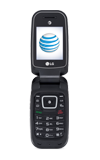
- From the home screen press Menu.
Note: There is no camera app on the B471 model.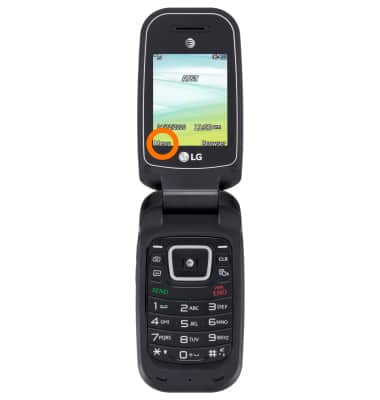
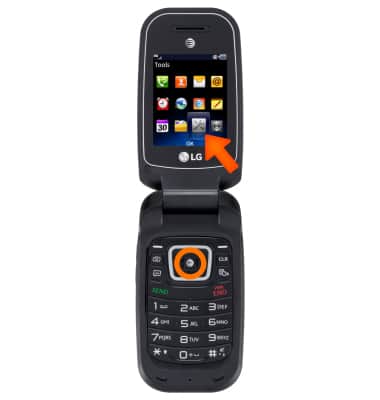
- Scroll to Tools, then press OK.
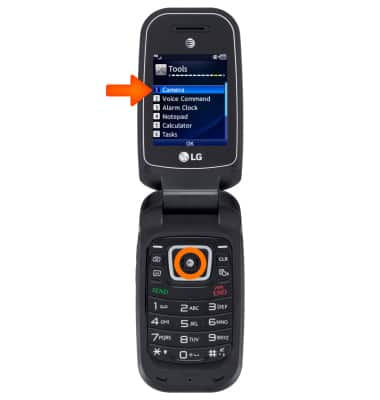
- From Tools, scroll to Camera, then press OK.
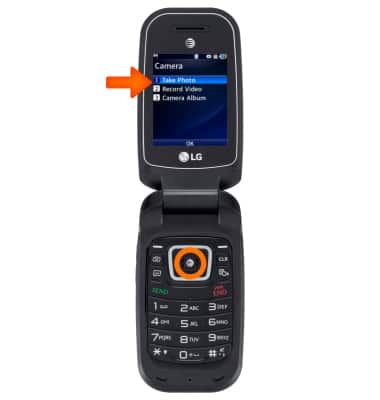
- Scroll to Take Photo, then press OK.
- To take a picture, press the center soft key.
Note: To capture continuous pictures, go to Settings > Shot Mode > Continuous Shot.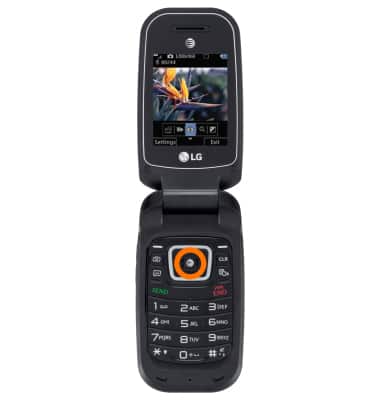
- To switch to video mode, press left soft key to video camera icon.
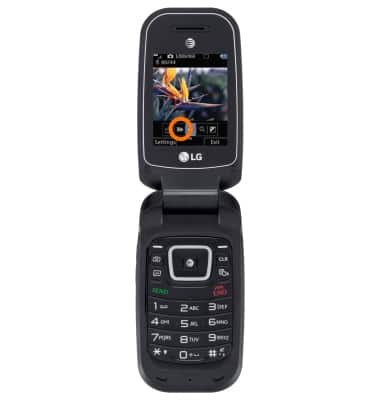
- To start the video recording, press the center soft key.
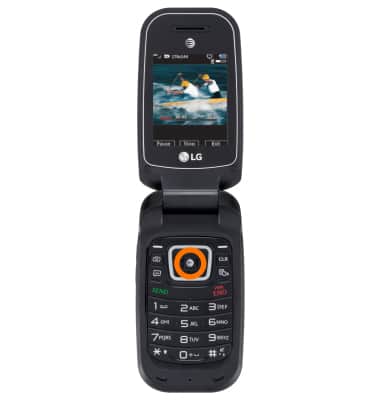
- To pause video recording, press Pause.
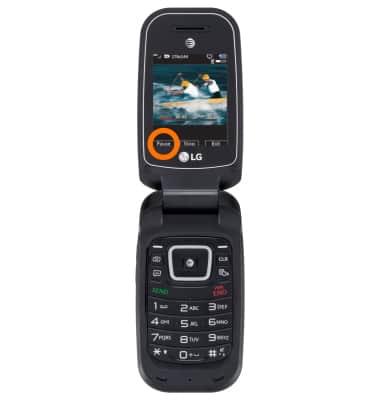
- To stop video recording, press STOP.
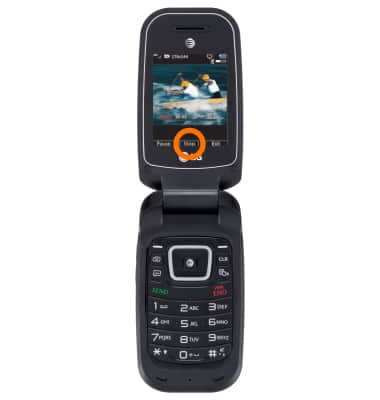
- To save the video recording, scroll left, then press Album.
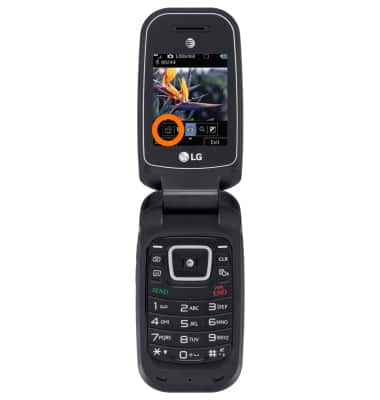
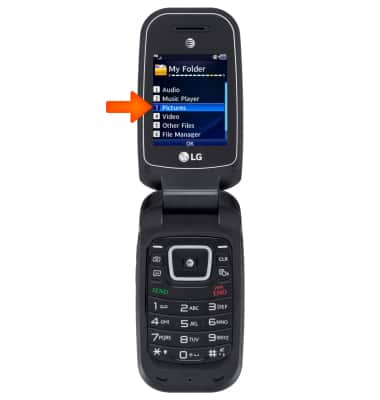
- To access saved pictures and videos, from the Homescreen > Menu > My Folder > Pictures / Video.
- This device has a 1.3MP rear-facing camera and the video recorder.
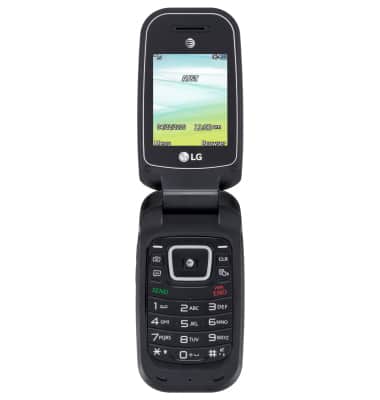
Take a picture or video
LG B470/B471
Take a picture or video
Take and edit a picture or video, use the front camera, and switch between camera and video modes.
Take a picture or video
Take and edit a picture or video, use the front and rear camera, and switch between camera and video modes.
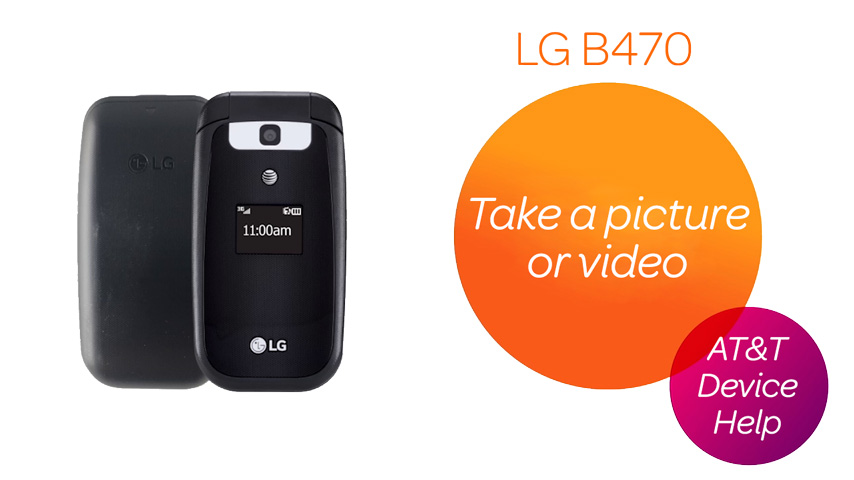
Take a picture or video
1:29
INSTRUCTIONS & INFO