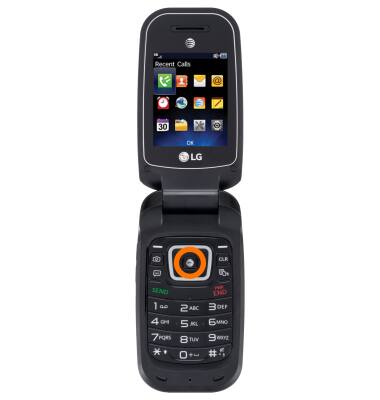
- To access applications press Menu.
Note: To set the Hotkeys (Up,Down,Left, & Right keys), From the home screen, press Menu > Settings > Phone Settings > Set Hotkeys.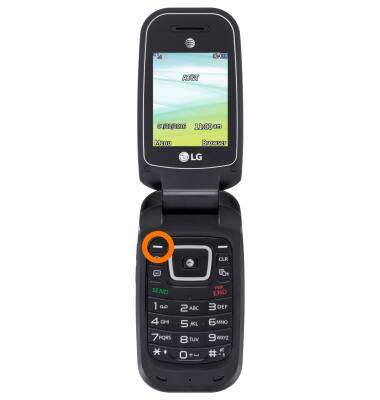
- To open a specific app, press the Desired app icon.
Gestures & navigation
LG B470/B471
Gestures & navigation
Control your device by making specific movements with your hand.
INSTRUCTIONS & INFO