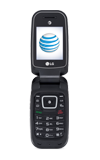
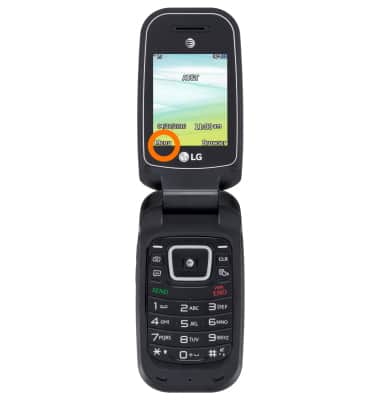
- From the home screen press Menu.
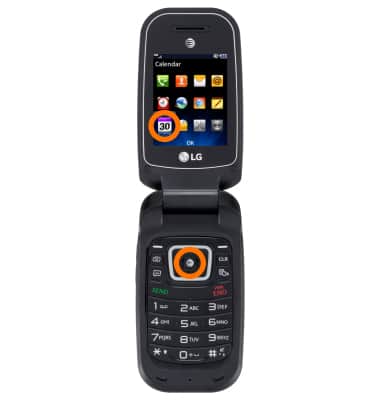
- Scroll to Calendar icon and press OK.
- To change the calendar view, press View.
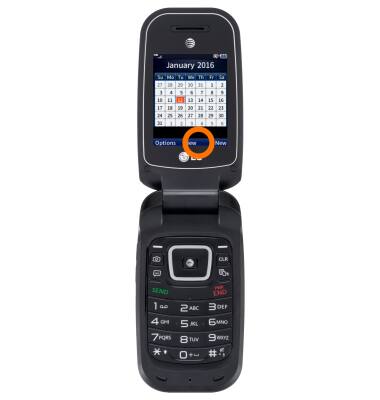
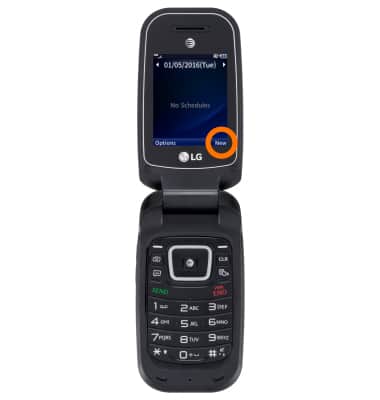
- To create a new calendar event, press New.
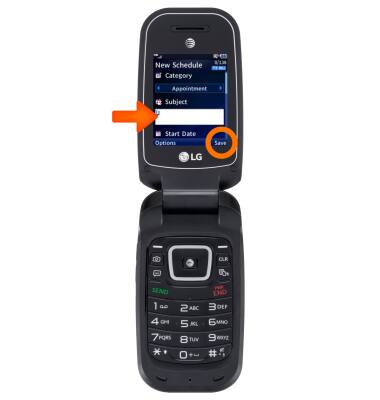
- Insert desired information then press Save.
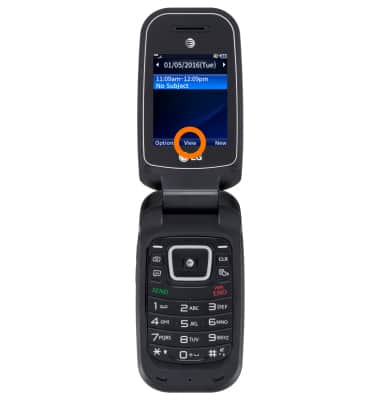
- To edit an existing event, press View.
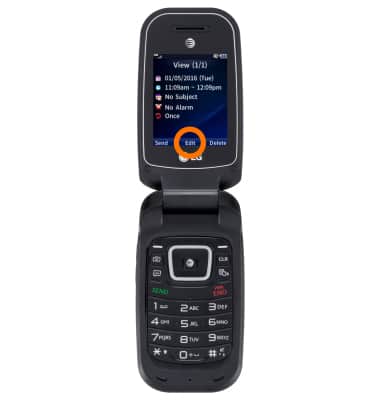
- Tap Edit.
Note:You will only be able to edit events you have created.
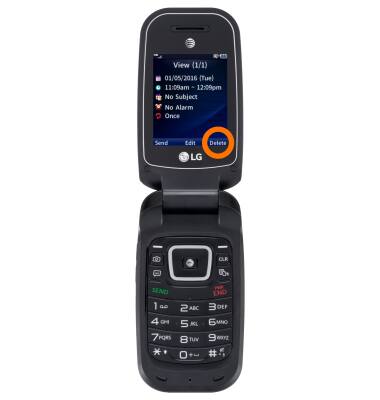
- To delete an event, while viewing the event, press Delete.
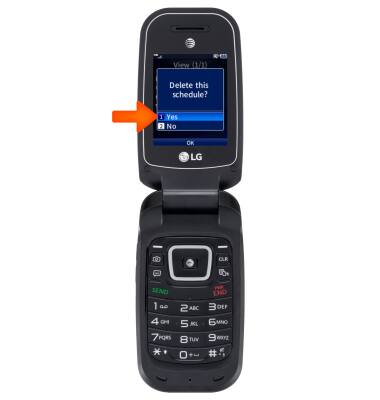
- Scroll to Yes, then press OK.
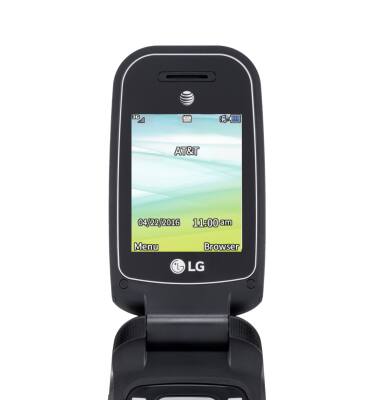
- When you event is set, a icon will display on the home screen.
Calendar
LG B470/B471
Calendar
Access the calendar and manage events.
INSTRUCTIONS & INFO