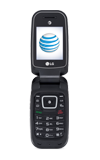
- Turn on the Bluetooth setting on the device.
Note: Connecting to PC or Mac computer require same steps for both computer platforms.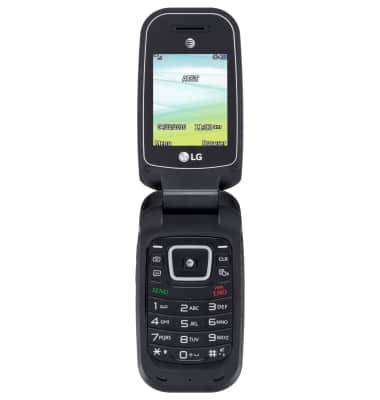
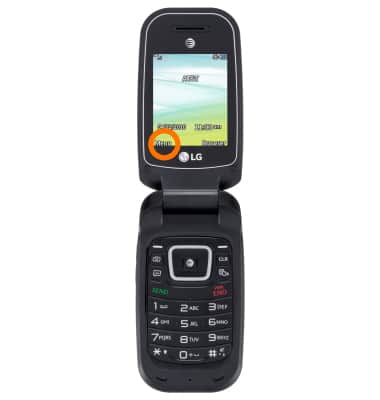
- From the Homescreen press Menu.
- Next select the Settings icon and press OK.
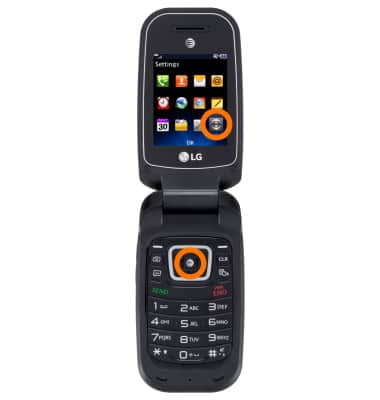
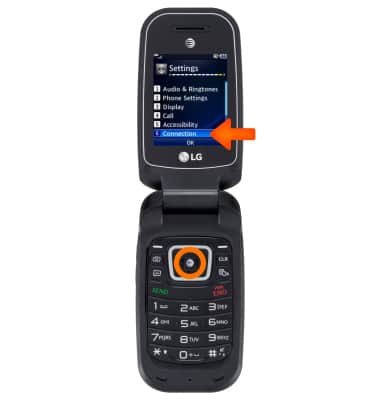
- Select Connection and press OK.
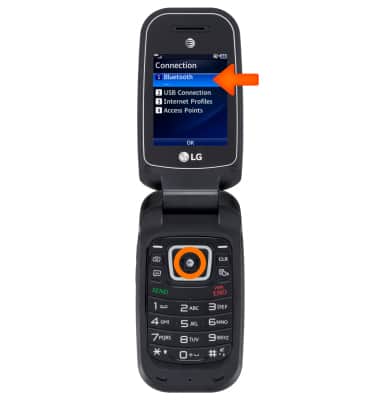
- Select Bluetooth and press OK.
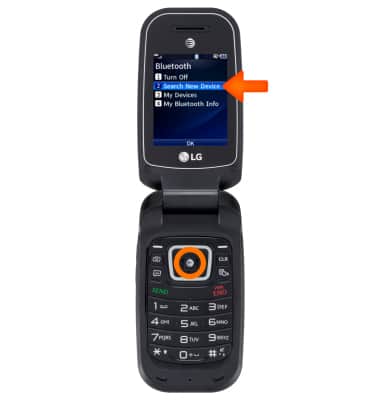
- Select Search New Device and press OK.
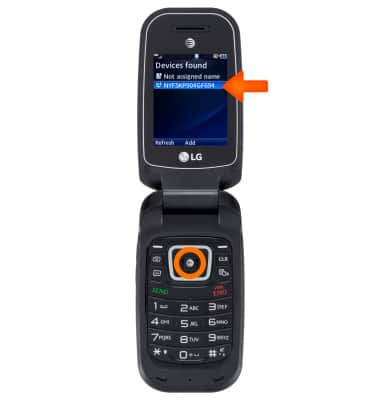
- Select your computer and press Add.
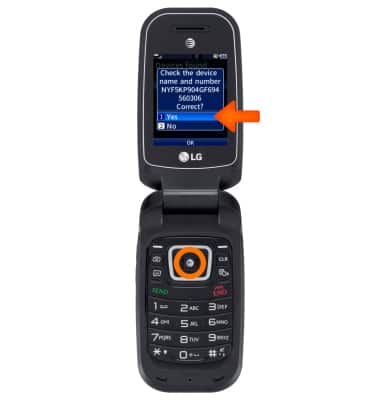
- Select Yes and press OK to connect via bluetooth.
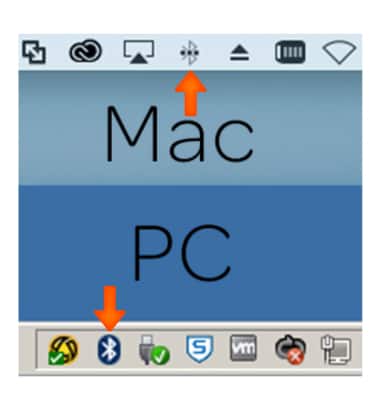
- On your PC or Mac, select the Bluetooth icon.
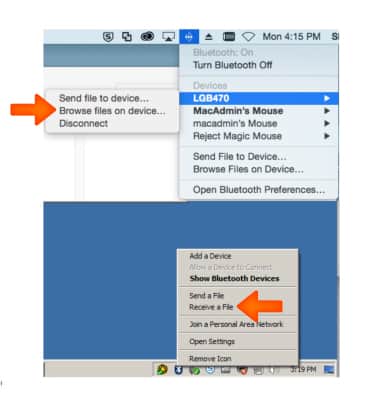
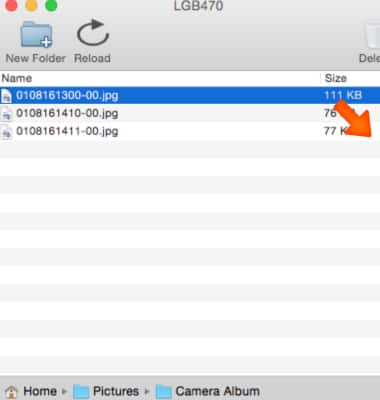
- A window will appear, select with your computers mouse Recieve a File or Browse files on device.
- Select what folder/files you would like to backup.
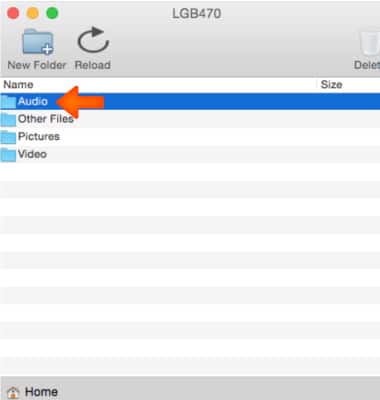
- Next on select the file(s) and drag onto your desktop.
- Wait for the transfer to complete.
Note: To restore files to your device, follow the reverse of the above steps.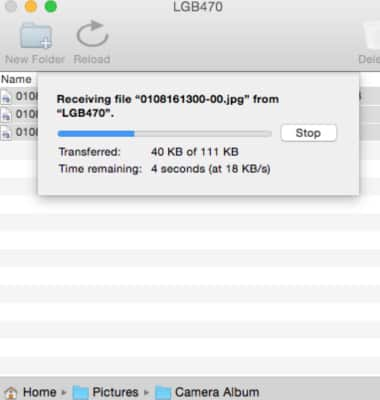
Backup and restore with computer
LG B470/B471
Backup and restore with computer
Backup and restore your device with a computer.
INSTRUCTIONS & INFO