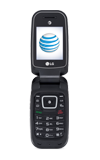
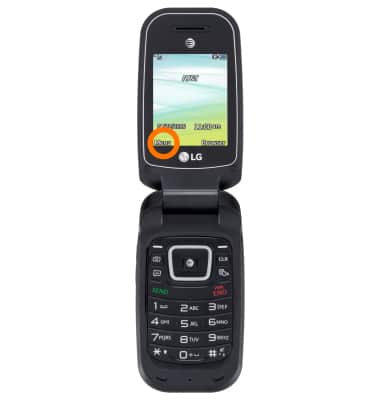
- To access the text & picture message settings, select Menu.
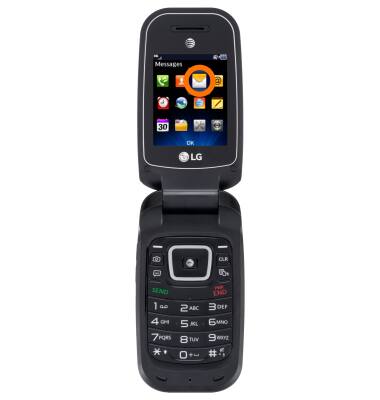
- Select Messages.
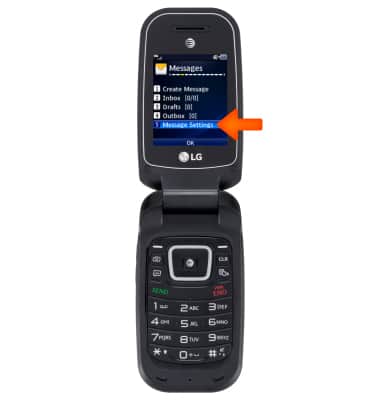
- Select Message Settings.
- To change notification alerts, select Message Alerts.
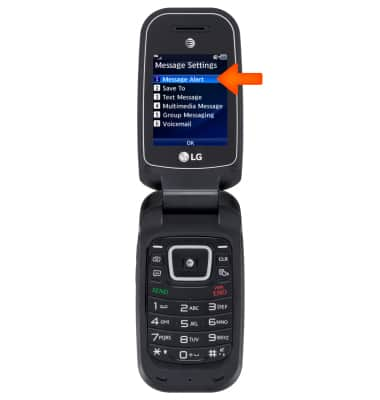
- Choose the desired option(s).
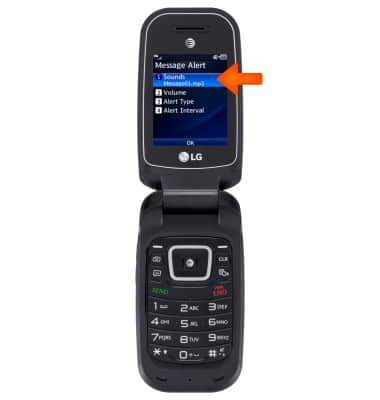
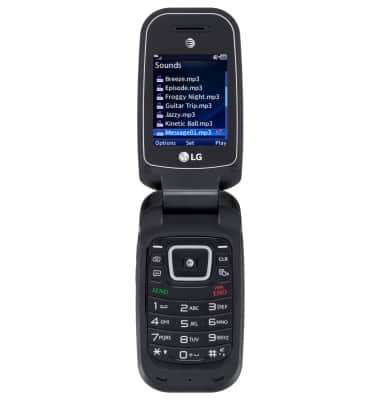
- To change the alert sound, from the Message Alert menu, select Sound. Adjust as desired.
- To set or send text template, from the Message Settings screen, select Text Message.
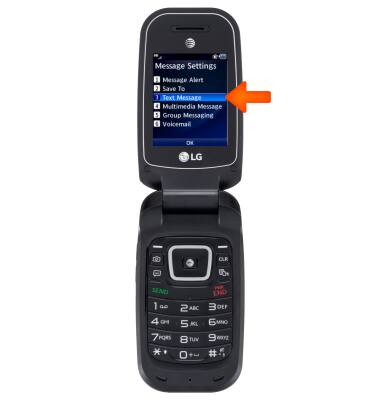
- Select Text Templates.
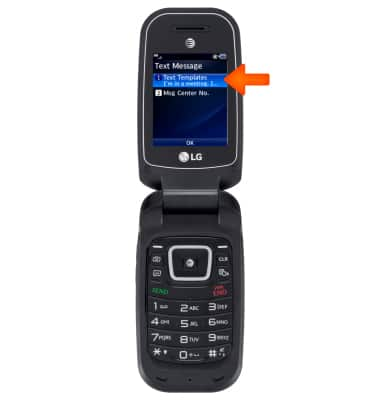
- To view a text template, highlight the desired template, then select View.
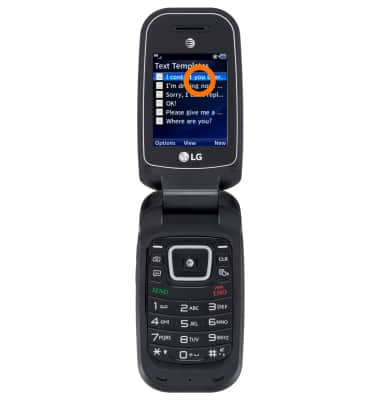
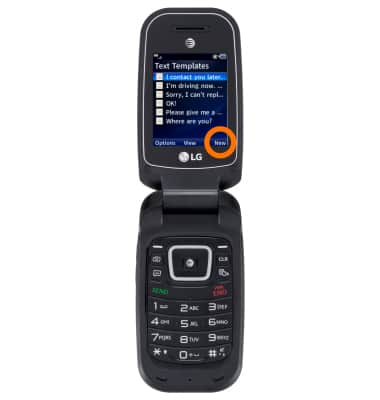
- To create a new text template, select New.
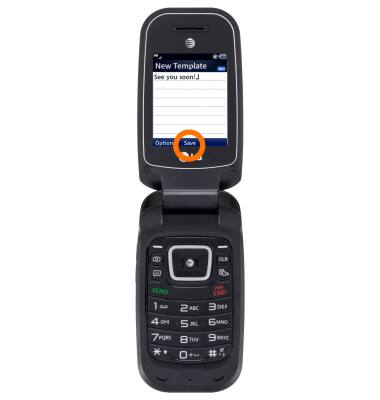
- Enter the desired message, then select Save.
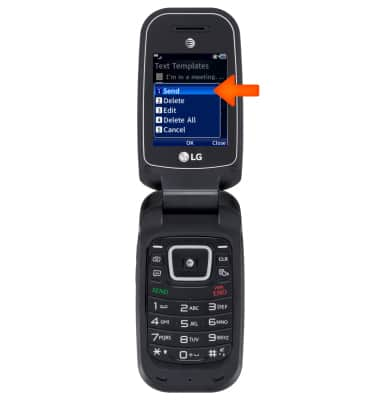
- To send a text template, highlight the desire template. Then select Options.
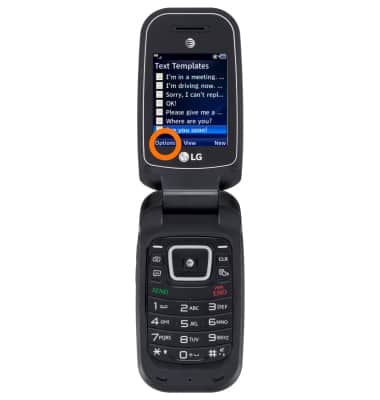
- Select Send.
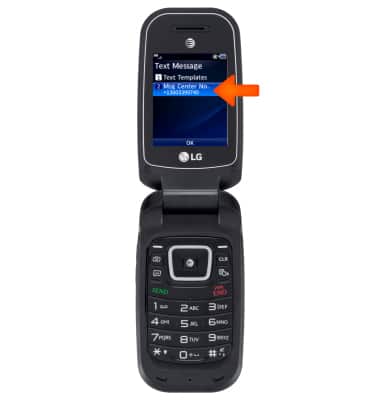
- To view the message setting number, from the Text Message screen, select Msg Center No.
Messaging settings
LG B470/B471
Messaging settings
Change text (SMS) and picture (MMS) settings.
INSTRUCTIONS & INFO