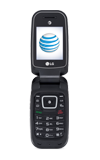
- Accessibility features allow you to improve the usability of your device for users affected by impaired vision or hearing, cognitive difficulty, or reduced dexterity.
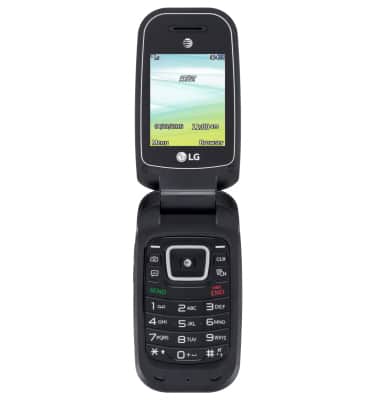
- To access Accessibility features, press Menu.
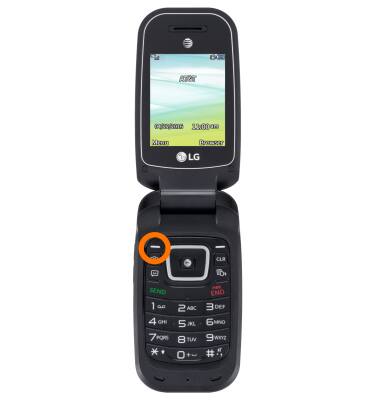
- Scroll to, then press Settings.
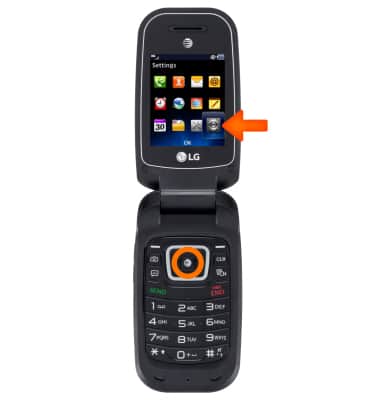
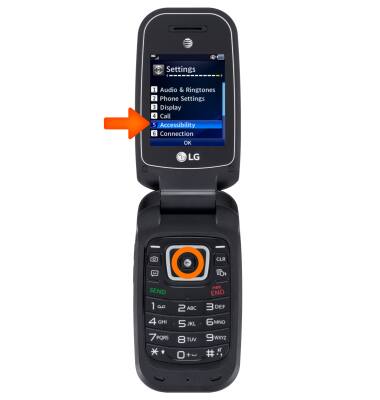
- Scroll to, then press Accessibility.
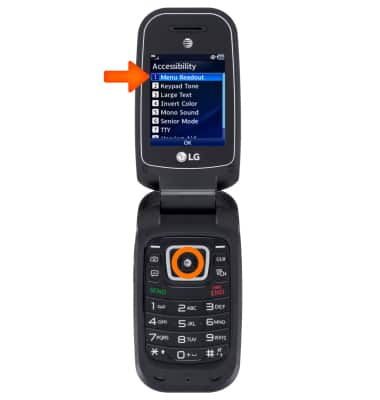
- To turn “Talk back” on & off, press Menu Readout.
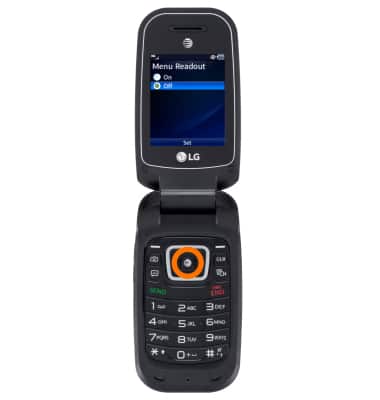
- Select your desired option, then press Set.
Accessibility
LG B470/B471
Accessibility
Turn on features such as TalkBack, Hearing aid mode, and more.
INSTRUCTIONS & INFO