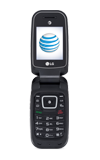
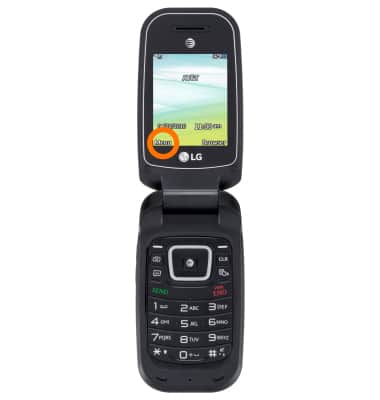
- To secure a device, from the Homescreen press the Menu key.
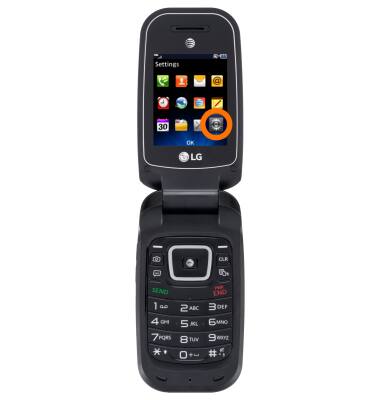
- Select the Settings icon and press OK.
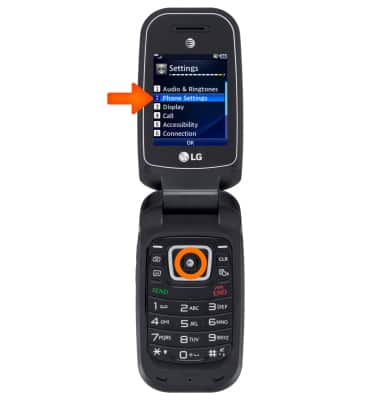
- Select Phone Settings and press OK.
- Now select Security and press OK.
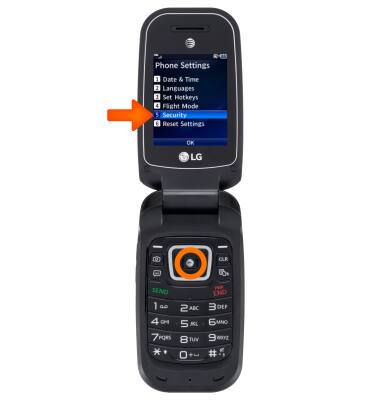
- To turn Phone Lock on select Phone Lock press OK.
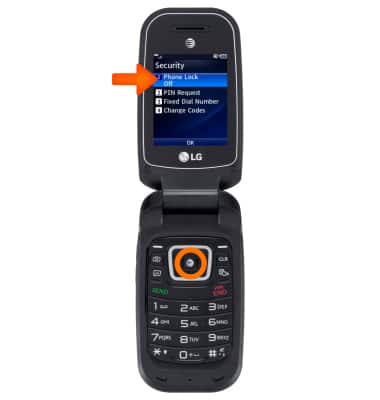
- Select your desired option and press Set.
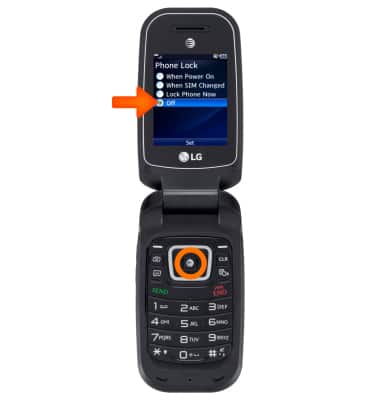
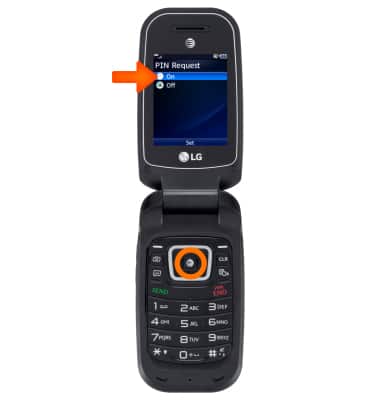
- To increase your device's security, select PIN Request and press OK.
Note: The default security code is “0000”.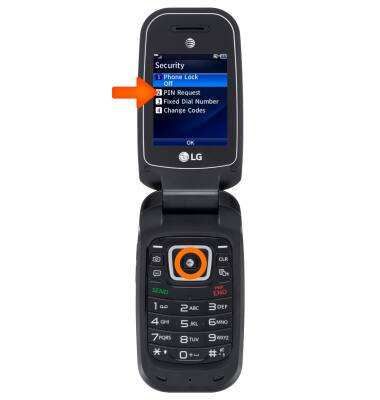
- Select On and press OK.
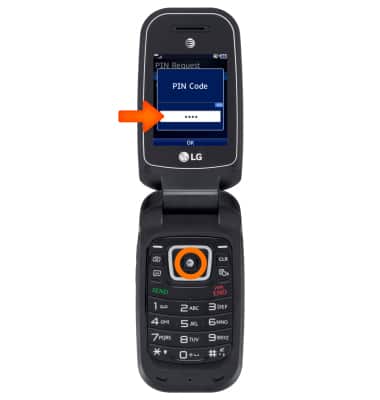
- Next enter a 4 digit PIN and press OK.
Secure my device
LG B470/B471
Secure my device
Lock the device screen, set and change security lock, and locate device.
INSTRUCTIONS & INFO