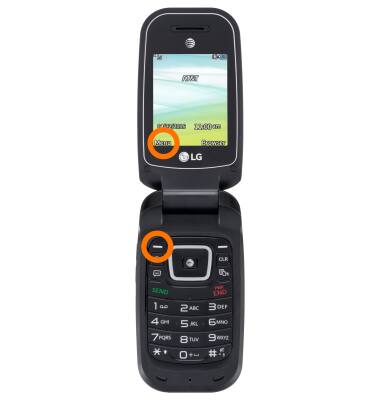
- From the home screen, press Menu button.
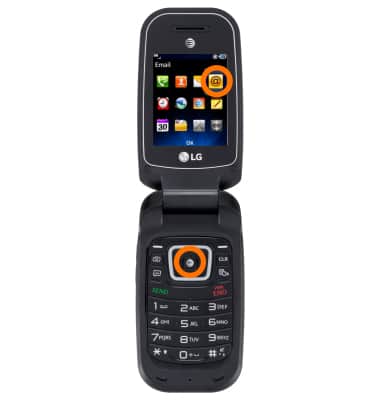
- Next select Email and press OK.
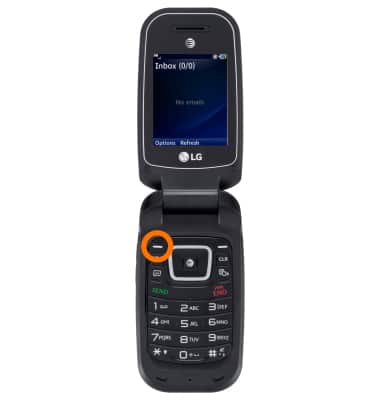
- Press Options key.
- Press Mailbox.
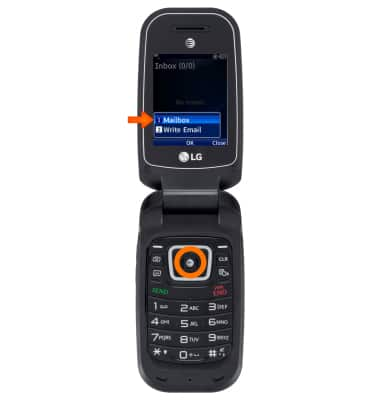
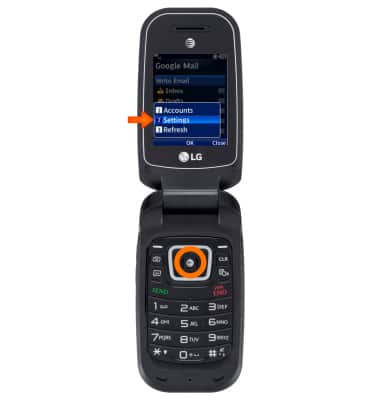
- Press OK with Settings highlighted.
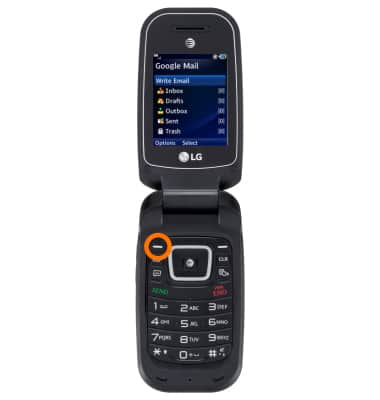
- Highlight Accounts and press Select.
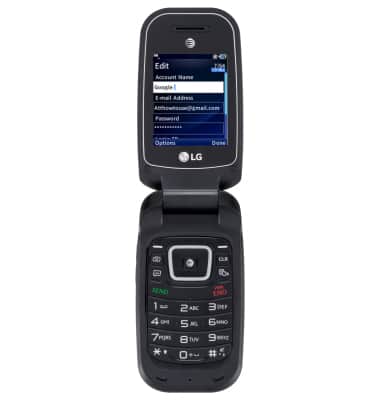
- Press the Edit key to edit your email account.
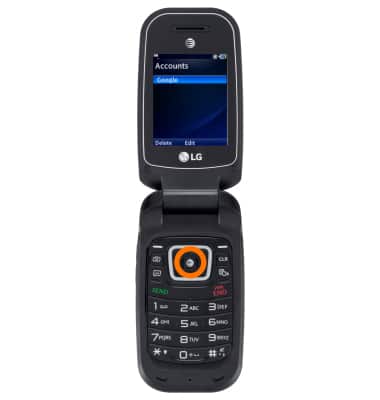
- Here you can reset your password, email ID/signature and mailbox type.
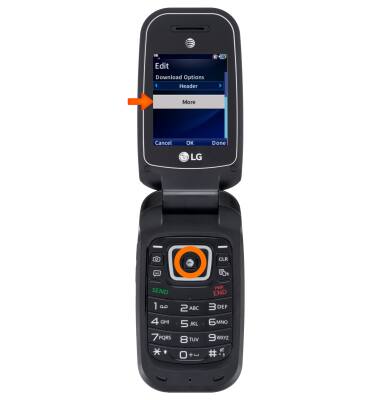
- Select More and Press OK to change incoming and outgoing server info.
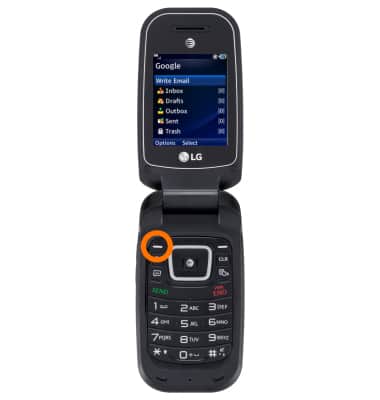
- To add an additional email, from the Mailbox press Options key.
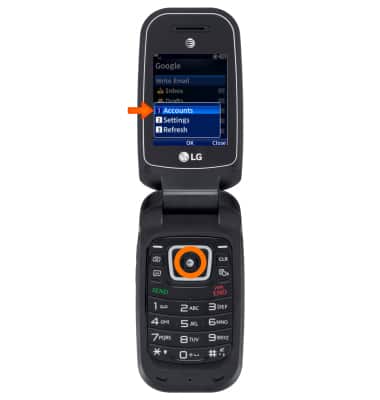
- Select Accounts and press OK.
- Press Options key.
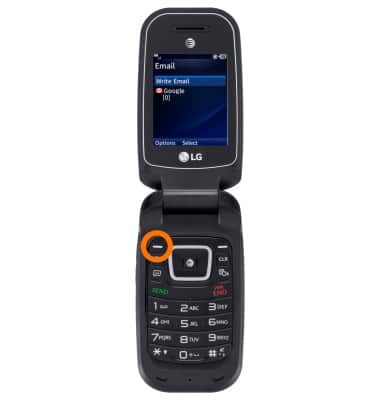
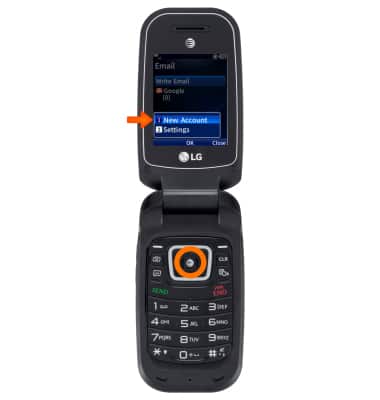
- Select New Account and press OK.
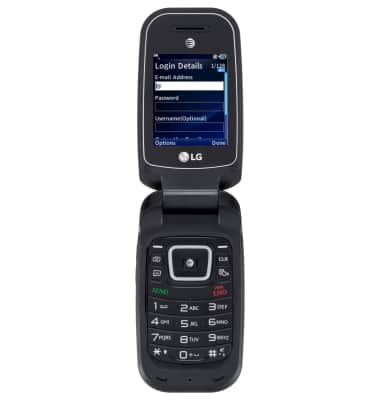
- Now set up another email, refer to "Set up personal email".
Email settings
LG B470/B471
Email settings
Manage email settings such as sync frequency, server settings, signature, deleting an email account, and more.
INSTRUCTIONS & INFO