
- To access Voice Control, from home screen tap the Microphone icon in the Google search bar.
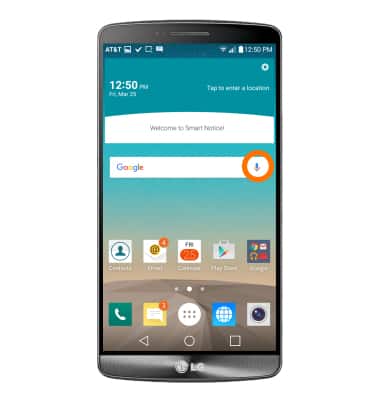
- Now speak what you would like to search for. For this demo, we are going to search for AT&T using Okay Google.
Note: Some examples of what you can voice search or command include "Call desired recipient", "Add event", "Get directions", "Send messages".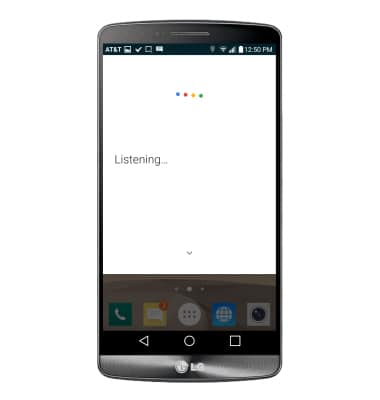
- When Listening is on screen say “AT&T”. Google will now search for AT&T.
Note: For this demo, we are going to search for AT&T using Okay Google.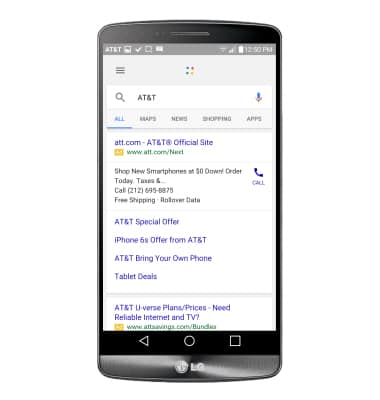
- To change voice command settings, tap the Menu icon.
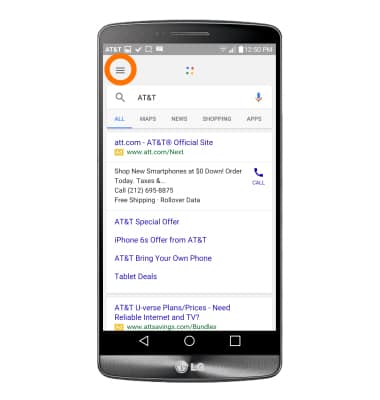
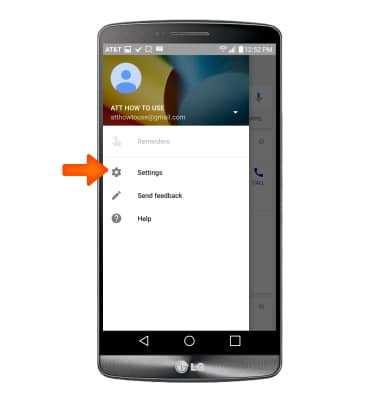
- Tap Settings.
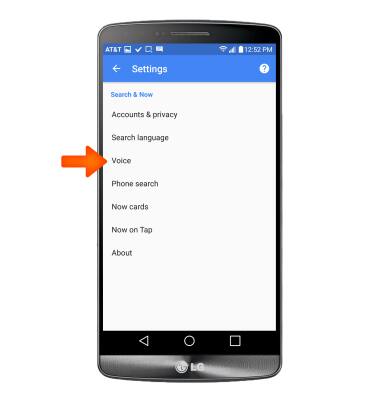
- Tap Voice, then adjust the settings as desired.
Voice control
LG G3 (D850)
Voice control
Use voice commands to control your device and access voice control settings.
INSTRUCTIONS & INFO