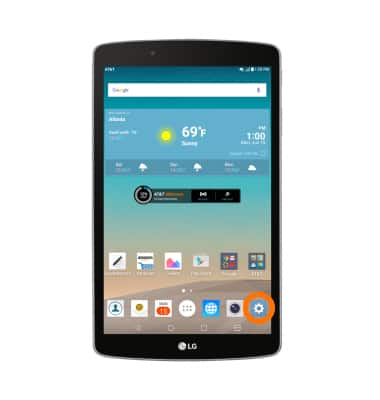
- Accessibilty features allow you to improve the usability of your device for users affected by impaired vision or hearing, cognitive difficulty, or reduced dexterity. From the home screen, tap the Settings icon.
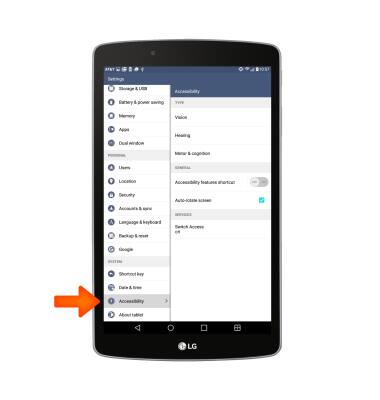
- Scroll to, then tap Accessibility.
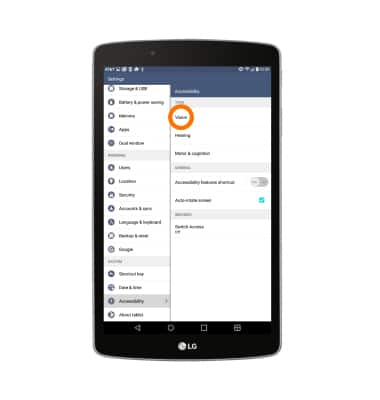
- Tap Vision.
- To toggle TalkBack on or off, tap TalkBack.
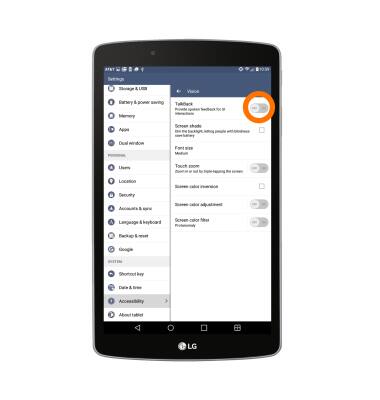
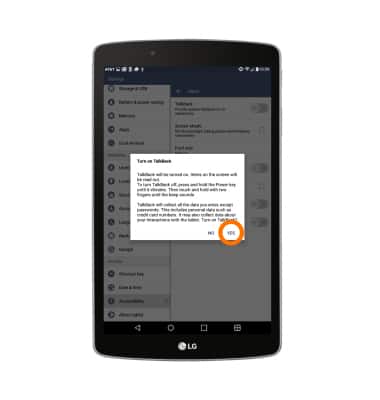
- Tap Yes.
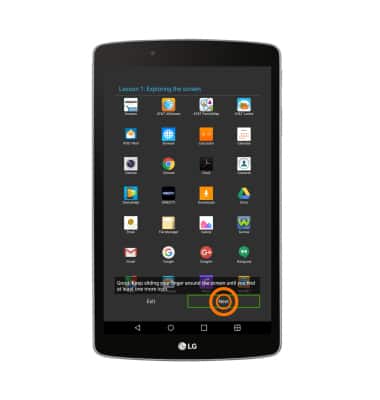
- Double tap Next, then follow the on-screen tutorial prompts.
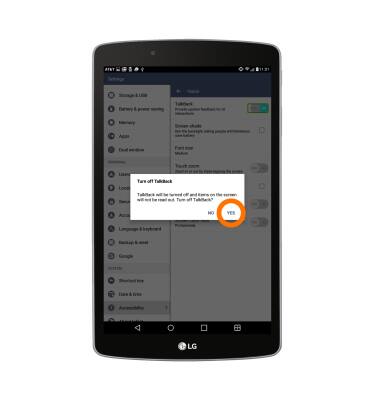
- To turn TalkBack off, double tap the TalkBack switch.
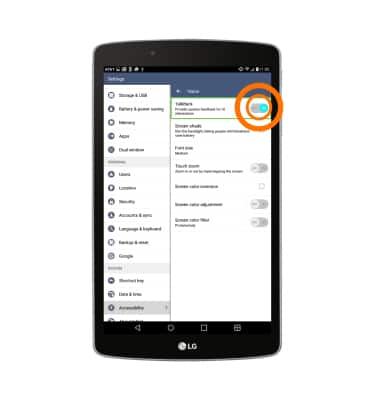
- Double tap Yes.
Accessibility
LG G Pad F 8.0 (V495)
Accessibility
Turn on features such as TalkBack, Hearing aid mode, and more.
INSTRUCTIONS & INFO