- Insert the Keyboard or Mouse USB cable into the USB port of the device.
Note: By default with a keyboard connected the virtual keyboard will not appear.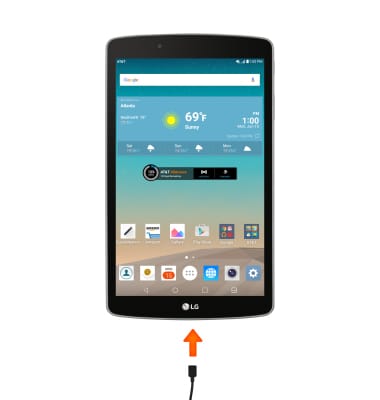
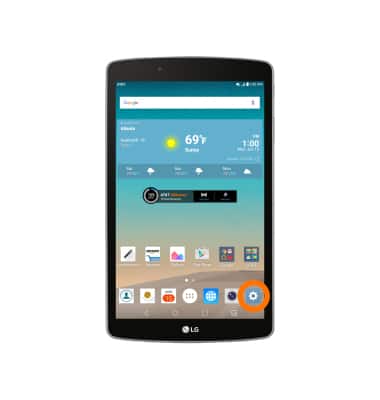
- To access the keyboard settings, from the home screen, tap the Settings icon.
- Scroll to, then tap Language & keyboard.
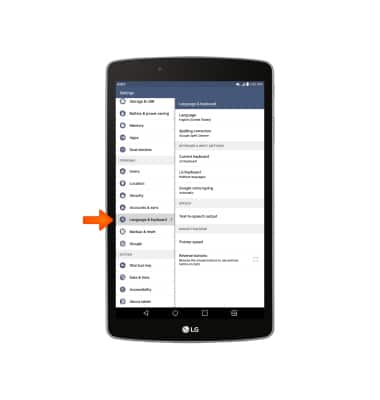
- Tap the desired keyboard or mouse settings.

USB peripherals
LG G Pad F 8.0 (V495)
USB peripherals
Using an external keyboard or mouse via USB.
USB Peripherals
This video will show how to use USB peripherals on your device.
USB Peripherals
0:40
INSTRUCTIONS & INFO