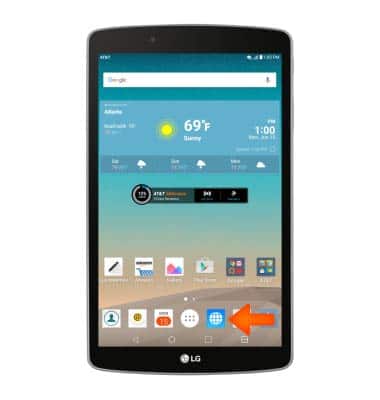
- From the home screen, tap the Internet icon.
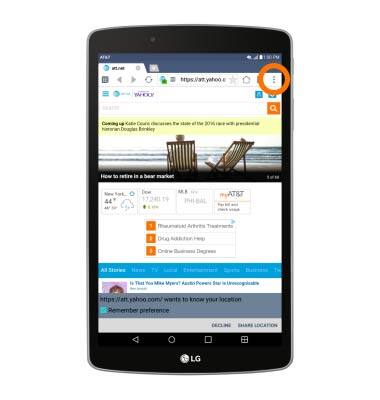
- Tap the Menu icon.
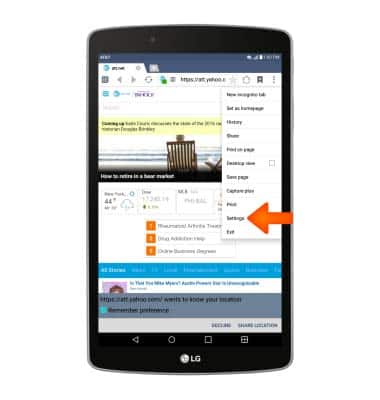
- Tap Settings.
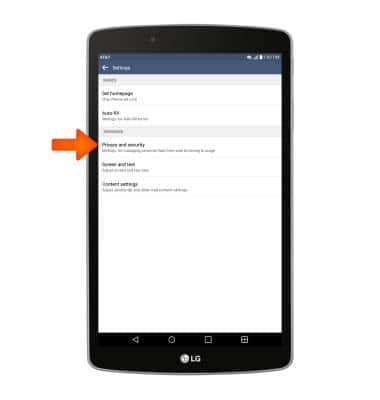
- To clear browsing history, tap Privacy and security.
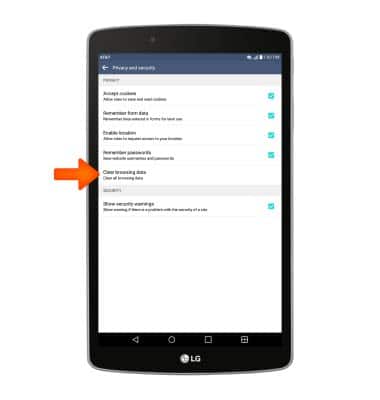
- Tap Clear browsing data.
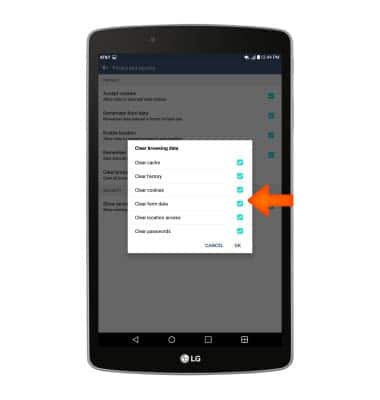
- Select the desired options.
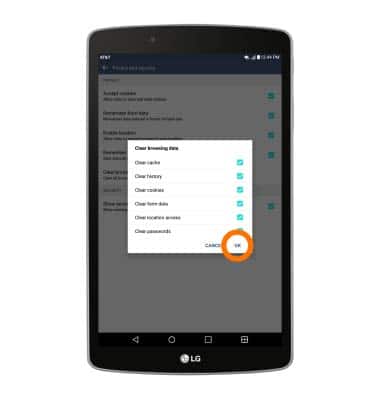
- Tap OK.
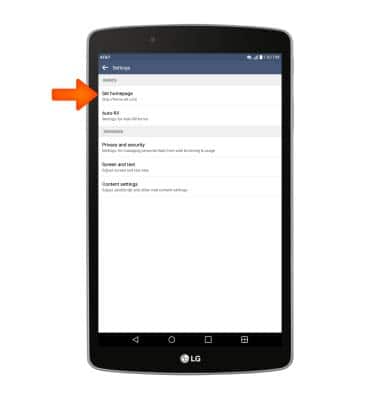
- To set a new homepage, from the main browser settings screen, tap Set homepage.
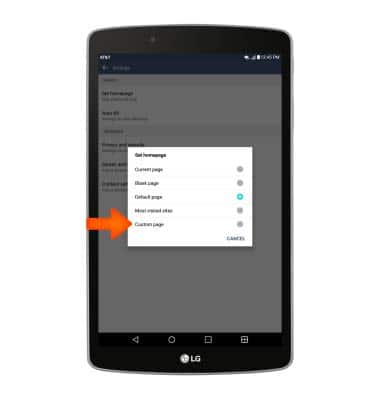
- Tap Custom page.
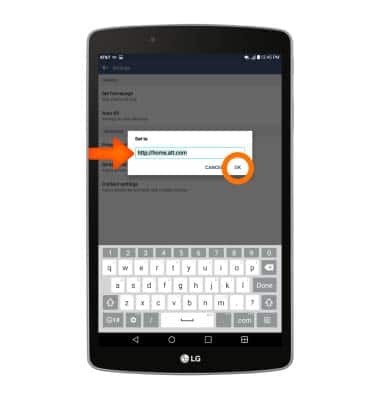
- Enter the desired URL, then tap OK.
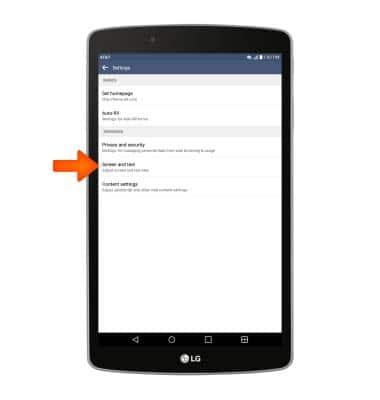
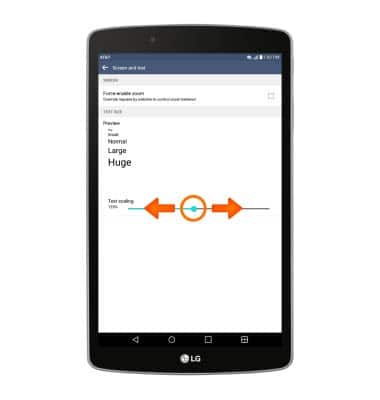
- To adjust the text size, from the main browser settings sceen, tap Screen and text.
- Touch and drag the Text scaling icon to the desired position.
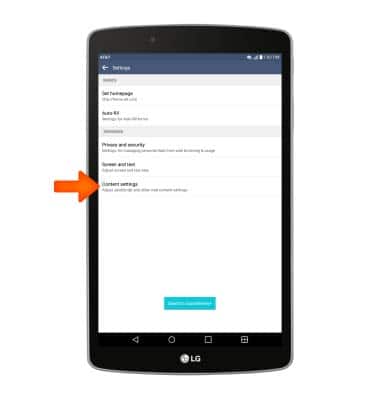
- To block or unblock pop-ups, from the main browser settings screen, tap Content settings.
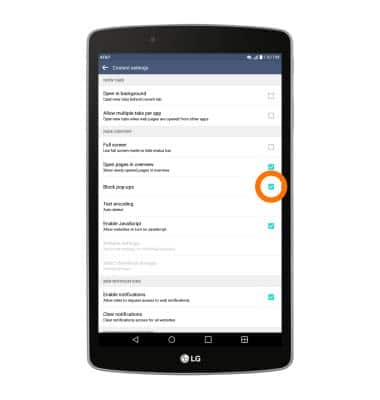
- Tap Block pop-ups.
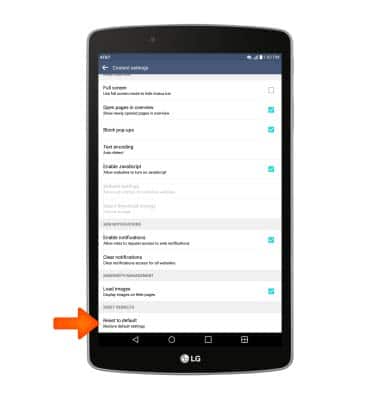
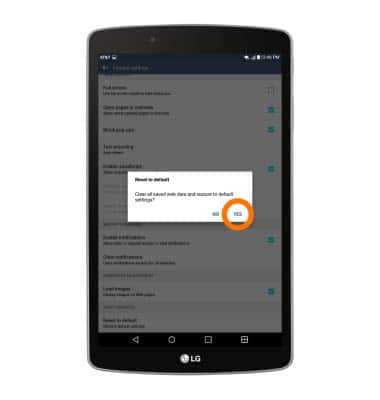
- To reset to default settings, from the main content settings screen, tap Reset to default.
- Tap Yes.
Browser options
LG G Pad F 8.0 (V495)
Browser options
Access browser settings to clear history, set homepage, adjust text size, manage pop-up, change the default browser, and restore default settings.
INSTRUCTIONS & INFO