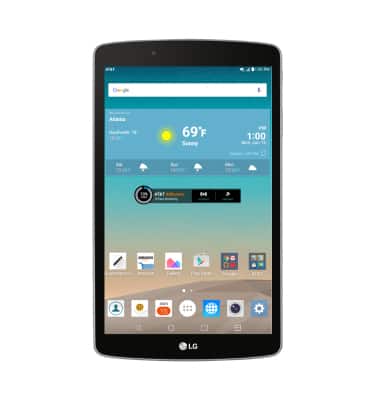
- By default, there is a 15 second default timeout before it locks. To lock your device screen, press the Power/Lock button.
Note:An alternative method to wake your device or put your device to sleep is to use KnockOn. Simply tap the screen twice.
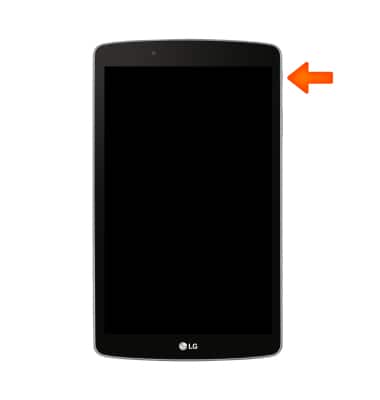
- To unlock your device screen, press the Power/Lock button.
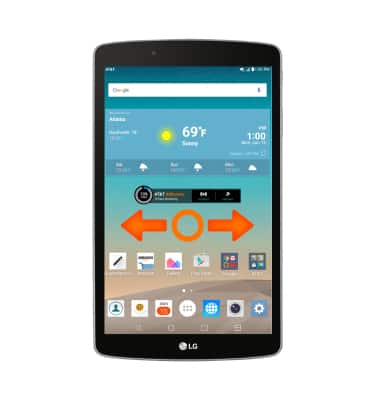
- Touch and drag the screen in any direction.
- To change security lock type, from the home screen tap the Settings icon.
- Scroll to and tap Lock screen.
- Tap Select screen lock.
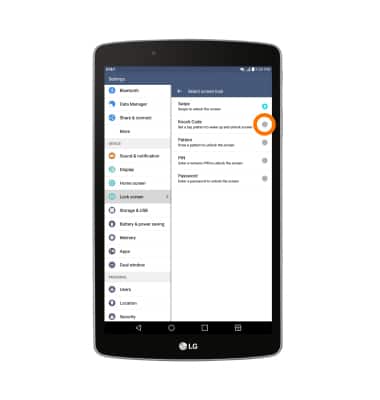
- Tap Knock Code.
Note: To learn more about requesting a device unlock for your AT&T mobile device, visit www.att.com/deviceunlock.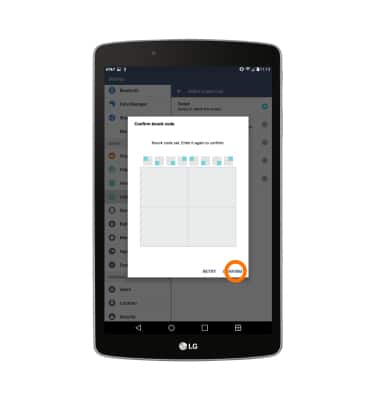
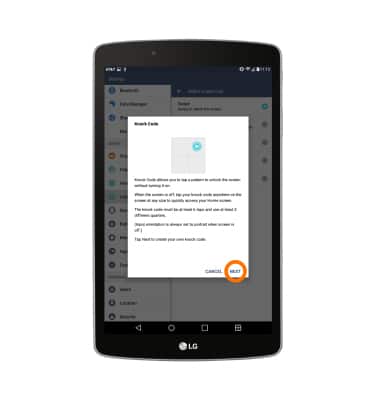
- Tap NEXT.
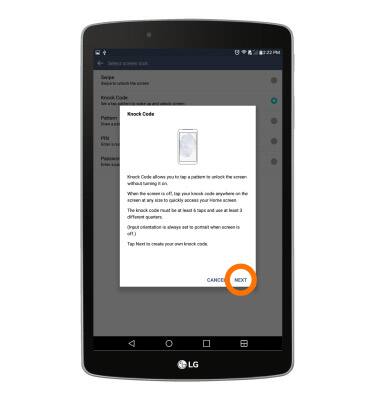
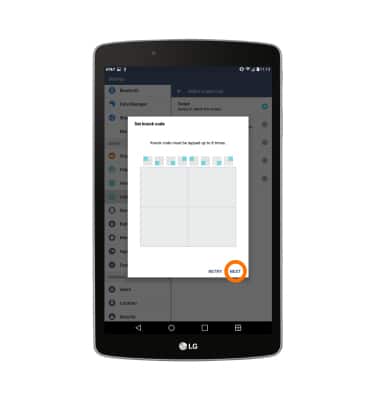
- Enter the desired knock code.
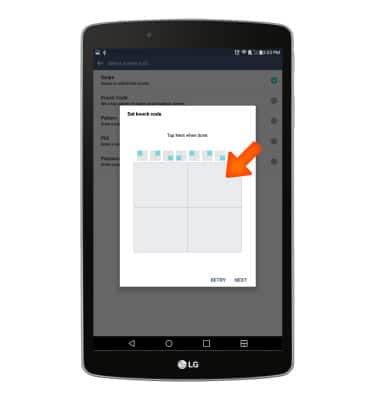
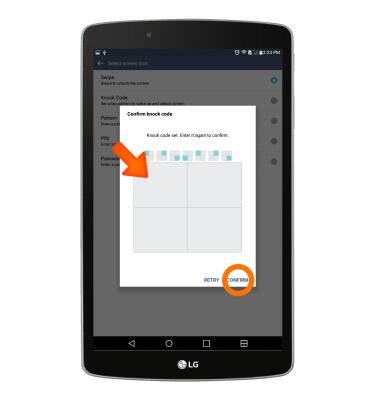
- Re-enter the knock code, then tap CONFIRM.
- To set a backup PIN, tap NEXT.
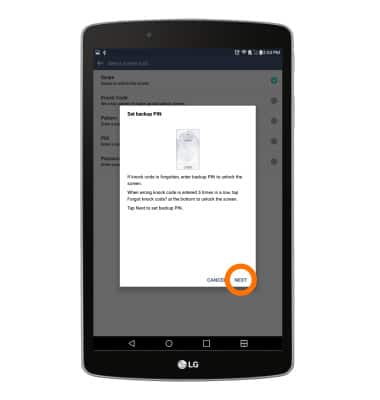
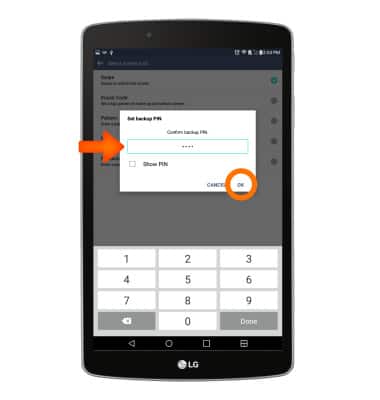
- Confirm the backup PIN, then tap OK.
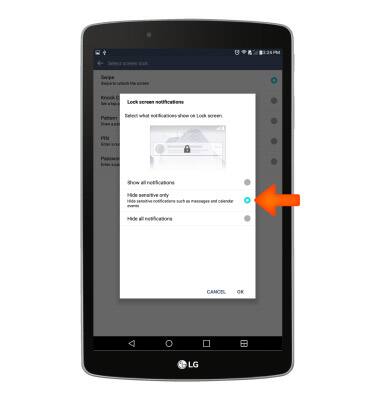
- Select what information can be displayed on the lock screen.
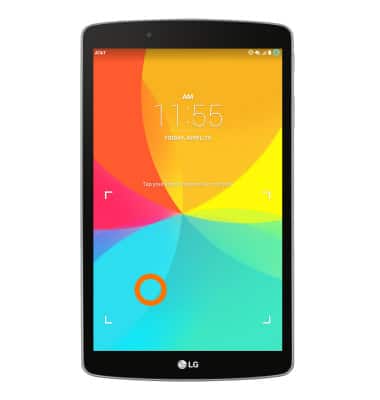
- To access the device using knock code, at the lock screen, tap the knock code sequence in the designated area.
Secure my device
LG G Pad F 8.0 (V495)
Secure my device
Lock the device screen, set and change security lock, and locate device.
INSTRUCTIONS & INFO