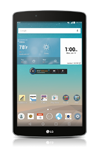
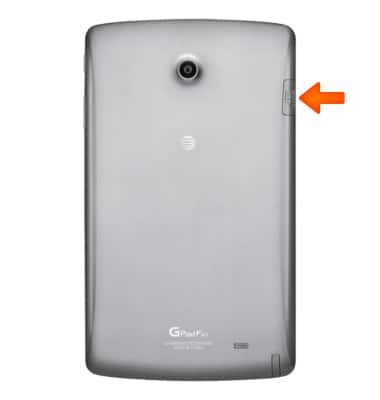
- To install a microSD card, open the microSIM/microSD card slot.
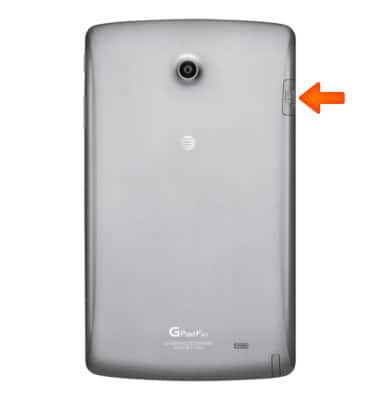
- Insert the microSIM card into the microSIM card slot until it clicks into place.
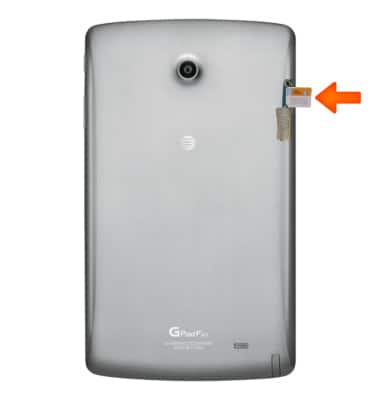
- Insert the microSD card into the microSD card slot underneath the SIM card until it clicks into place.
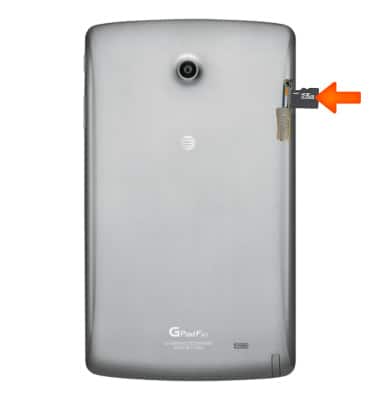
- Close the microSIM/microSD card slot.
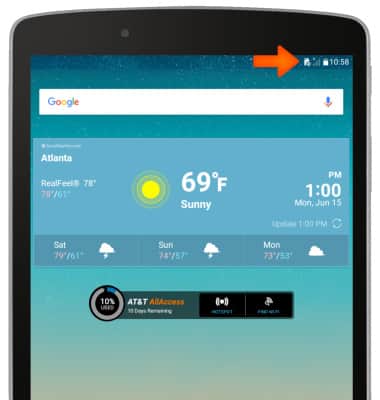
- If a microSIM is not installed, a Missing SIM icon will display in the Notifications bar when the device is powered on
Insert SIM & memory card
LG G Pad F 8.0 (V495)
Insert SIM & memory card
Install and remove the SIM and memory card (MicroSD).
INSTRUCTIONS & INFO