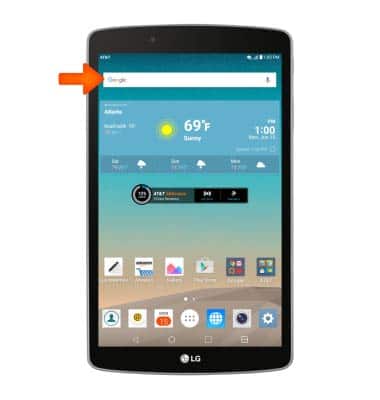
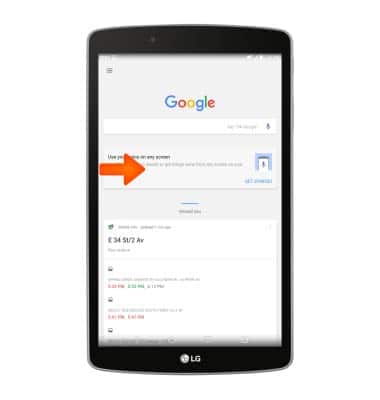
- From the home screen, tap the Google Search bar.
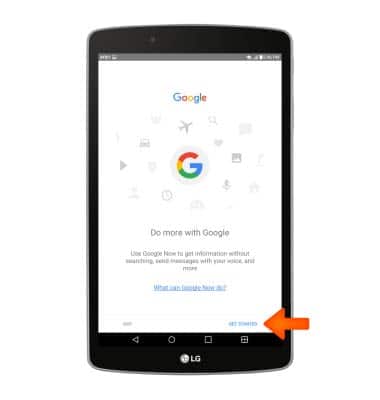
- Tap GET STARTED.
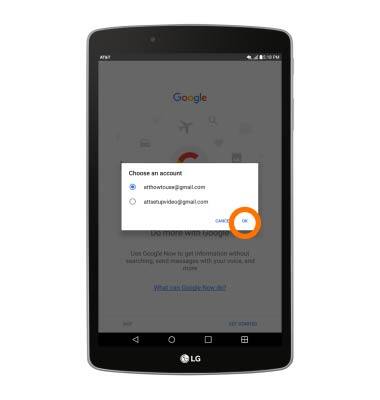
- Select the desired account, then tap OK.
- Tap YES, I'M IN.
Note: To learn more about Google now, visit www.google.com/now.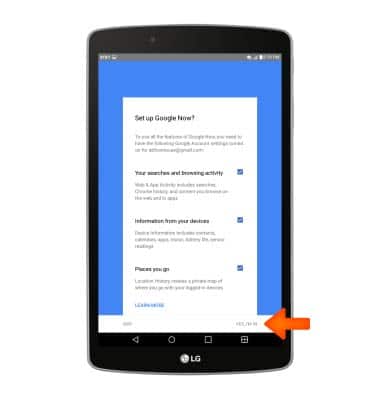
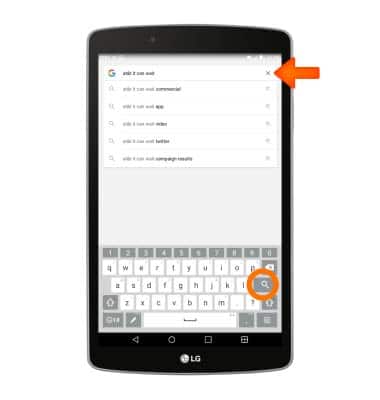
- Enter the desired search, then tap the Search icon.
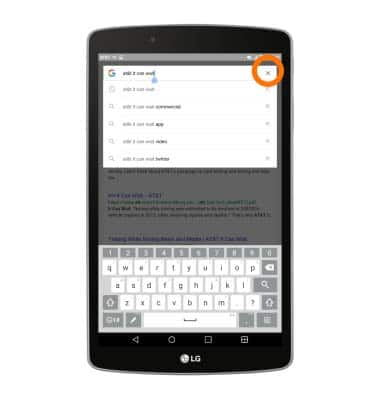
- To clear the search, tap the X icon.
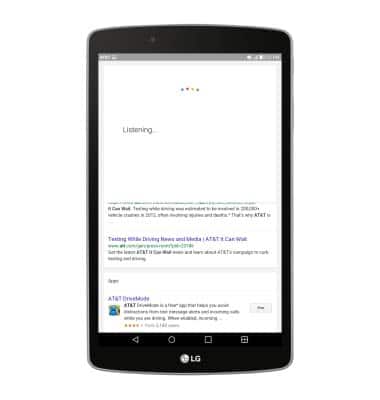
- To speak the search, tap the Microphone icon or say "OK Google".
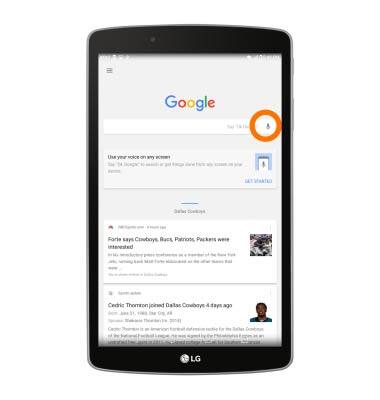
- Speak the desired search.
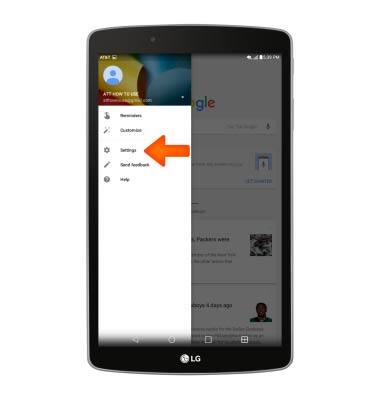
- To access Google search settings, swipe right from the left side of the screen.
- Tap Settings.
Search
LG G Pad F 8.0 (V495)
Search
Perform a text and voice search on your device and how to adjust search settings.
INSTRUCTIONS & INFO