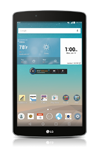
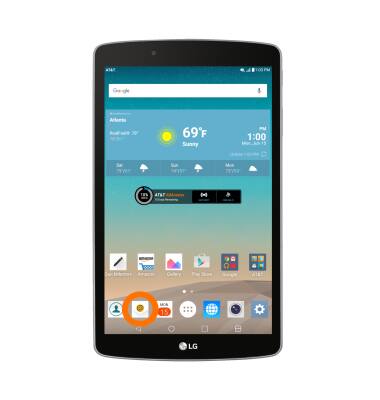
- From the home screen, tap the Email icon.
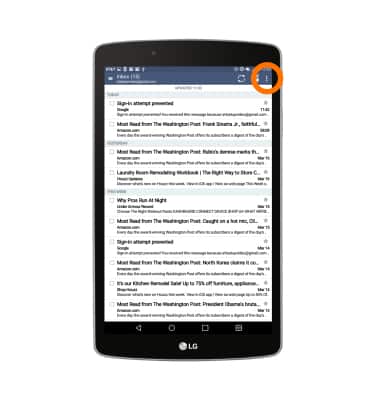
- Tap the Menu icon.
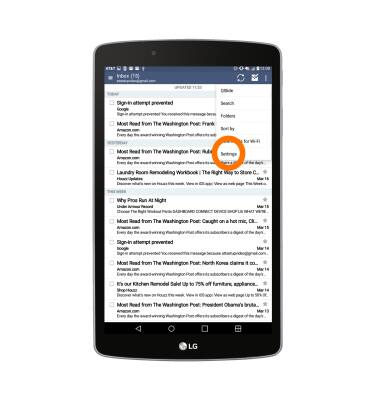
- Tap Settings.
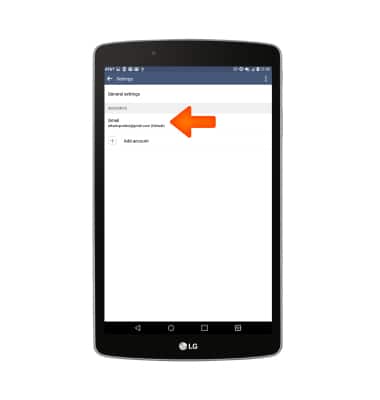
- To adjust settings for a particular account, tap the account name.
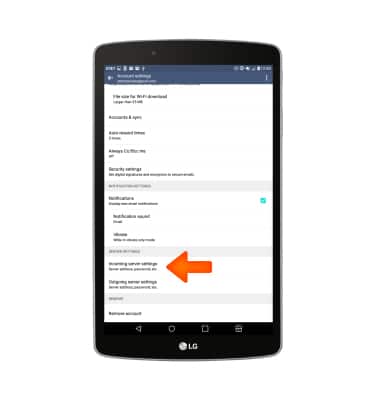
- To change the email password, scroll to, then tap Incoming server settings.
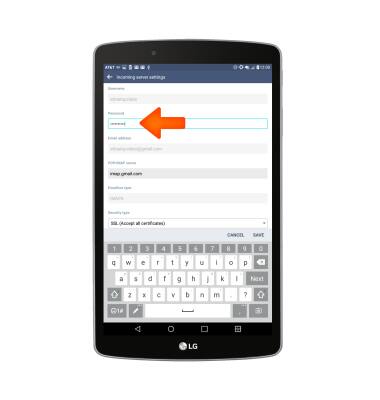
- Enter the desired password.
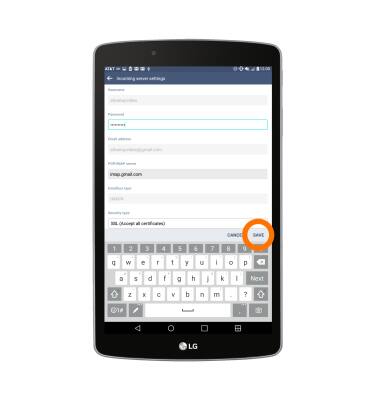
- Adjust the desired incoming server settings, then SAVE
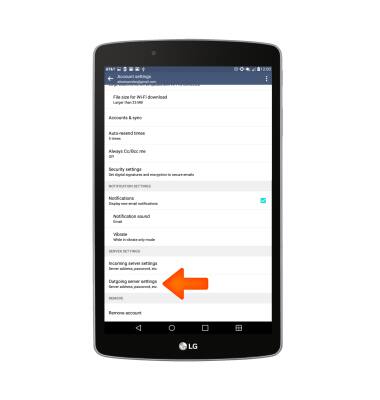
- To adjust the outgoing server settings, from the Account settings screen, tap Outgoing server settings.
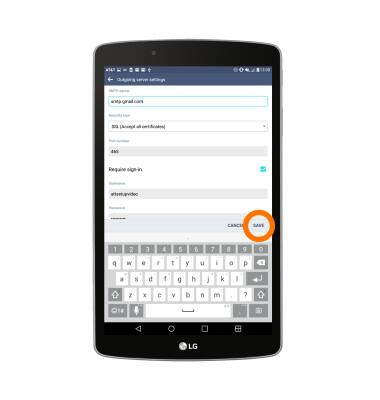
- Edit the desired settings, then tap SAVE.
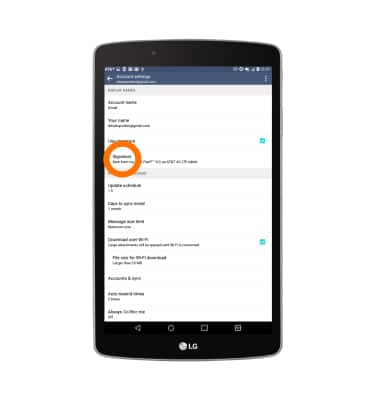
- To edit the email signature, from the Account settings screen, tap Signature.
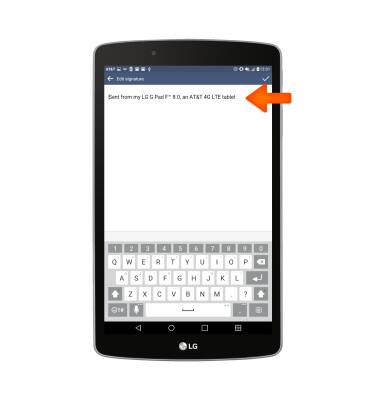
- Enter the desired signature, then tap SAVE.
- To adjust the email check frequency, from the Account settings screen, tap Update schedule.
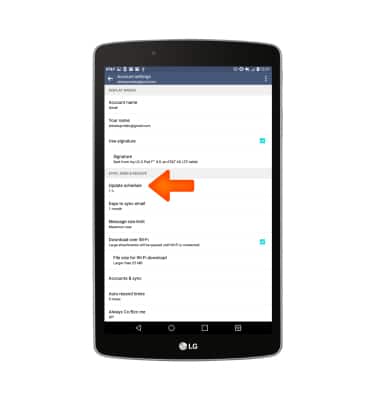
- Adjust the settings as desired, then tap SAVE.
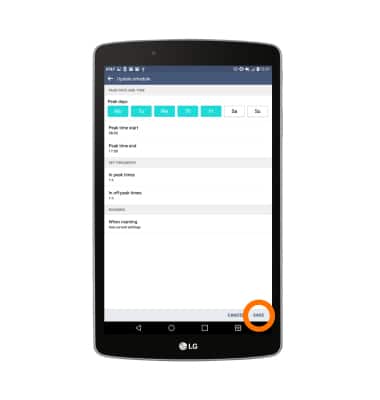
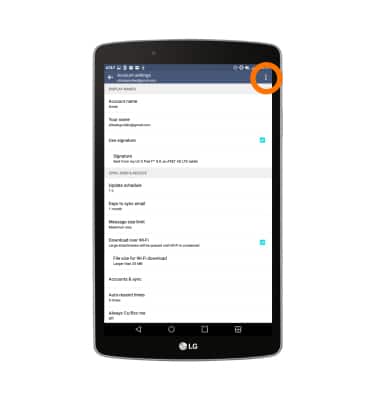
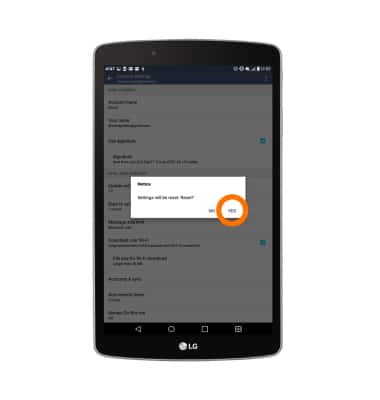
- To reset to default settings, tap the Menu icon.
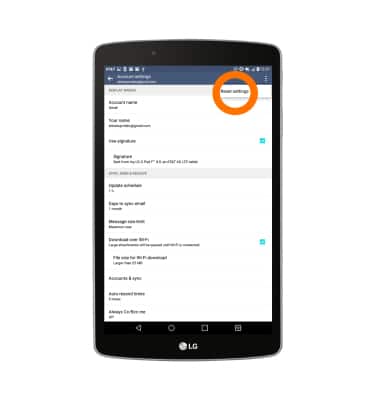
- Tap Reset settings.
- Tap YES.
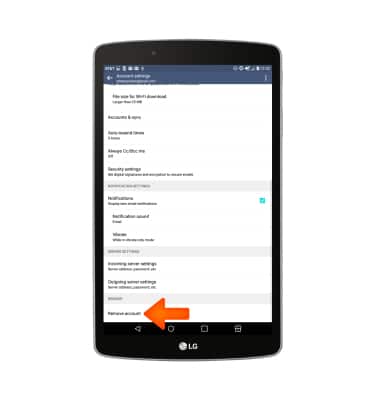
- To remove an account, scroll to, then tap Remove account.
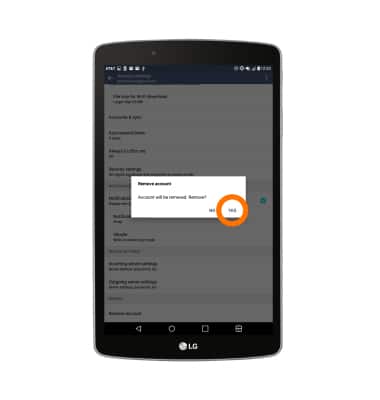
- Tap YES.
Email Settings
LG G Pad F 8.0 (V495)
Email Settings
Change text (SMS), picture (MMS), emergency, and AMBER alert settings.
INSTRUCTIONS & INFO