- To change your voicemail password, you must know your current voicemail password.
Note: If you have forgotten your existing voicemail password, you will not be able to access Voicemail until you Reset your voicemail password.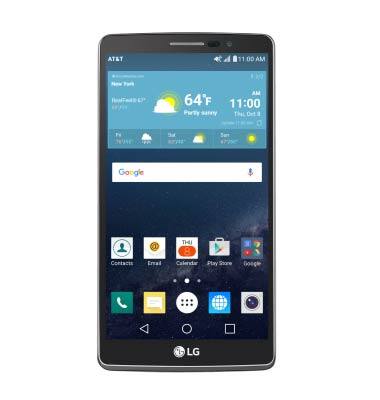
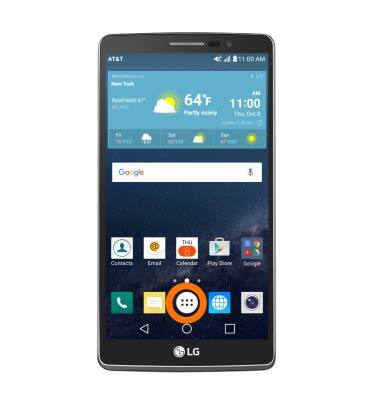
- From the home screen tap the Apps icon.
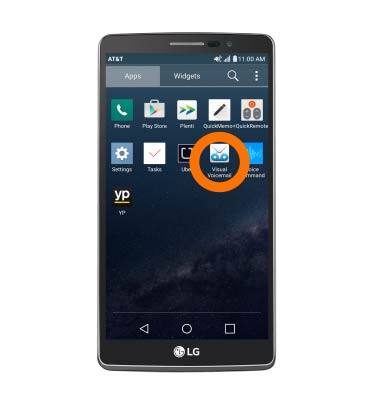
- Then swipe to and tap the Visual Voicemail icon.
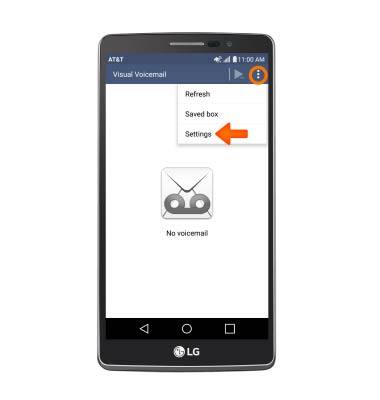
- Tap the Menu icon and then tap Settings.
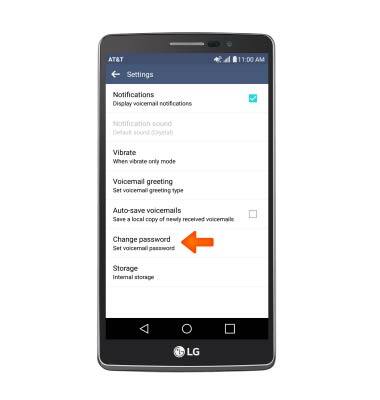
- Tap Change password.
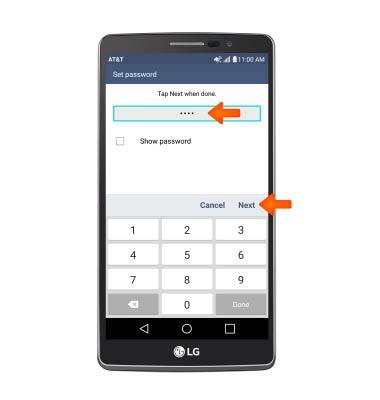
- Enter current password again and tap Next.
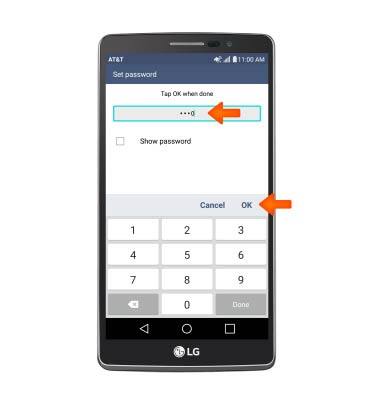
- Enter new password and tap OK.
- Now you have successfully changed your password. Tap the Home screen icon to go back to the home screen.
Note: You can also change your password by calling in to your voicemail. From the dial pad, press and hold the 1-key > Enter your voicemail password + the # key > 4-key > 3-key.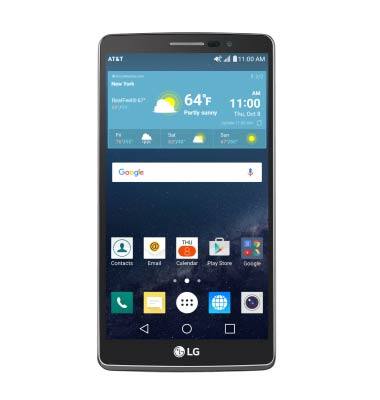
Change or reset voicemail password
LG G Vista 2 (H740)
Change or reset voicemail password
Reset a forgotten password or change an existing voicemail password.
INSTRUCTIONS & INFO