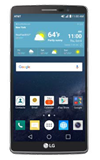
- To change Display settings, swipe down from the top of the screen.
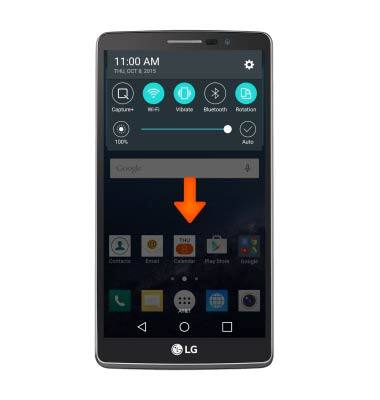
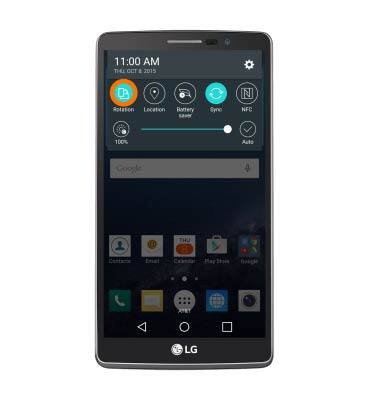
- Swipe to and tap Rotation to lock/unlock the screen orientation.
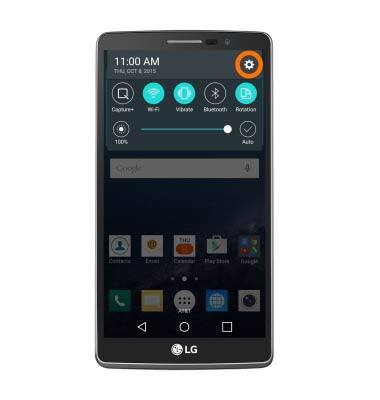
- To access additional display settings, tap the Settings icon.
- Scroll to and tap Display.
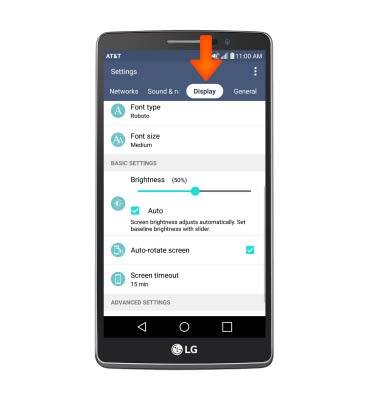
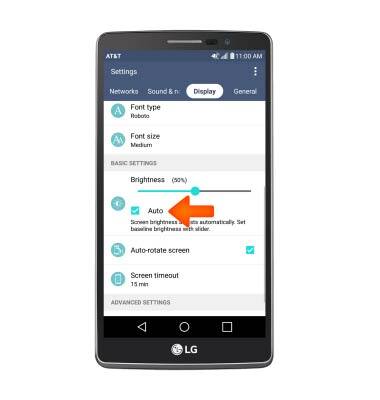
- Tap the Auto brightness checkbox to toggle automatic brightness on/off.
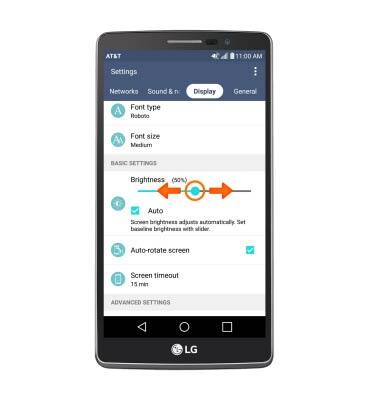
- Adjust brightness level by sliding the slider to your Desired brightness.
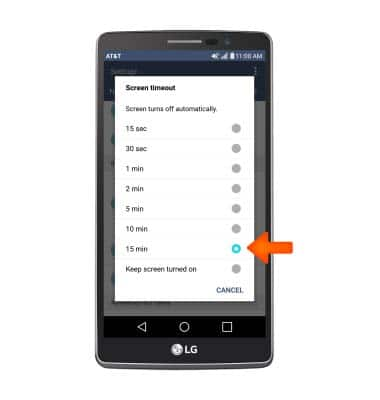
- Tap Screen timeout to adjust screen timeout.
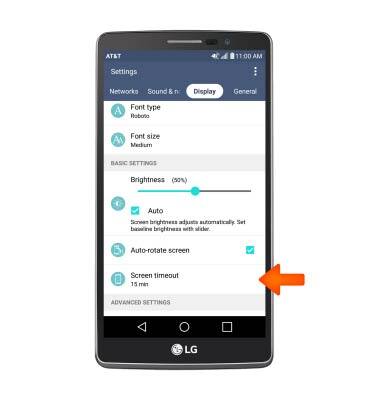
- Tap the Desired option.
Display
LG G Vista 2 (H740)
Display
Change the display time out, brightness and orientation.
INSTRUCTIONS & INFO